Chefolio

YOUR FOOD. NO PROMPTS.

AI FOOD PHOTOGRAPHYFOR YOUR RESTAURANT’S REAL DISHES

Chefolio is an AI food photo editor for restaurants, cafés, bakeries and food trucks. Upload a photo of your own dish and choose a built-in style to create images for menus, delivery listings and social media—no prompts needed.

50 trial credits, shared across Web and App. No expiry. No credit card required. View your result as soon as generation is complete.

Made for restaurants, cafés, bakeries and food trucks.

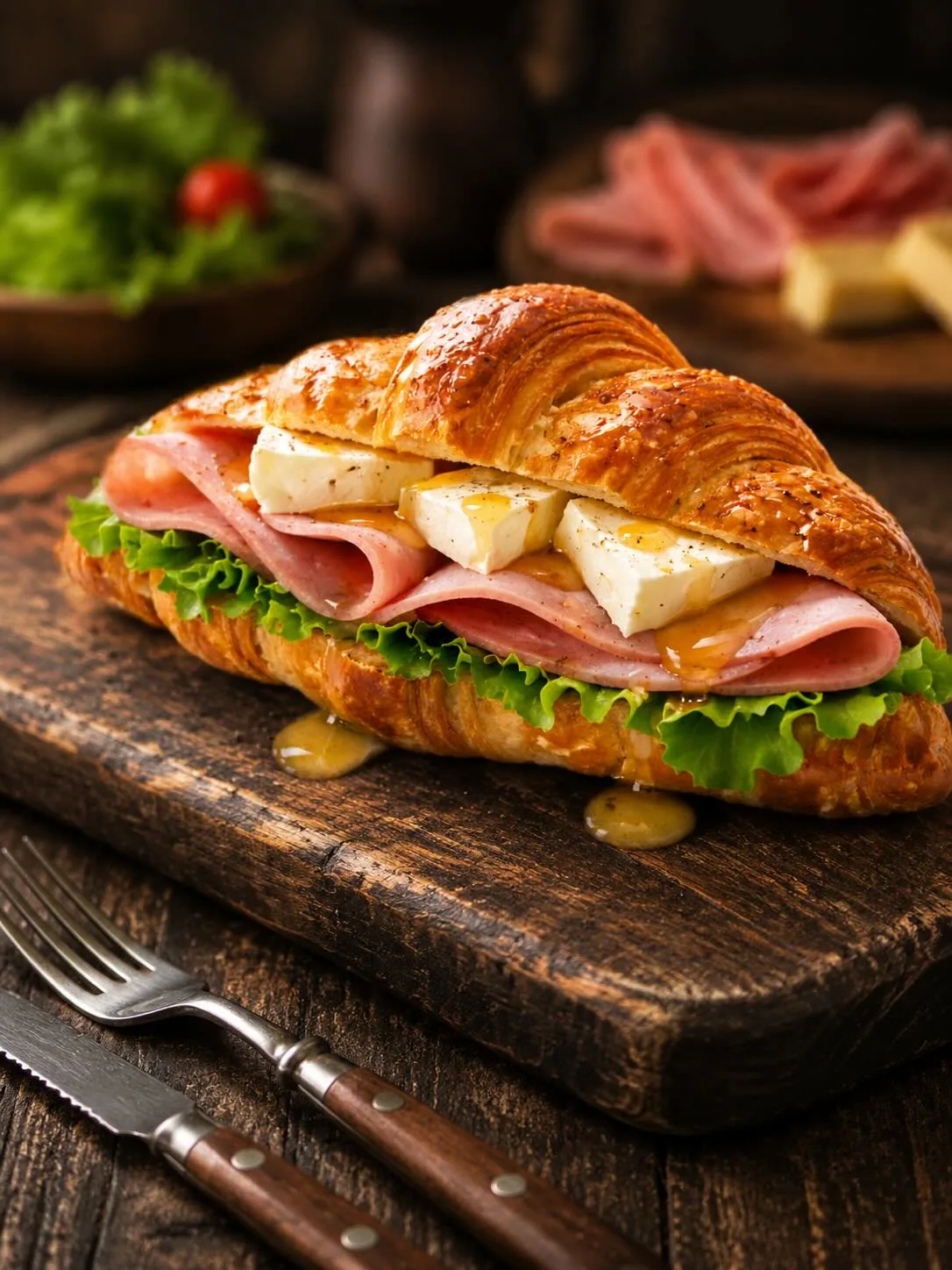
Croissant sandwich
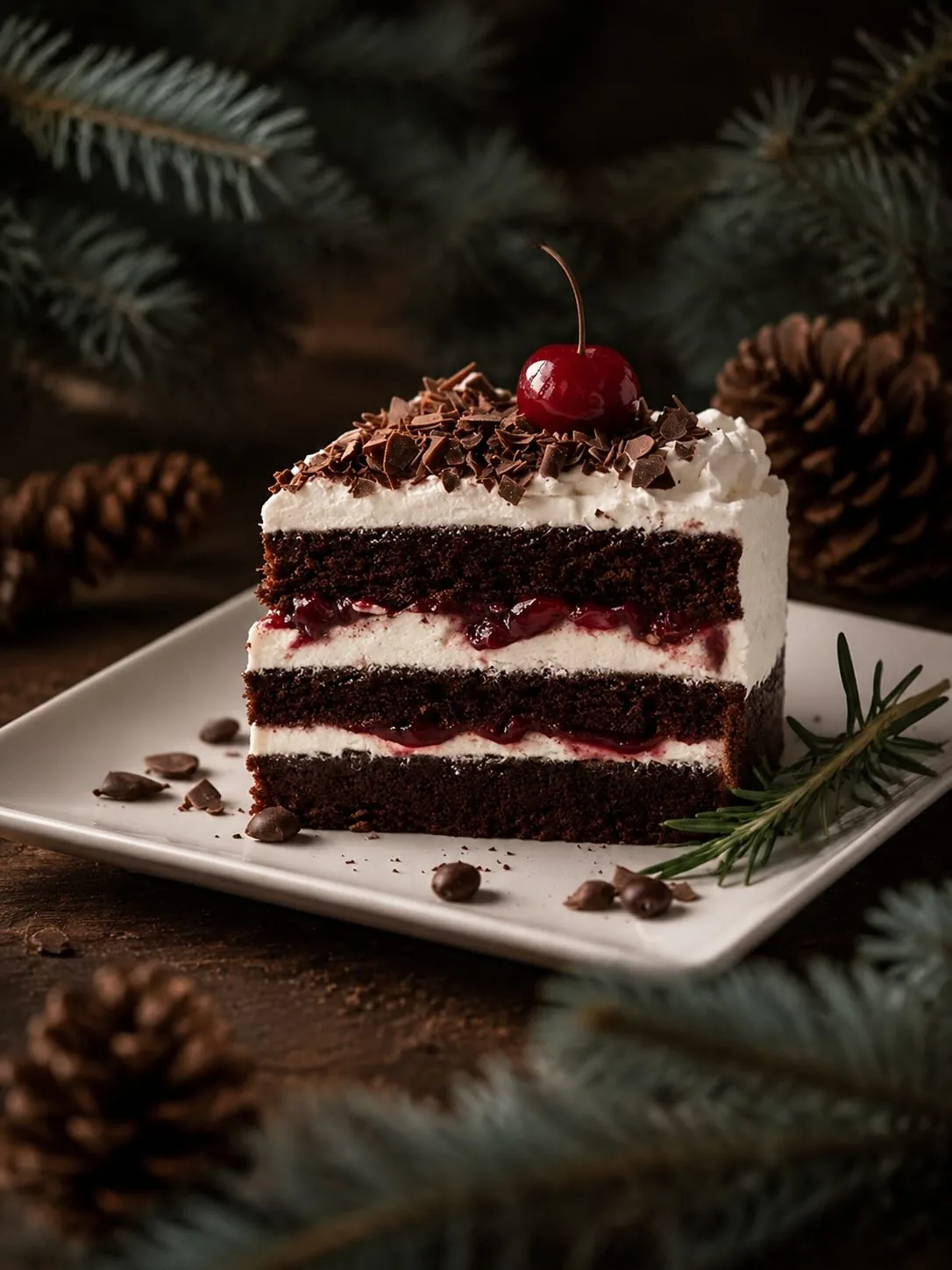
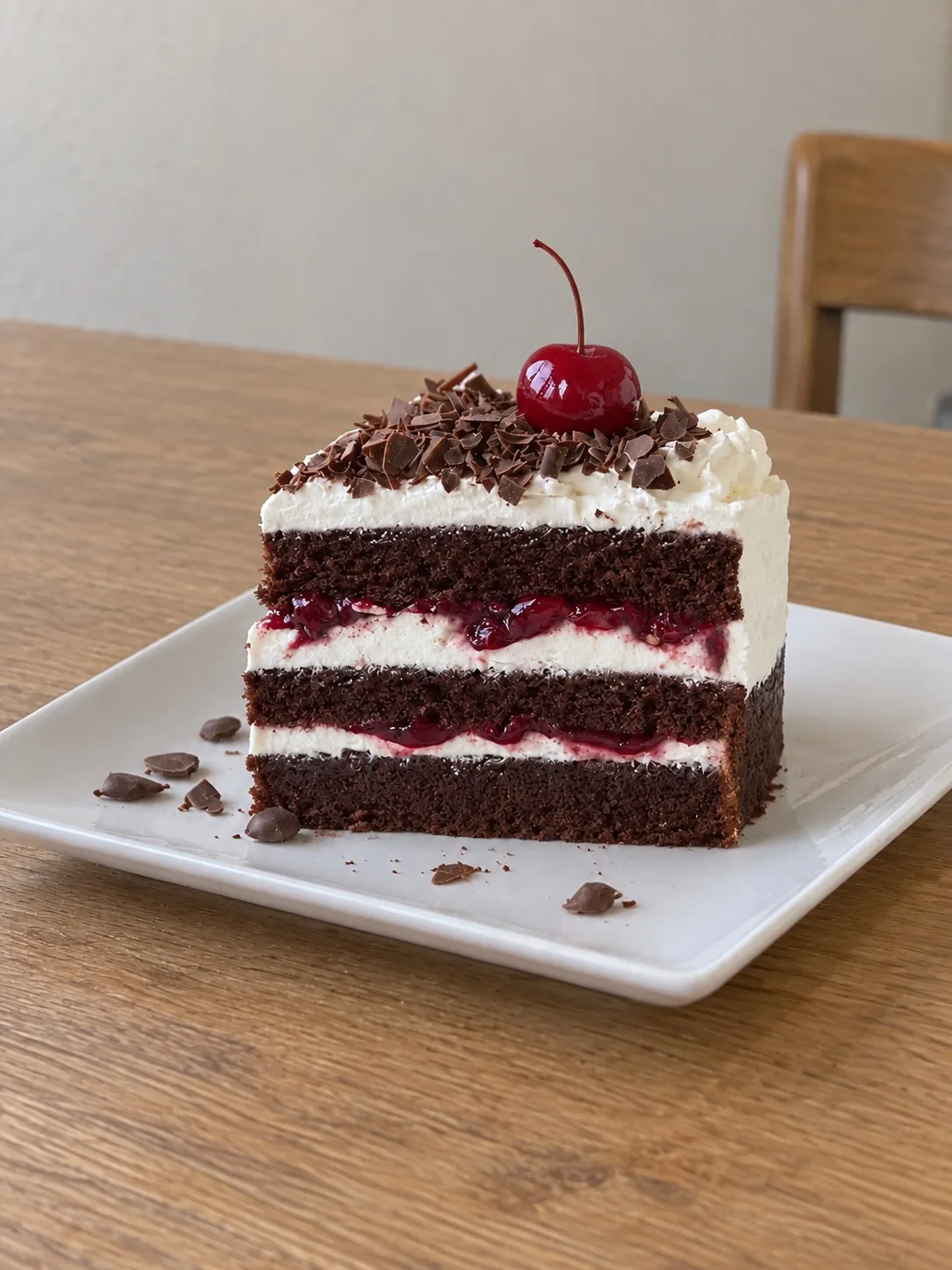
Black forest cake
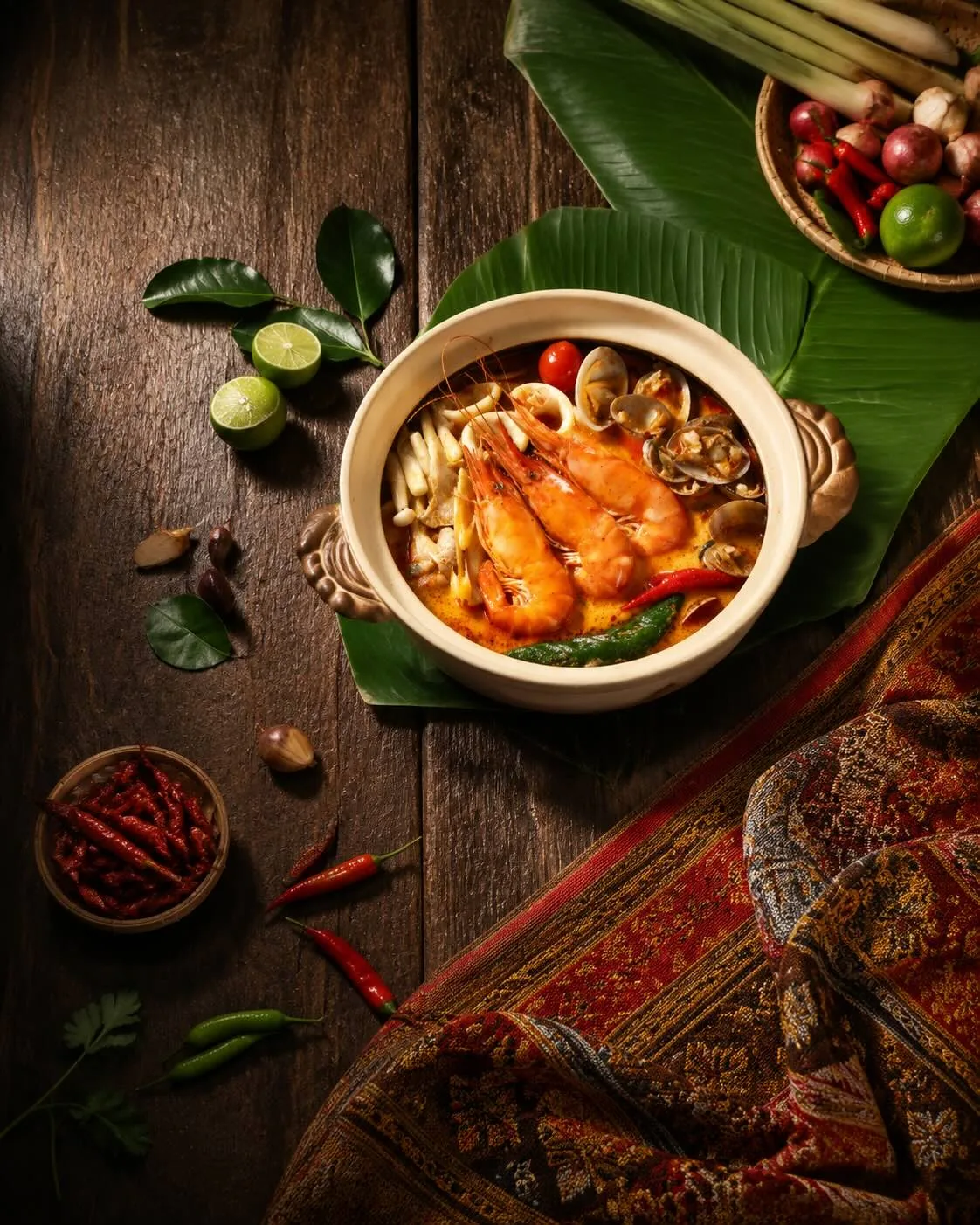
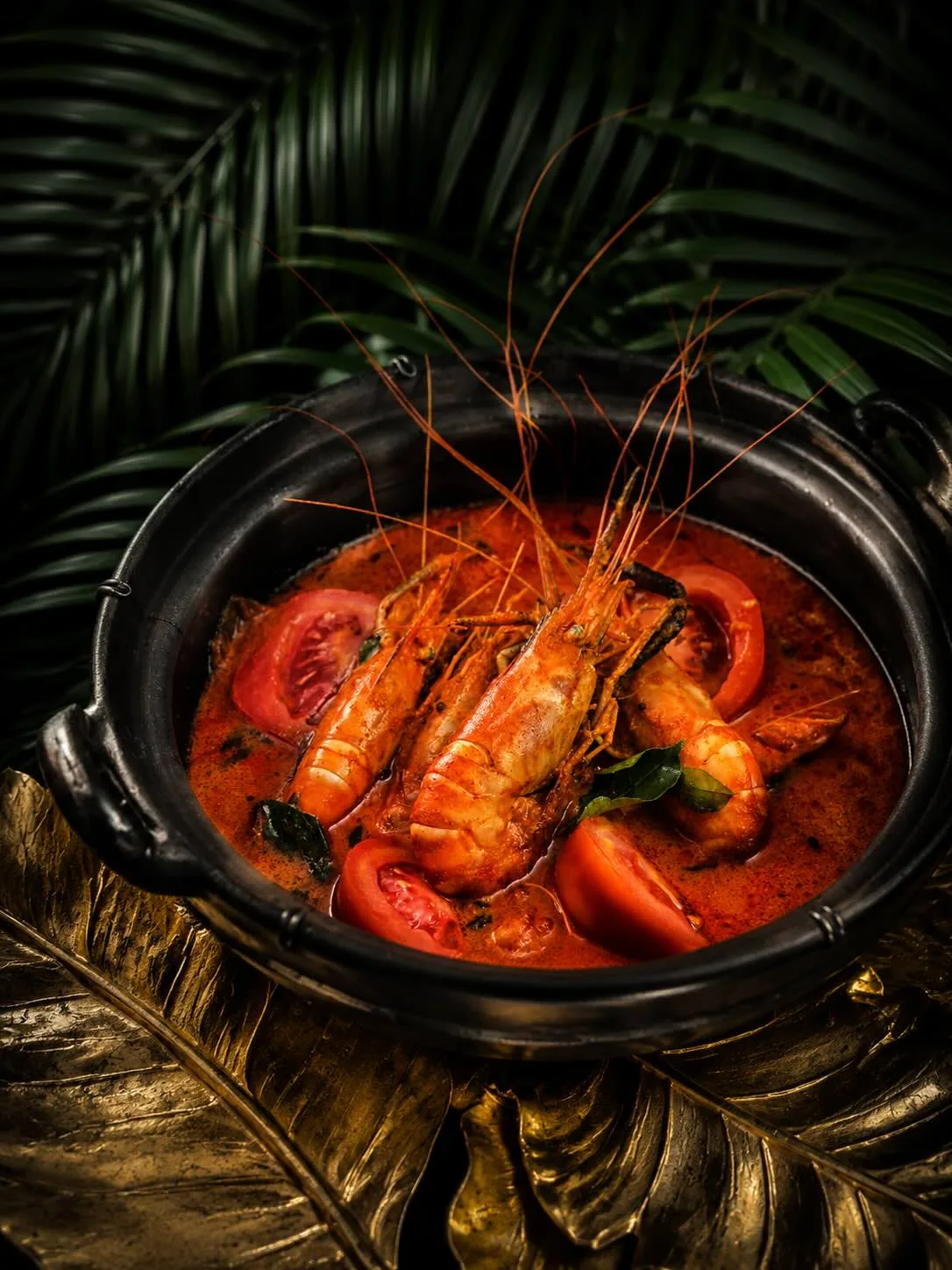
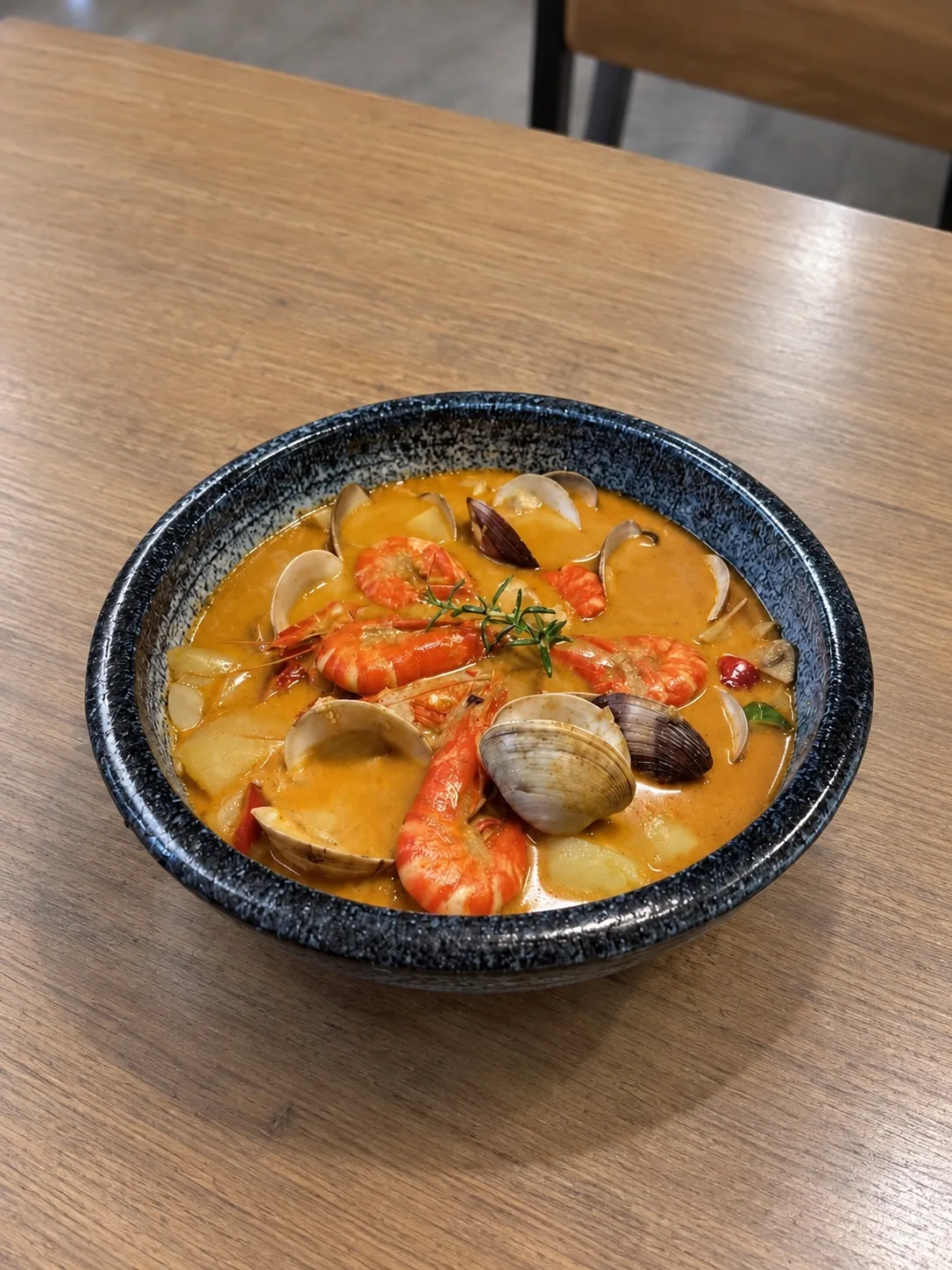
Thai seafood soup
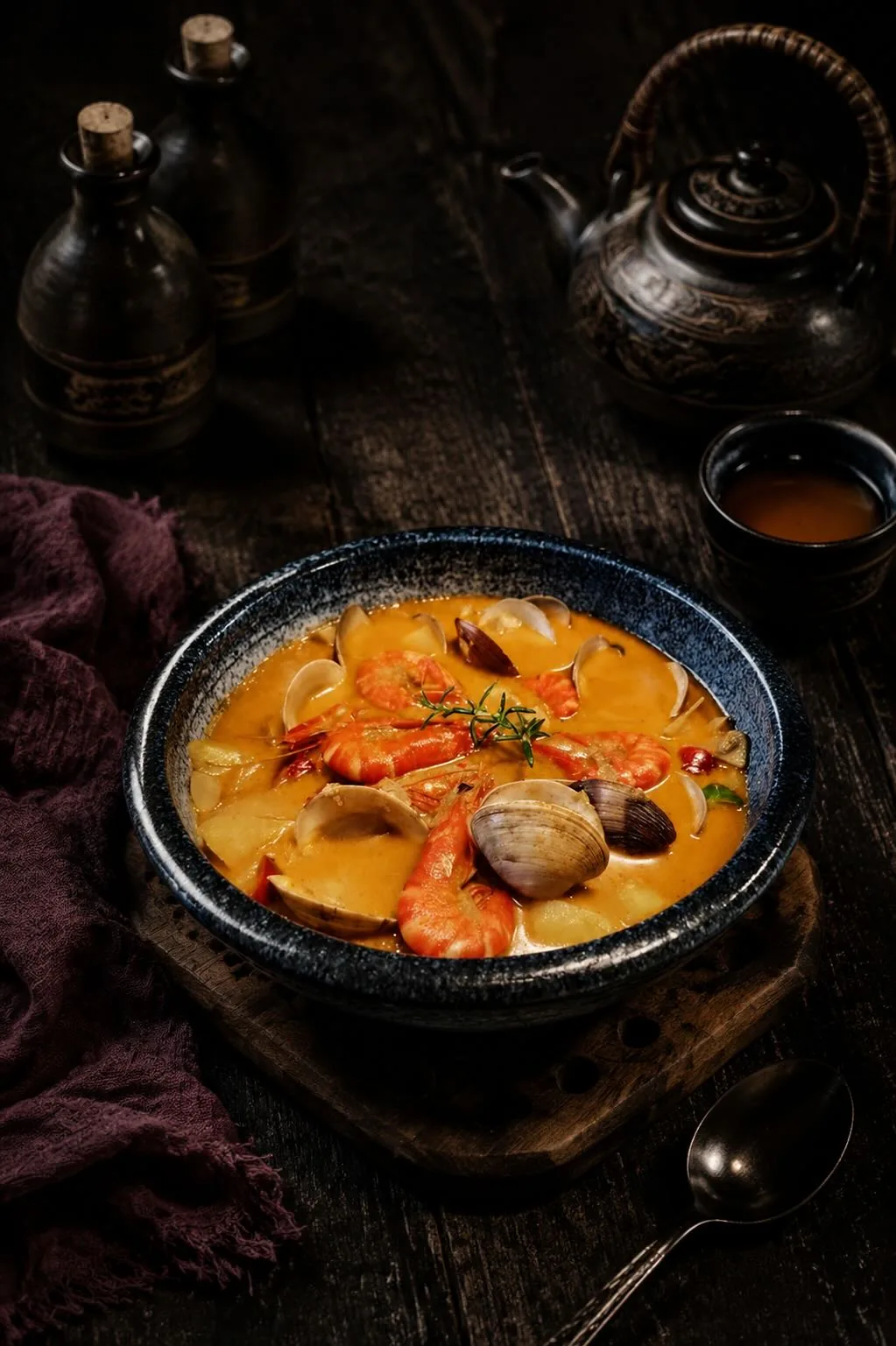
Rustic seafood soup
Thai prawn soup
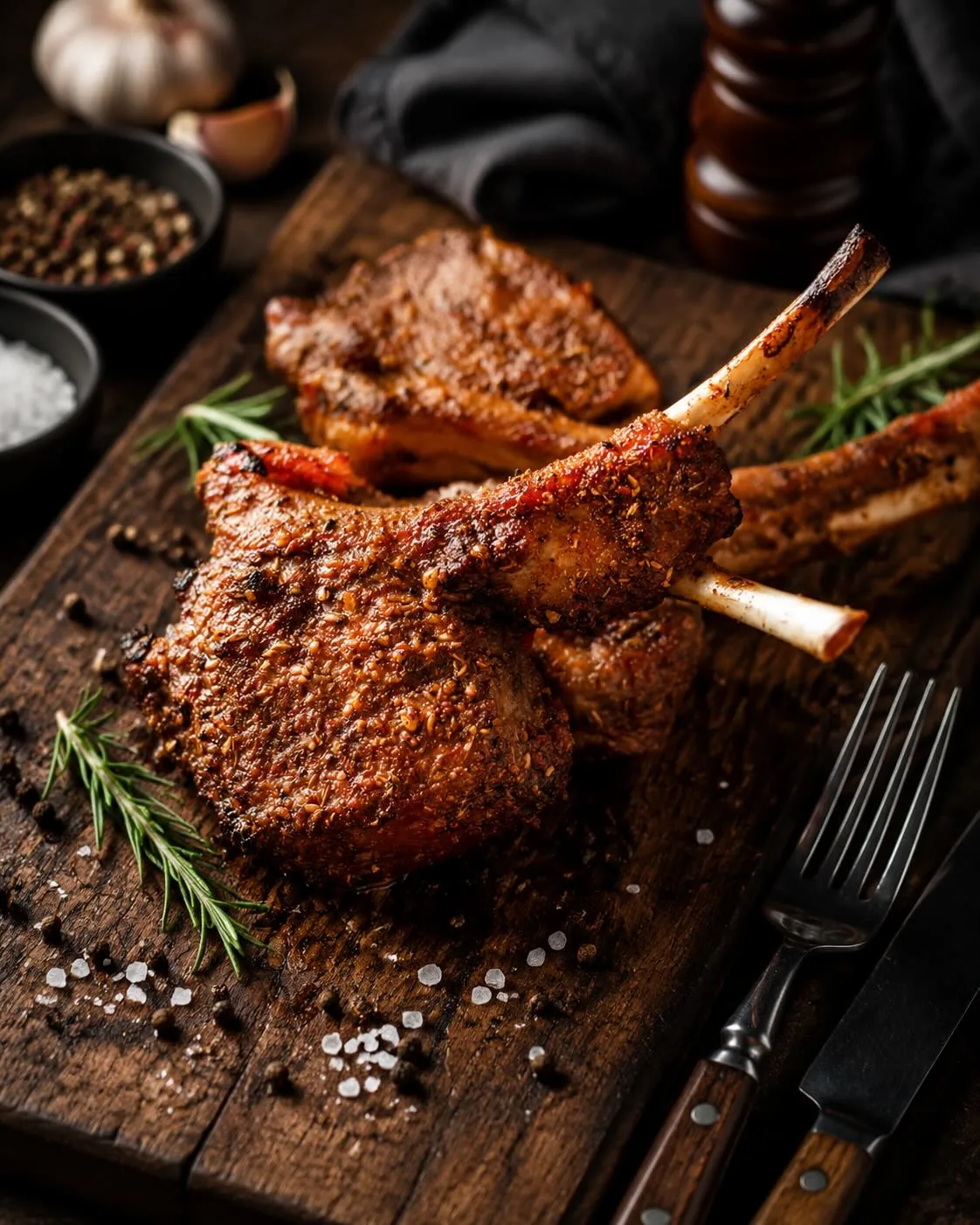
Grilled lamb chops
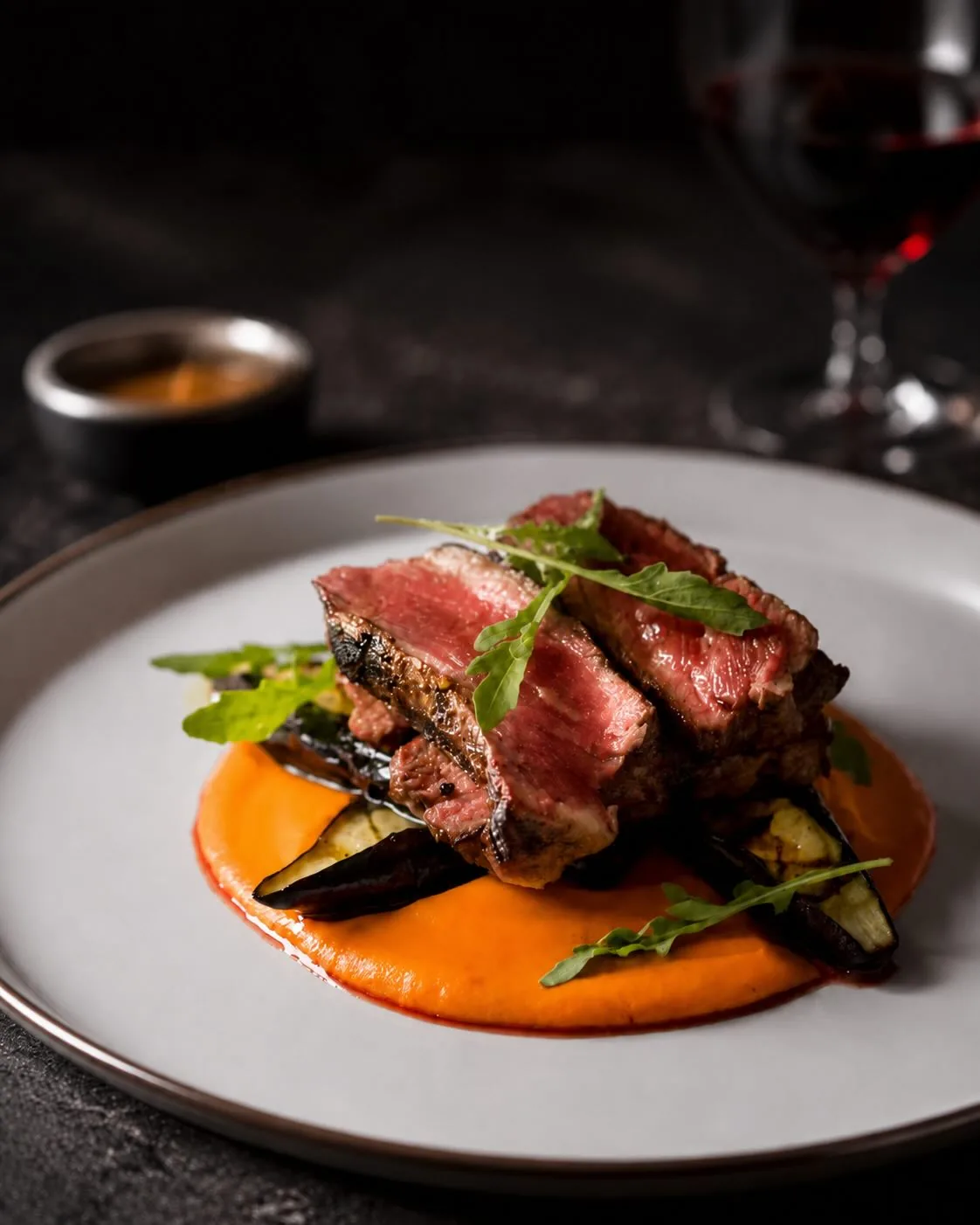
Sliced steak
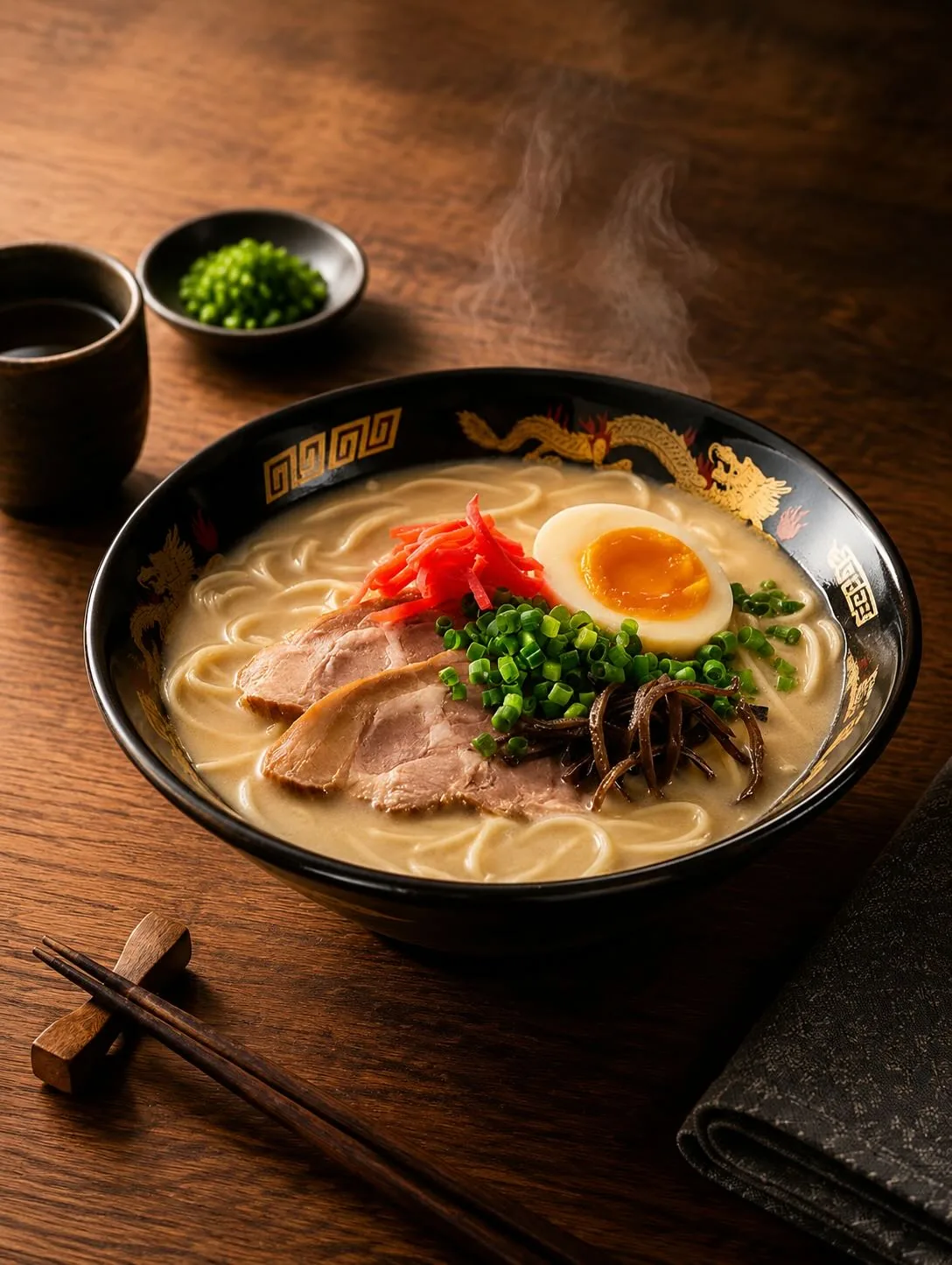
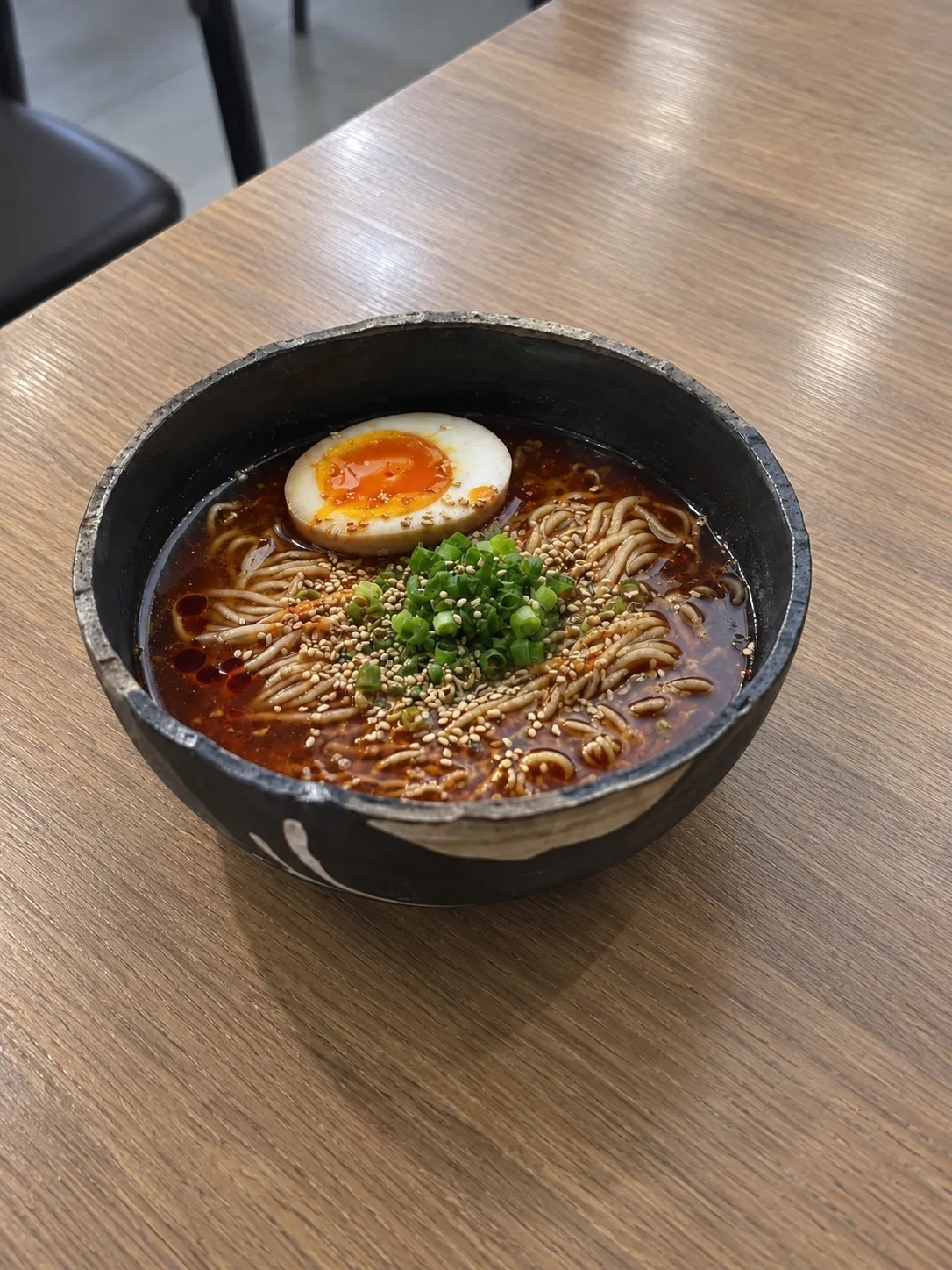
Japanese ramen
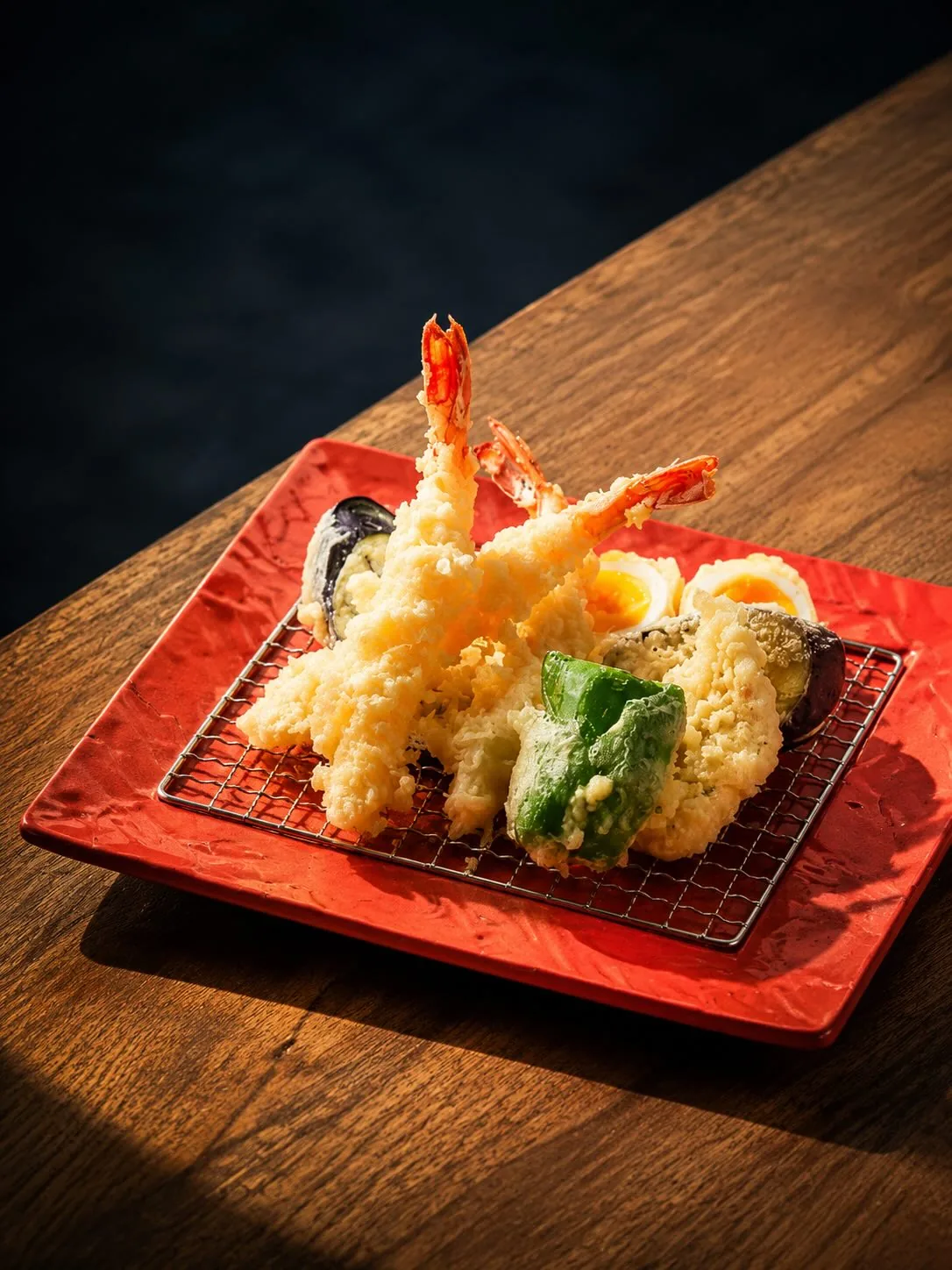
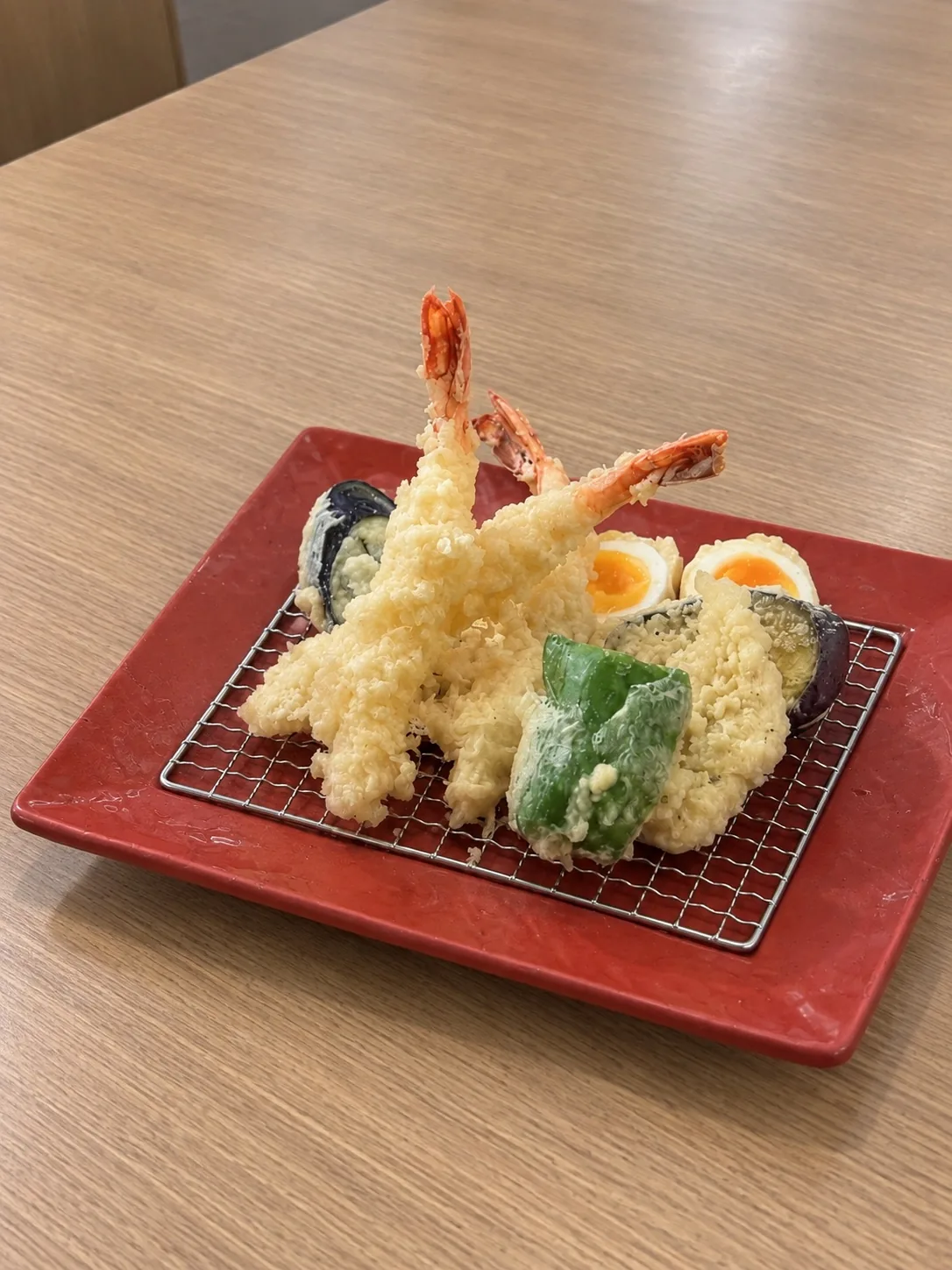
Tempura
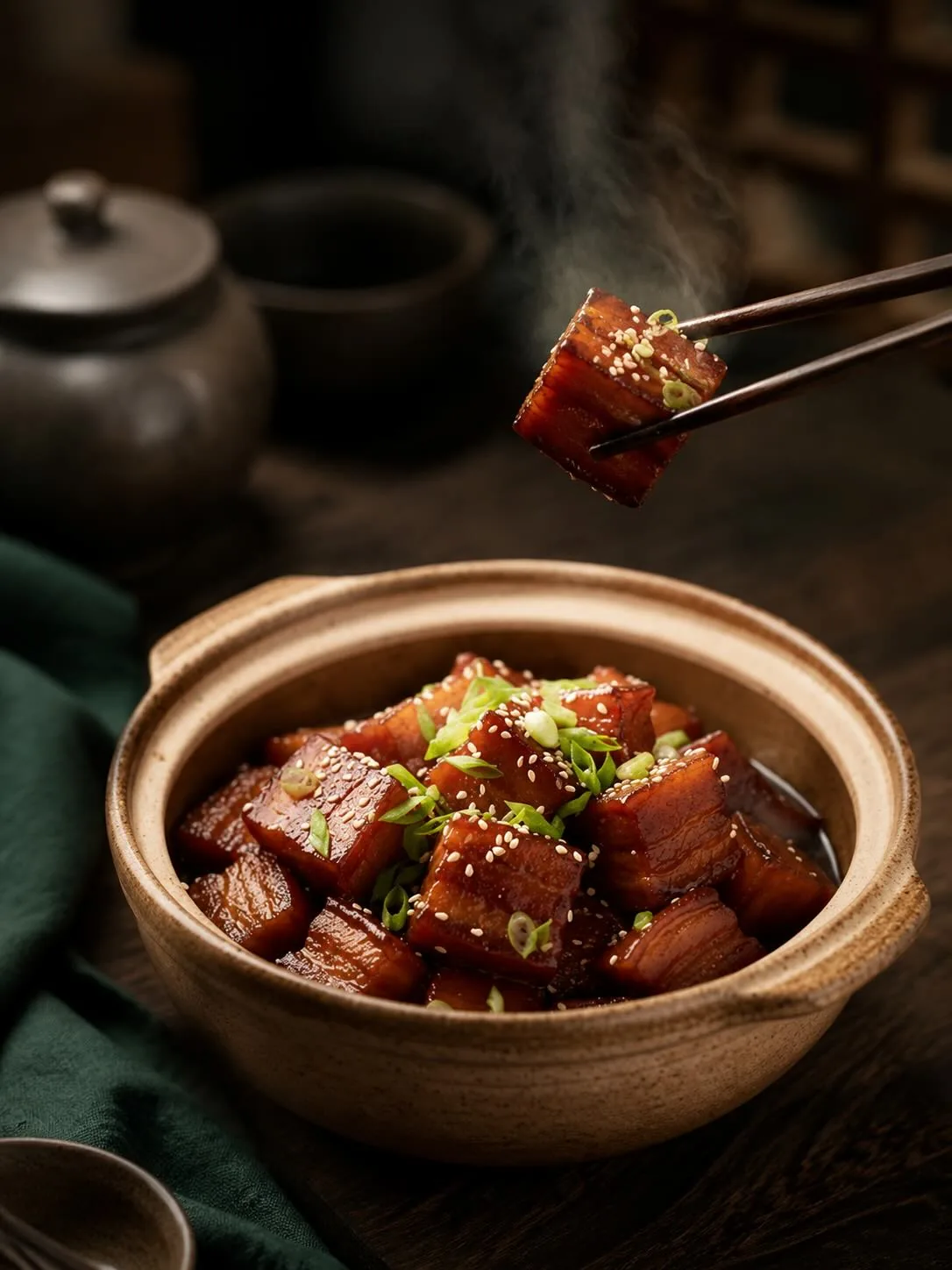
Braised pork belly
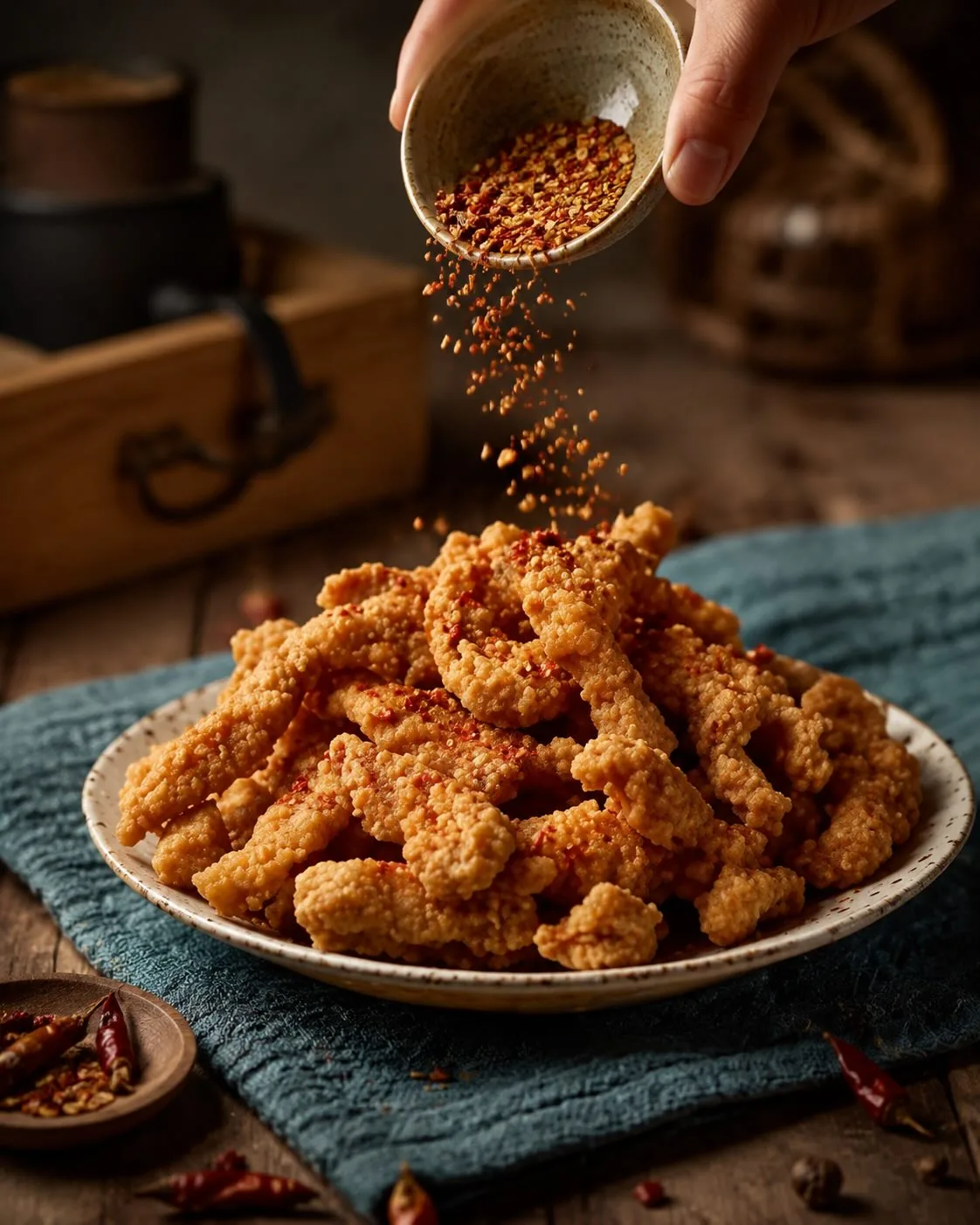
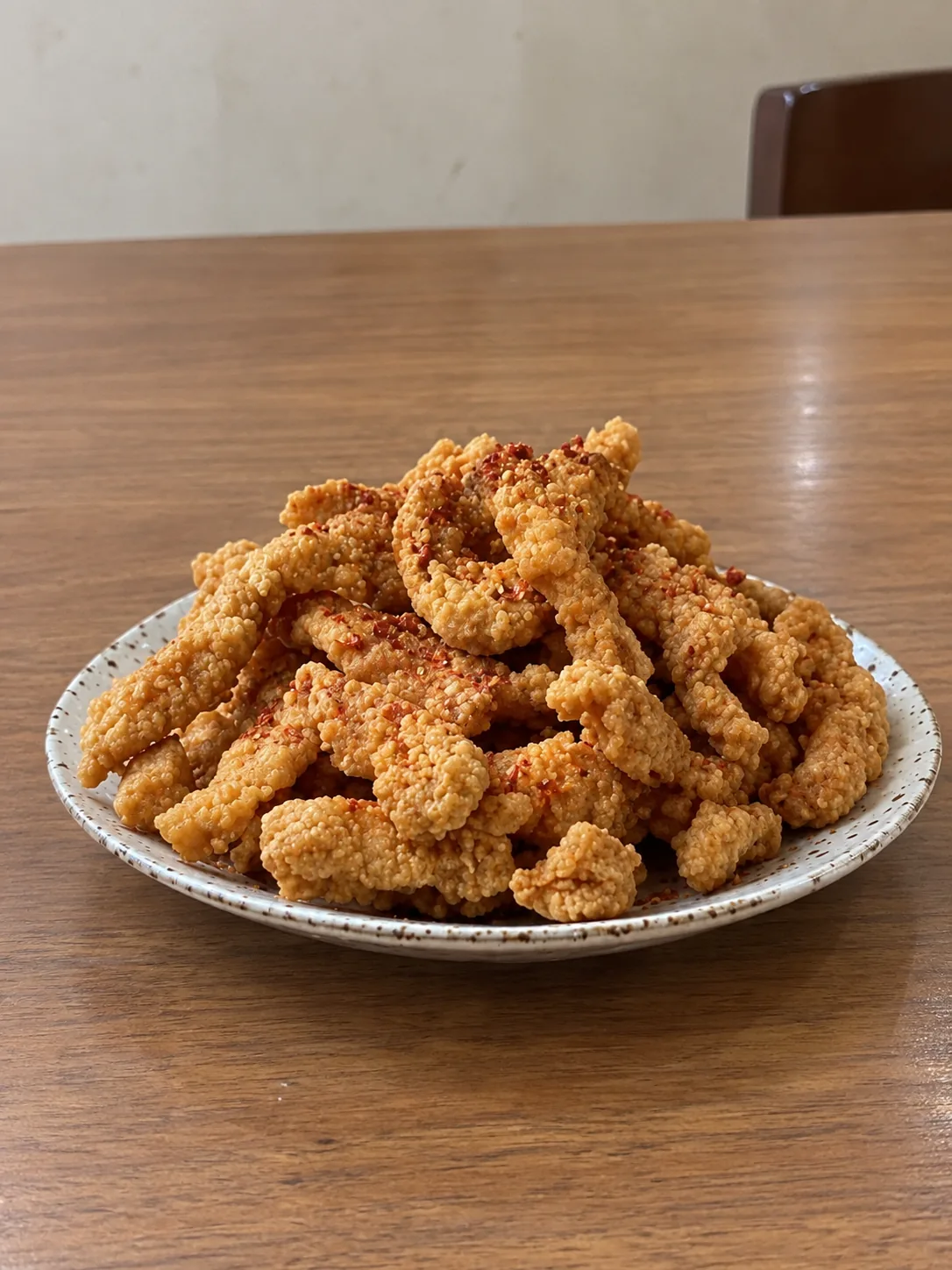
Crispy seasoned pork
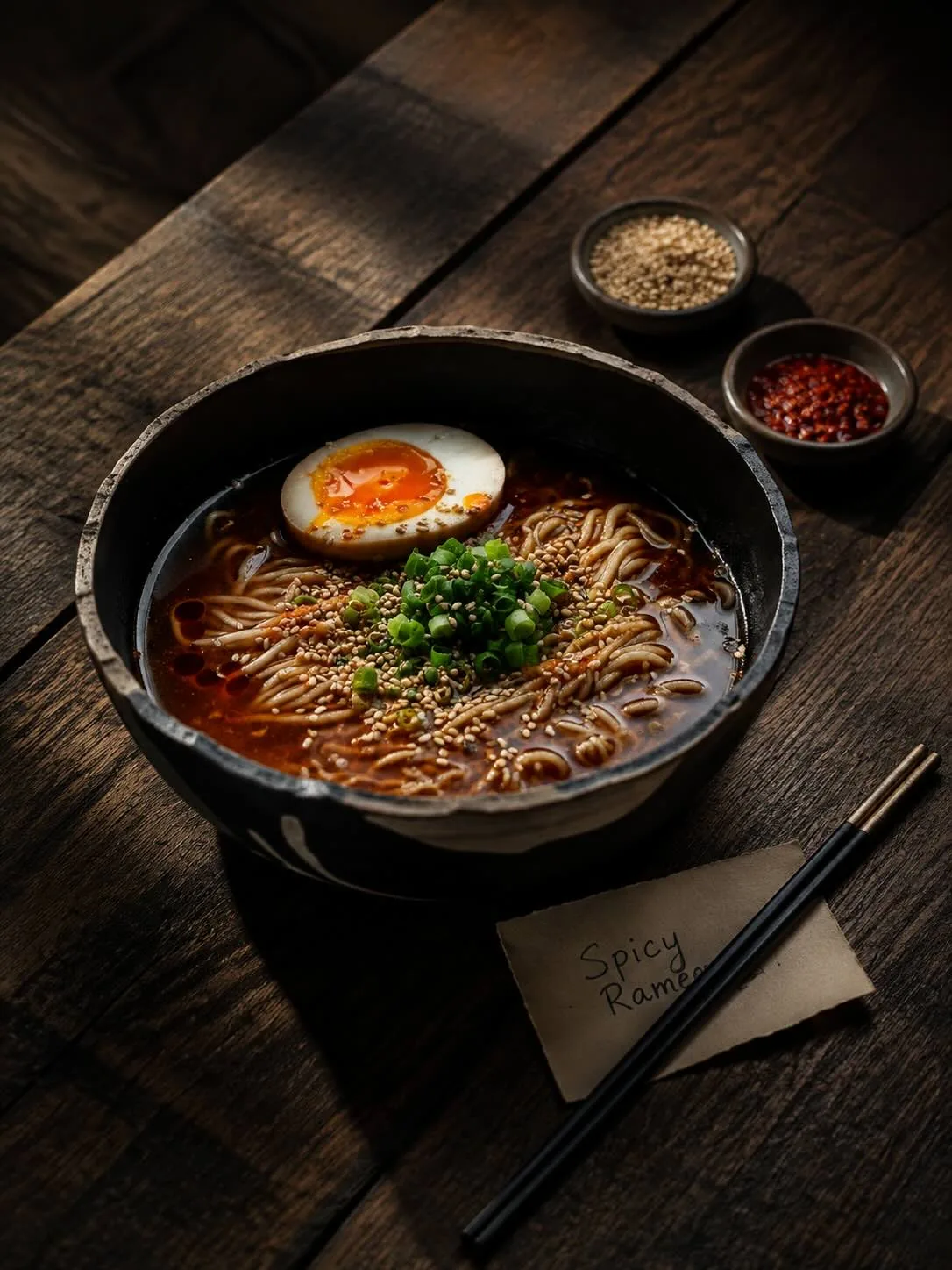
Spicy noodles
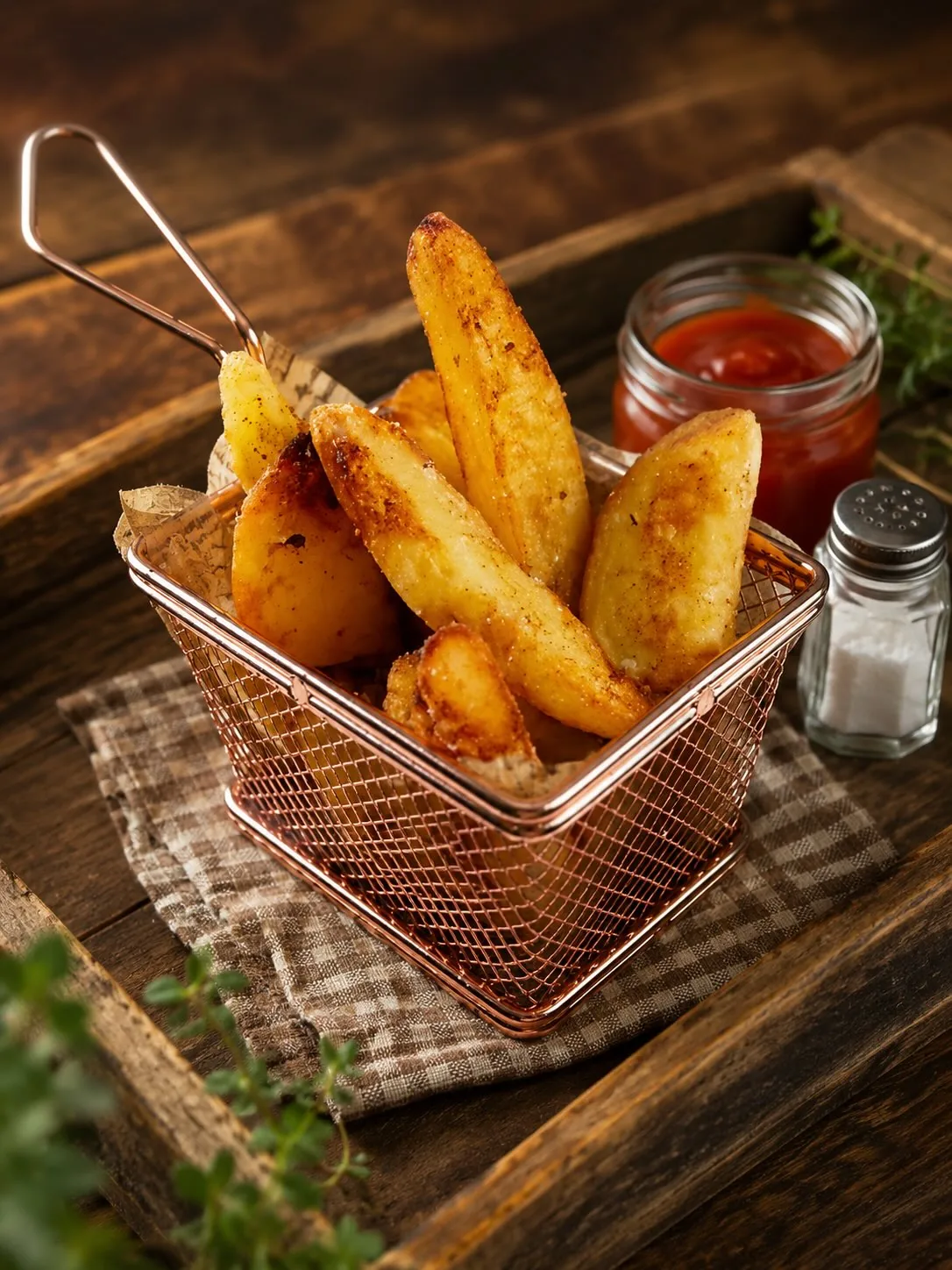
Potato wedges
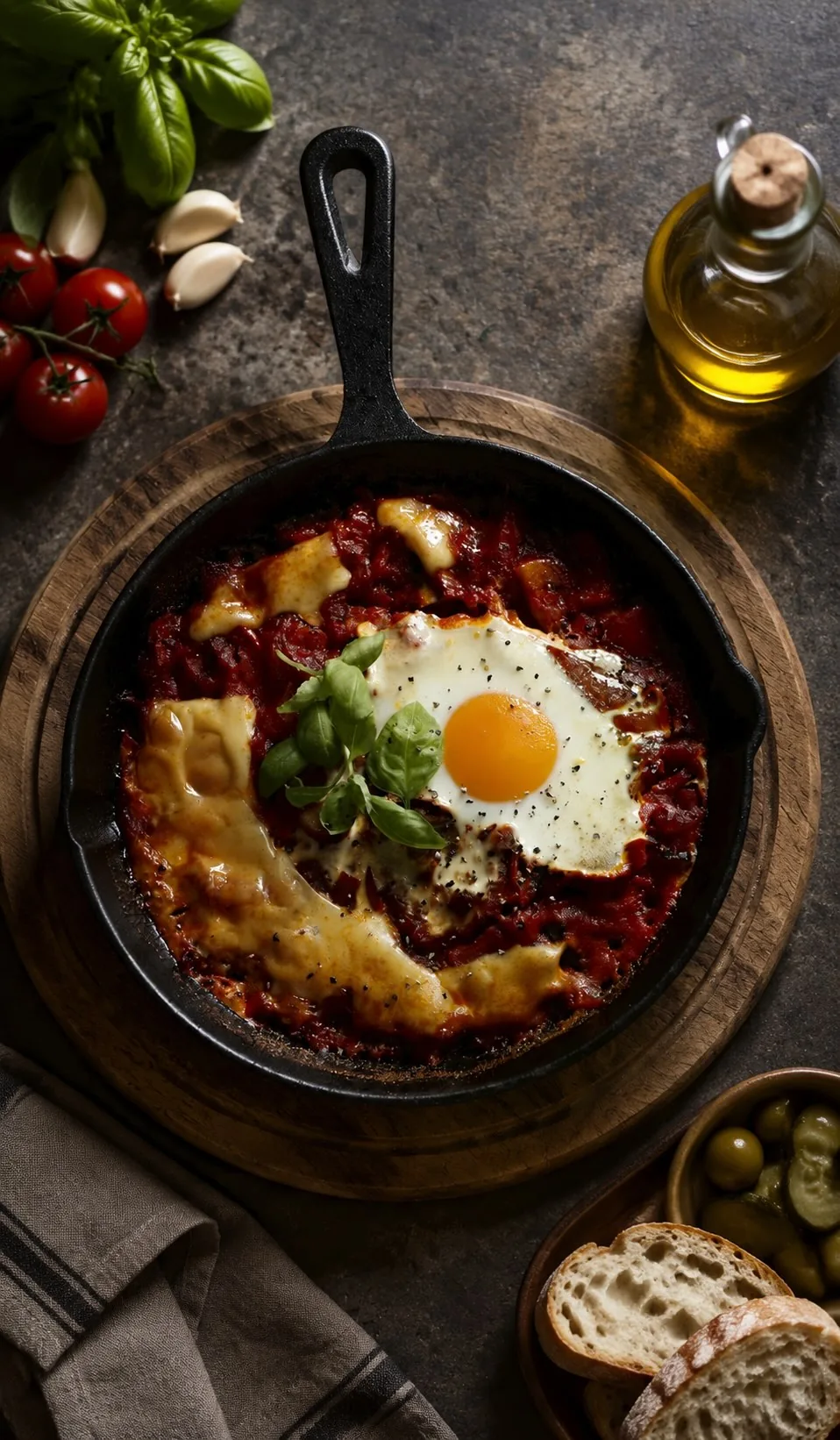
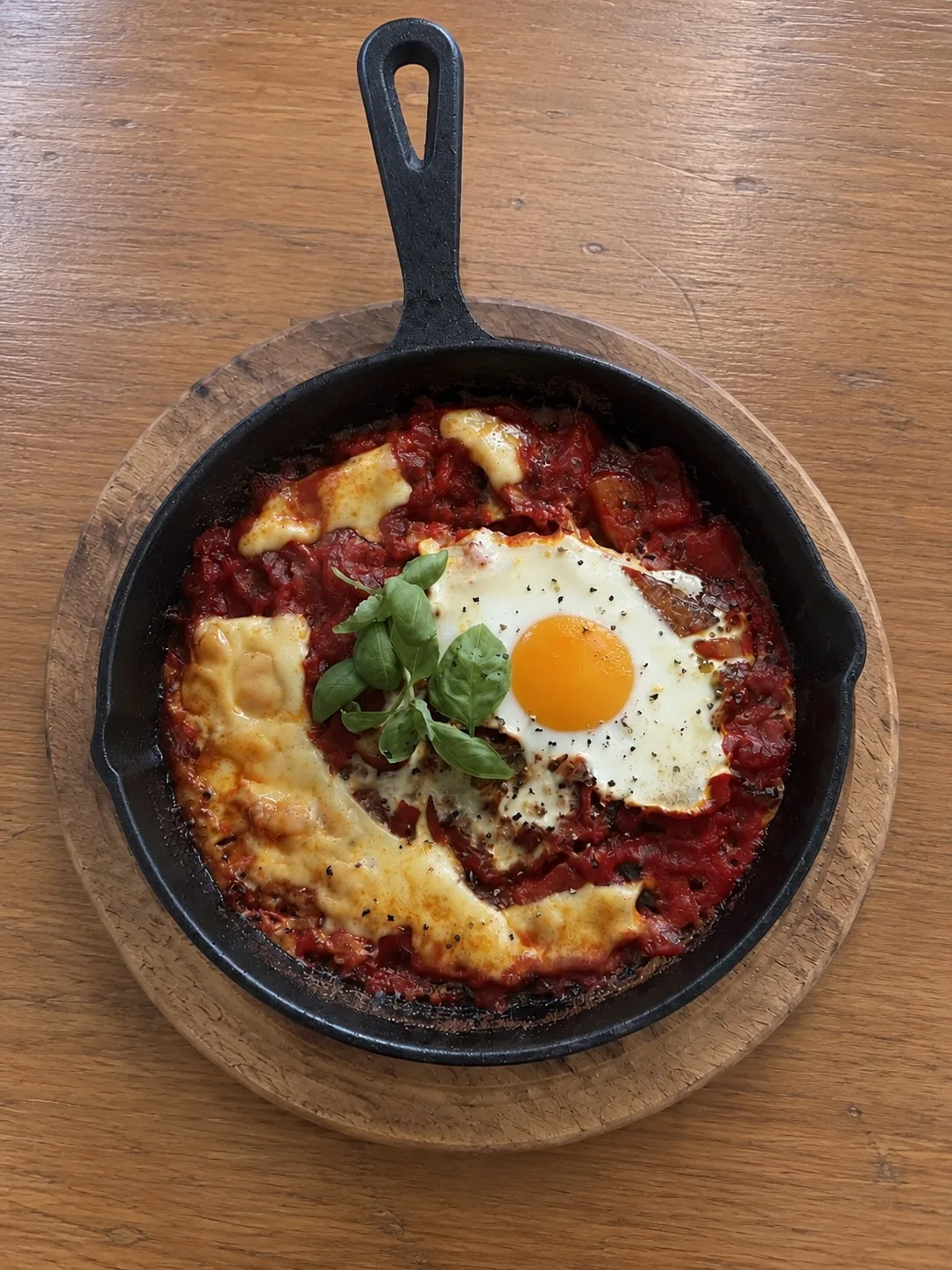
Shakshuka

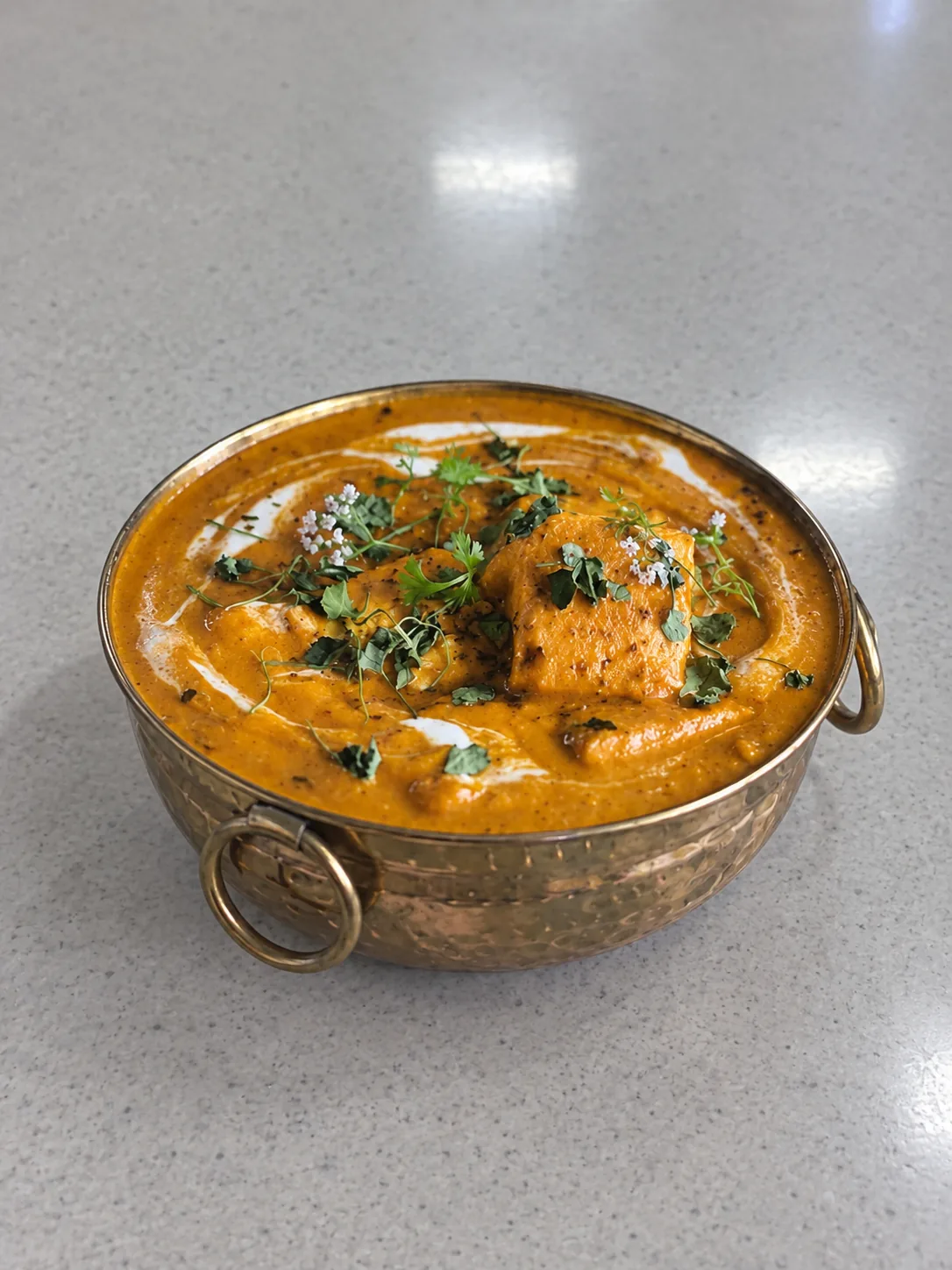
FROM YOUR ORIGINAL FOOD PHOTO
TO A MENU-READY IMAGE

See how your own dish looks in a different visual setting. Compare the original photo with the Chefolio result before deciding what to publish.

CREATE MENU-READY FOOD PHOTOS
WITHOUT WRITING PROMPTS

Your next food photo starts with the one you already have.

What is Chefolio?

Chefolio is an AI food photo editor for restaurants, cafés, bakeries and food trucks. It starts with a photo of a dish you actually serve. Choose a built-in style without writing prompts, then create an image for menus, delivery listings or social media. You can add a dish name and price and export in 1080p, 2K or 4K. Chefolio does not create complete restaurant menu layouts. Review every AI result before publishing to make sure it accurately represents your food.

  1. 01

    Sign in and upload your food photo

    Sign up or sign in with Google or Apple. Start with a photo of a dish you actually serve. A photo taken on your phone is all you need.

  2. 02

    Choose a built-in style

    Select a visual setting that suits your food and your brand. No prompt writing required.

  3. 03

    Generate and export

    Review the result, add a dish name and price if needed, and export your image for its intended use.

YOUR DISH COMES FIRST

Chefolio is designed to preserve your dish’s ingredients, portions, colors and textures while changing the surrounding visual setting.

AI results can vary. Check every image against the dish you serve before publishing.

Why should menu photos show the food you actually serve?

Menu photos help customers know what they're ordering. DoorDash's menu photo guidelines state: Images must reflect the actual item served, not an idealized or generic version.

Chefolio starts with a photo of your own dish. It's designed to preserve the ingredients, portions, colors and textures while changing the scene around your food. AI results can vary, so compare the finished image with the dish you serve before publishing. Check the platform's current photo requirements before uploading.

FEATURES

DIM RESTAURANT PHOTOS IN.
MENU IMAGES OUT.

Two short clips of Chefolio at work. The originals are our own snapshots from a dim dining room. Nobody wrote a prompt.

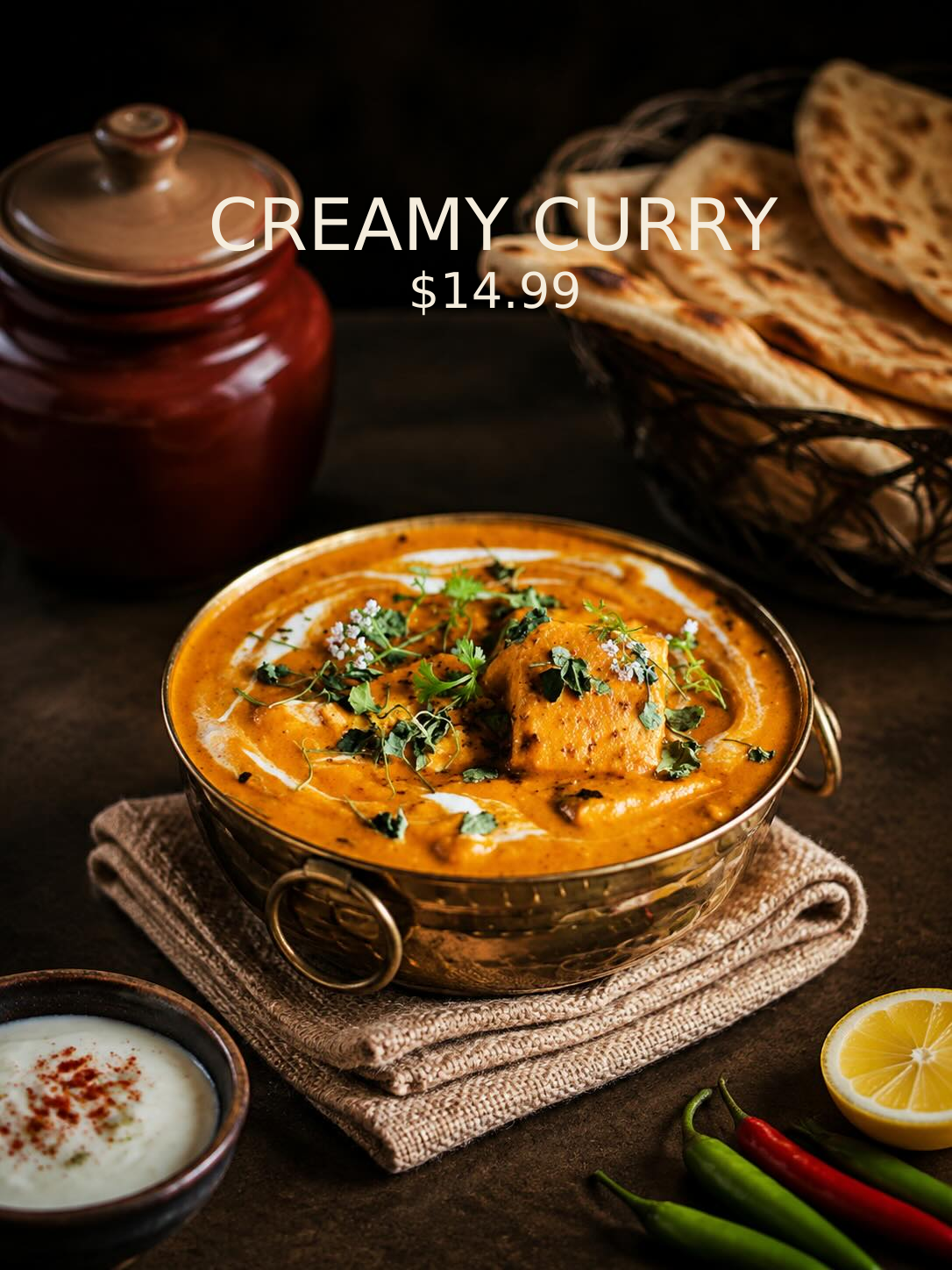
DISH NAME & PRICE

Name and price,
set in the image

Type a dish name and price before you generate. They’re set into the finished image, so one export works on a menu board, a delivery listing or a post.

Dish name and price shown for illustration. Chefolio adds the short tagline under the price.

How it works
BATCH

One style,
the whole menu

In the web app, upload up to 20 photos at once, choose one style, and bring every dish onto the same table in the same light. Batch is in the web app on every plan; credits are charged per image.

Six dishes shown. In the web app, 1080p costs 5 credits per image.

How it works

Interface recreated for illustration. AI results can vary. Check every image against the dish you serve before publishing.

Create Your Food Photo 50 trial credits. No credit card required.

PLANS AND CREDITS

Monthly subscription

$9.99/ month

From 250 credits per month

Unused monthly credits roll over and never expire.

One-time credit pack

$4.99/ pack

From 100 credits

One-time credit packs start at $4.99 for 100 credits.

Choose your resolution.

All resolutions available on every plan.
No additional generation fees.

1080p
5 credits / image
2K
7 credits / image
4K
10 credits / image

YOUR FIRST 50 CREDITS.

Shared across Web and App. No expiry. No credit card required.

Create Your Food Photo

All prices in USD. Subscriptions and credit packs shown at starting prices.

A FEW THINGS
YOU MIGHT ASK.

What does Chefolio cost?

Subscriptions start at US$9.99 a month for 250 credits. One-time credit packs start at US$4.99 for 100 credits. You can try Chefolio with 50 credits shared between the website and app. Trial credits never expire, and you don't need a credit card.

Do I need to write prompts?

No. Upload your photo and choose a built-in visual style.

Will Chefolio change how my food looks?

Chefolio is designed to keep your dish's ingredients, portion, color, texture and garnish while changing the scene around it. AI results can vary, so check each image against the dish you serve before publishing.

Does Chefolio create a complete restaurant menu?

No. Chefolio edits dish photos and lets you add text and prices to the finished image if you want. It doesn't create a complete restaurant menu layout.

Can I use the images commercially?

Yes. You can use images you create with Chefolio commercially, such as on menus, delivery listings and social media.

How are my uploaded photos handled?

We keep your original uploaded photos on our servers so you can use them to generate more images later.

View all FAQs ↗

MAKE YOUR NEXT FOOD PHOTO
MENU-READY

Start with a photo of your own dish. Choose a style, review the result, and create an image for your next menu or post.

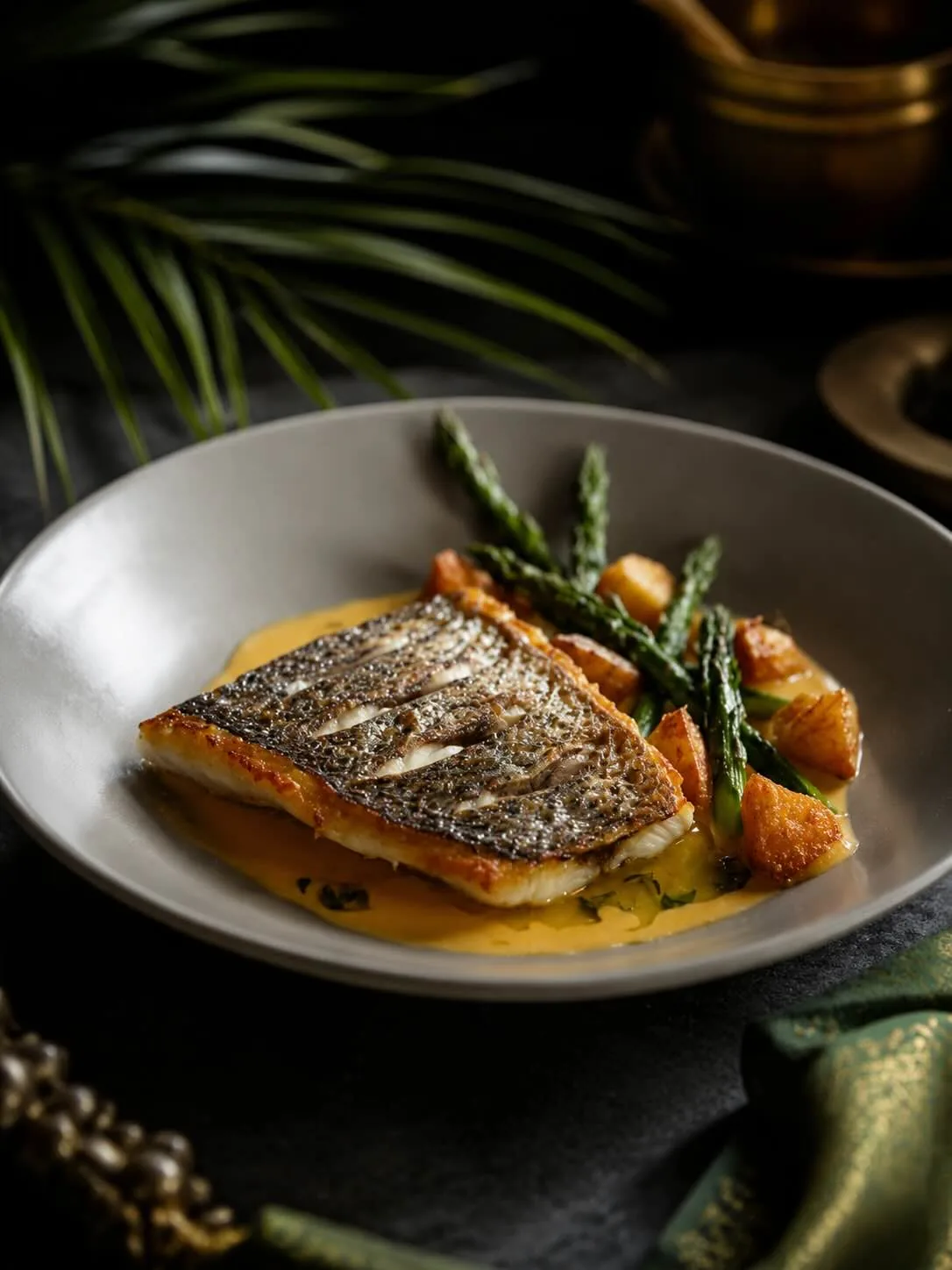
A carefully styled seared fish dish

This link is coming soon

This preview is ready to explore. The product destination will be added before launch.