YOUR FOOD. NO PROMPTS.
AI FOOD PHOTOGRAPHYFOR YOUR RESTAURANT’S REAL DISHES
Turn photos of your own dishes into menu-ready images. Upload a food photo, choose a built-in style, and create visuals for menus, delivery listings and social media—without writing prompts.
50 trial credits, shared across Web and App. No expiry. No credit card required. View your result as soon as generation is complete.
Made for restaurants, cafés, bakeries and food trucks.
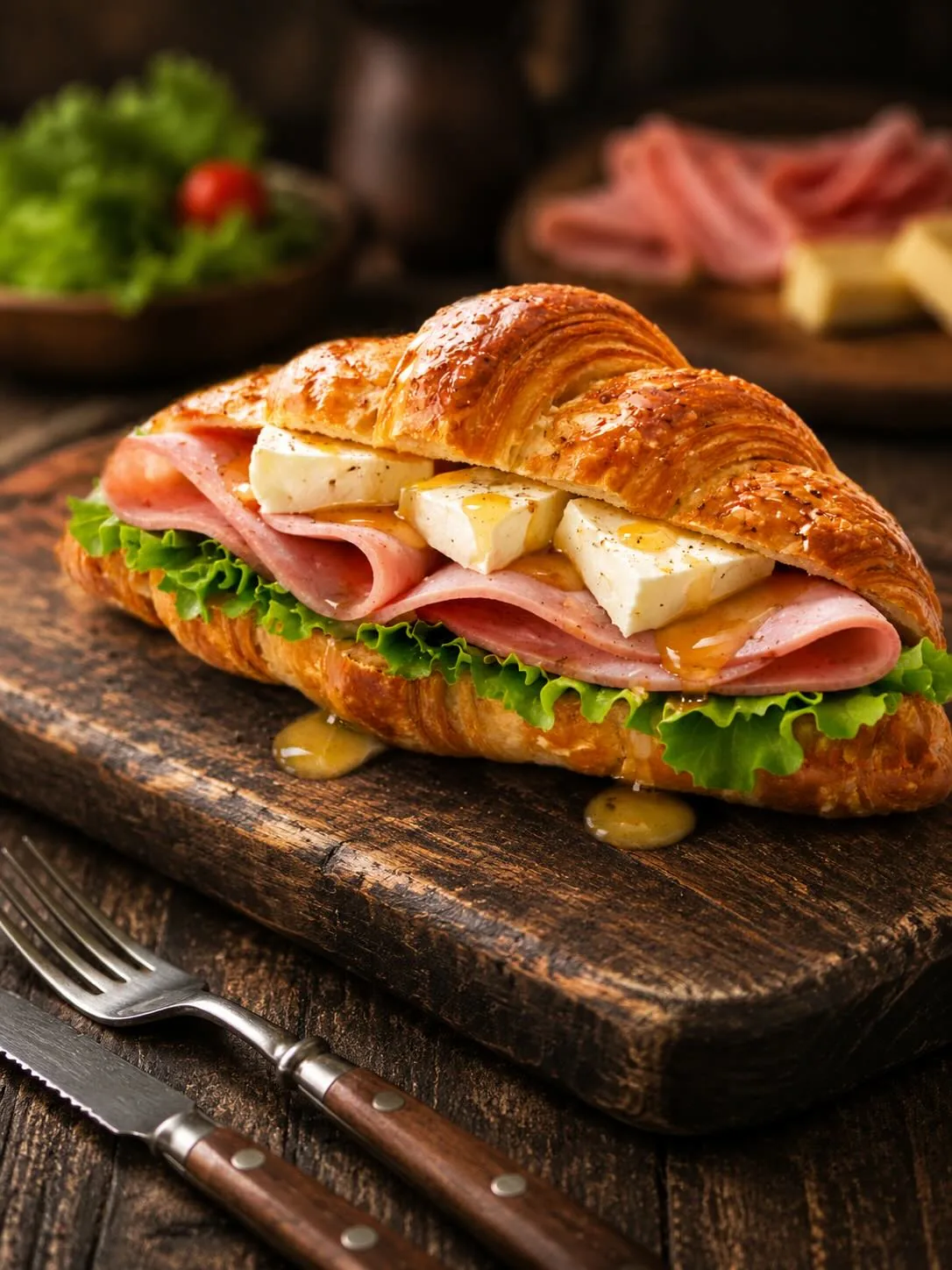
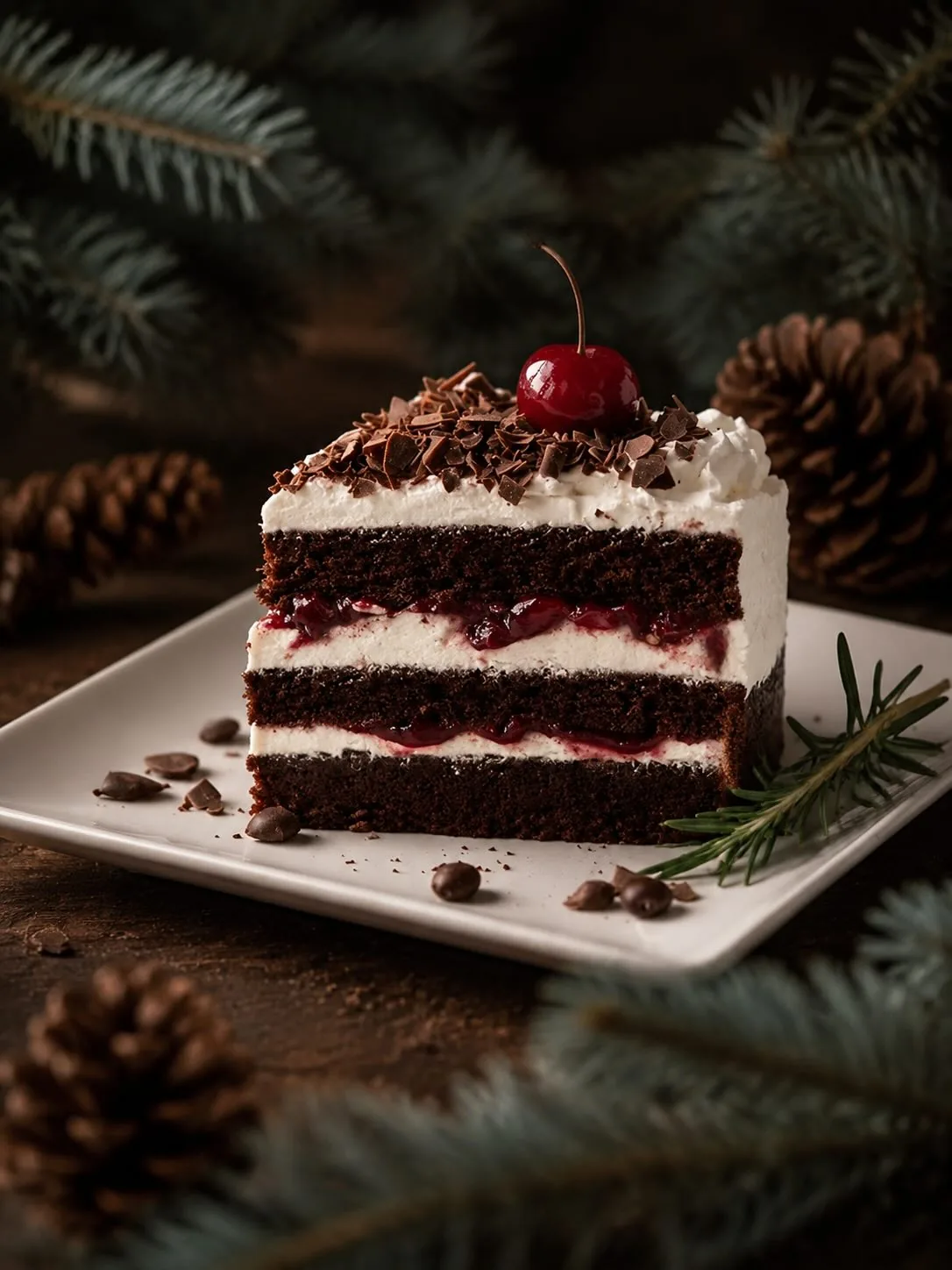
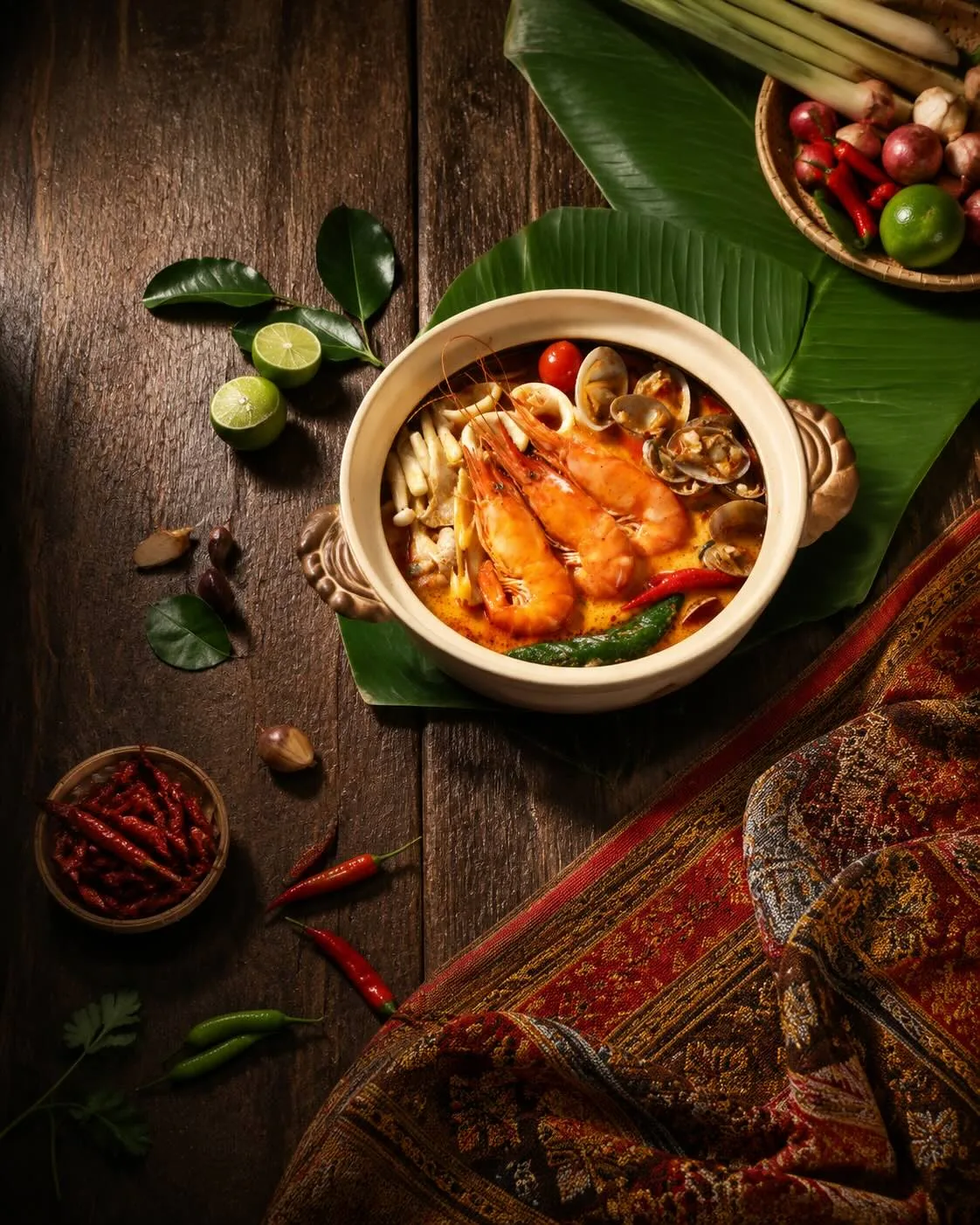
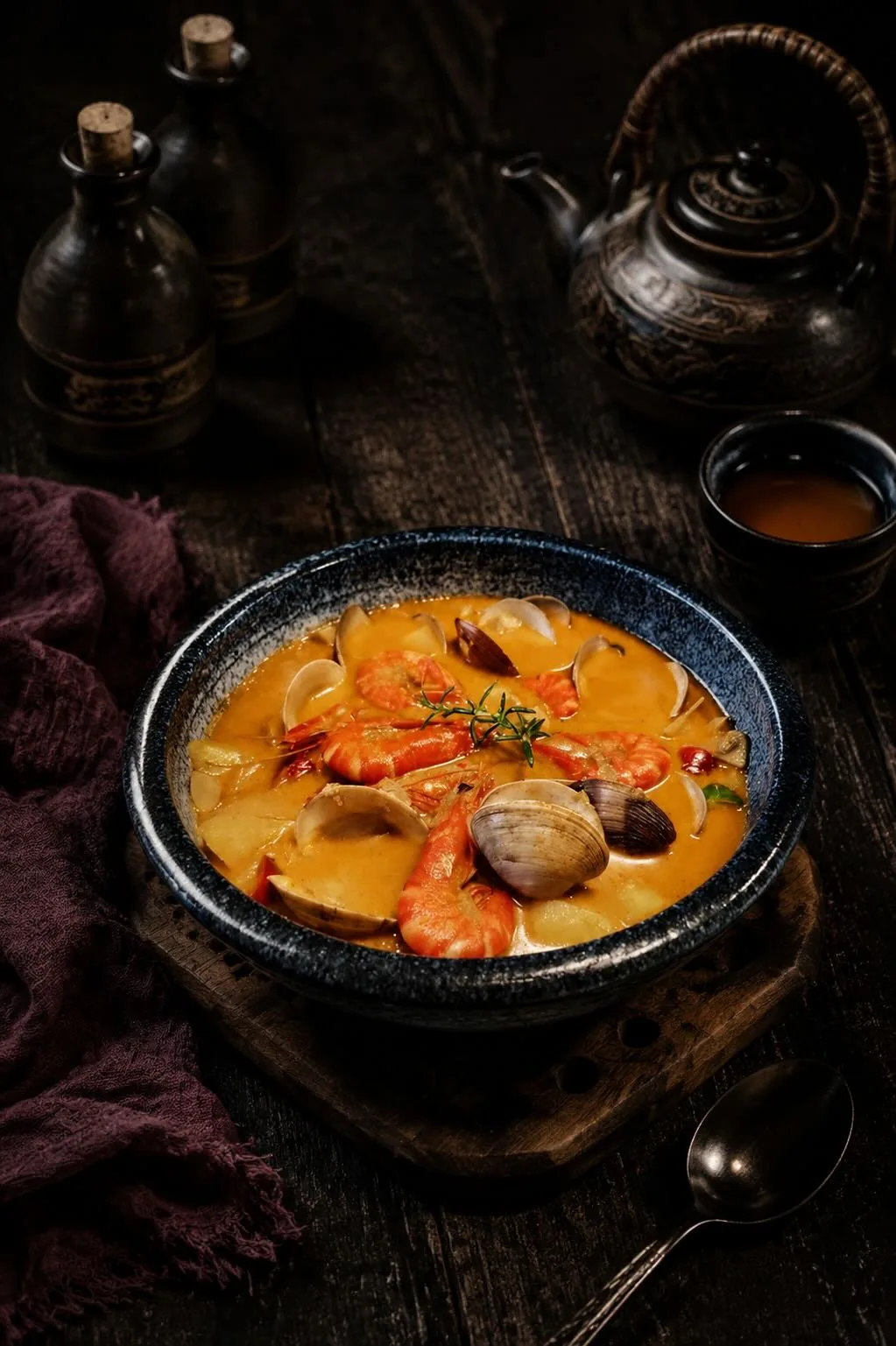
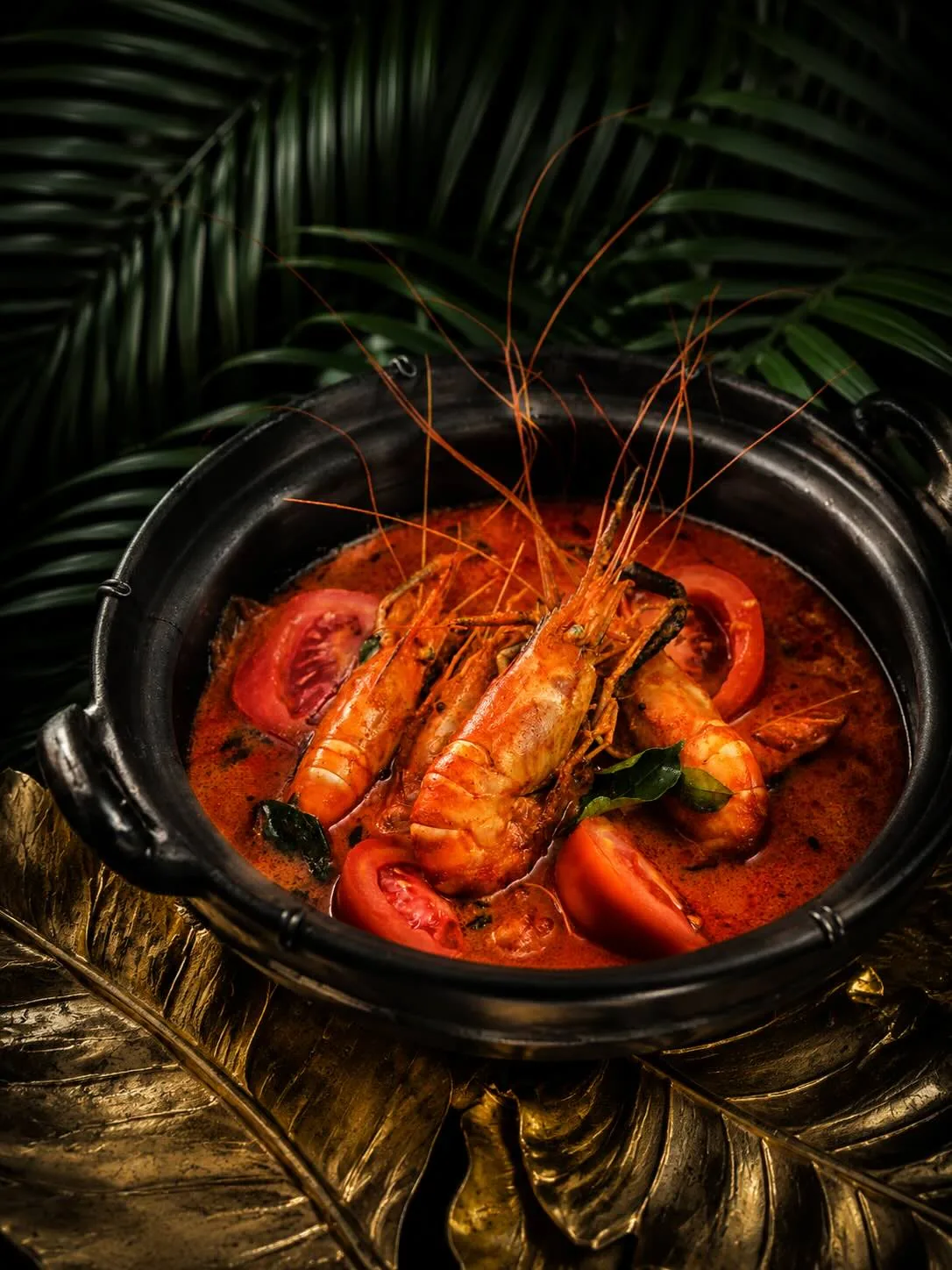
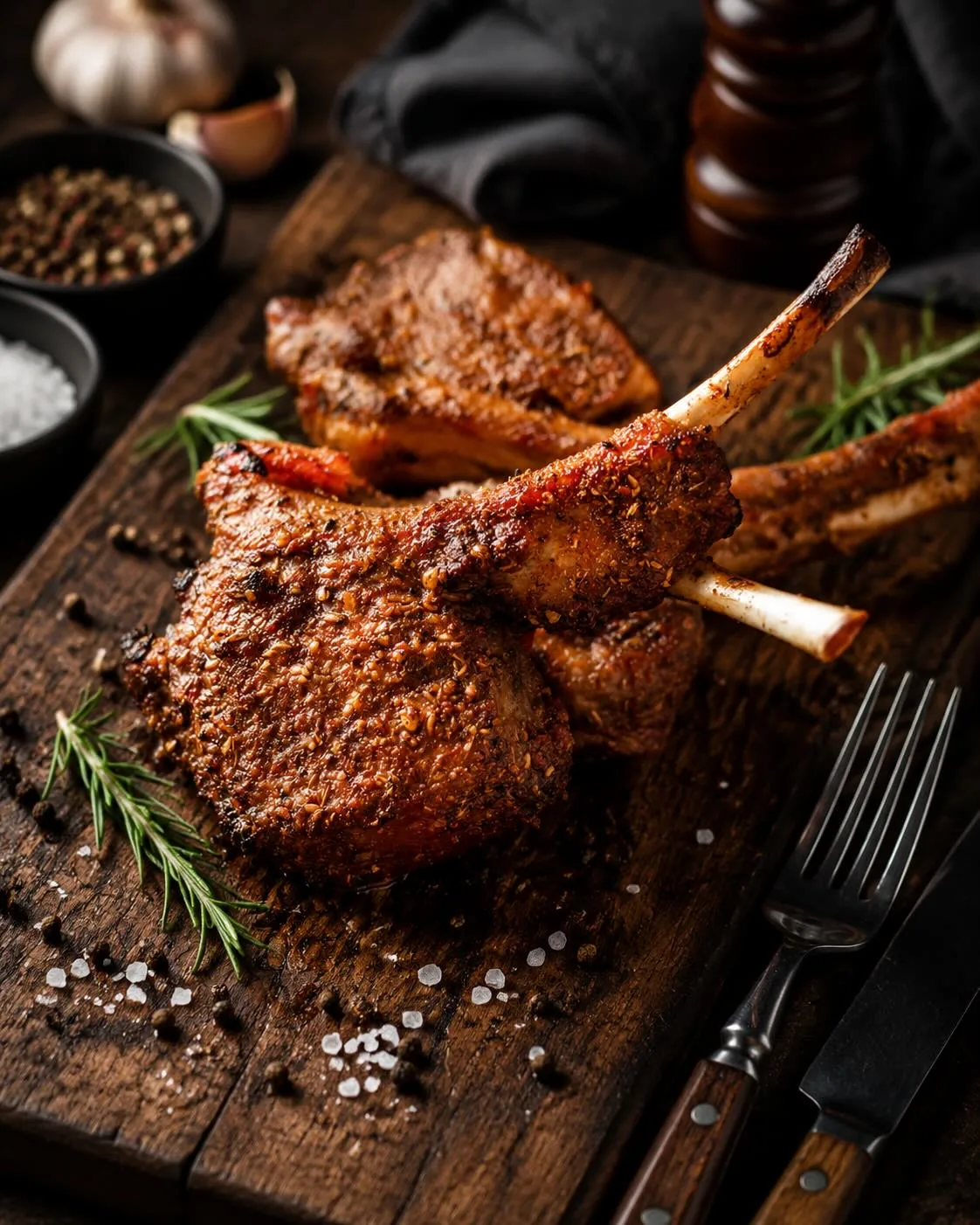
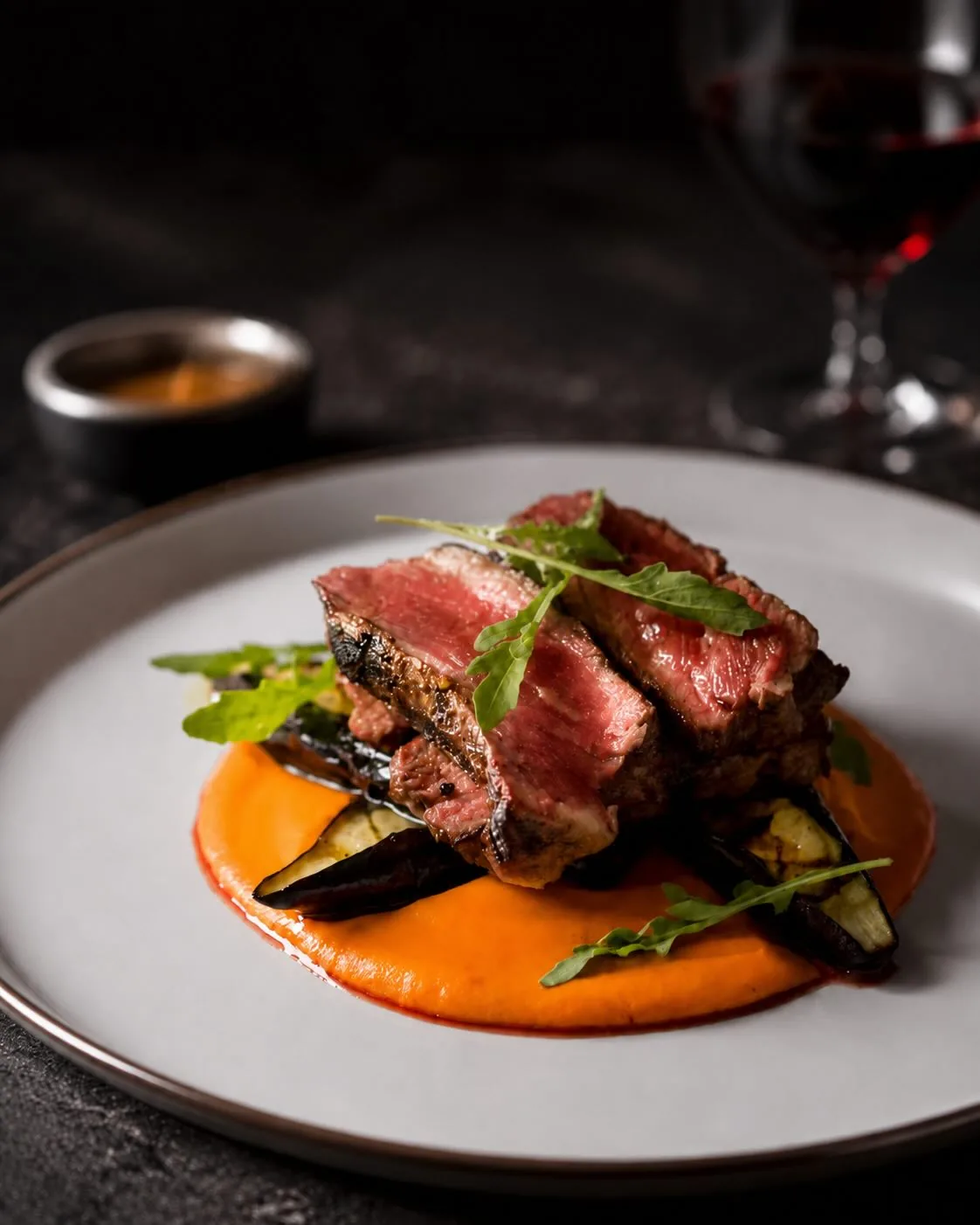
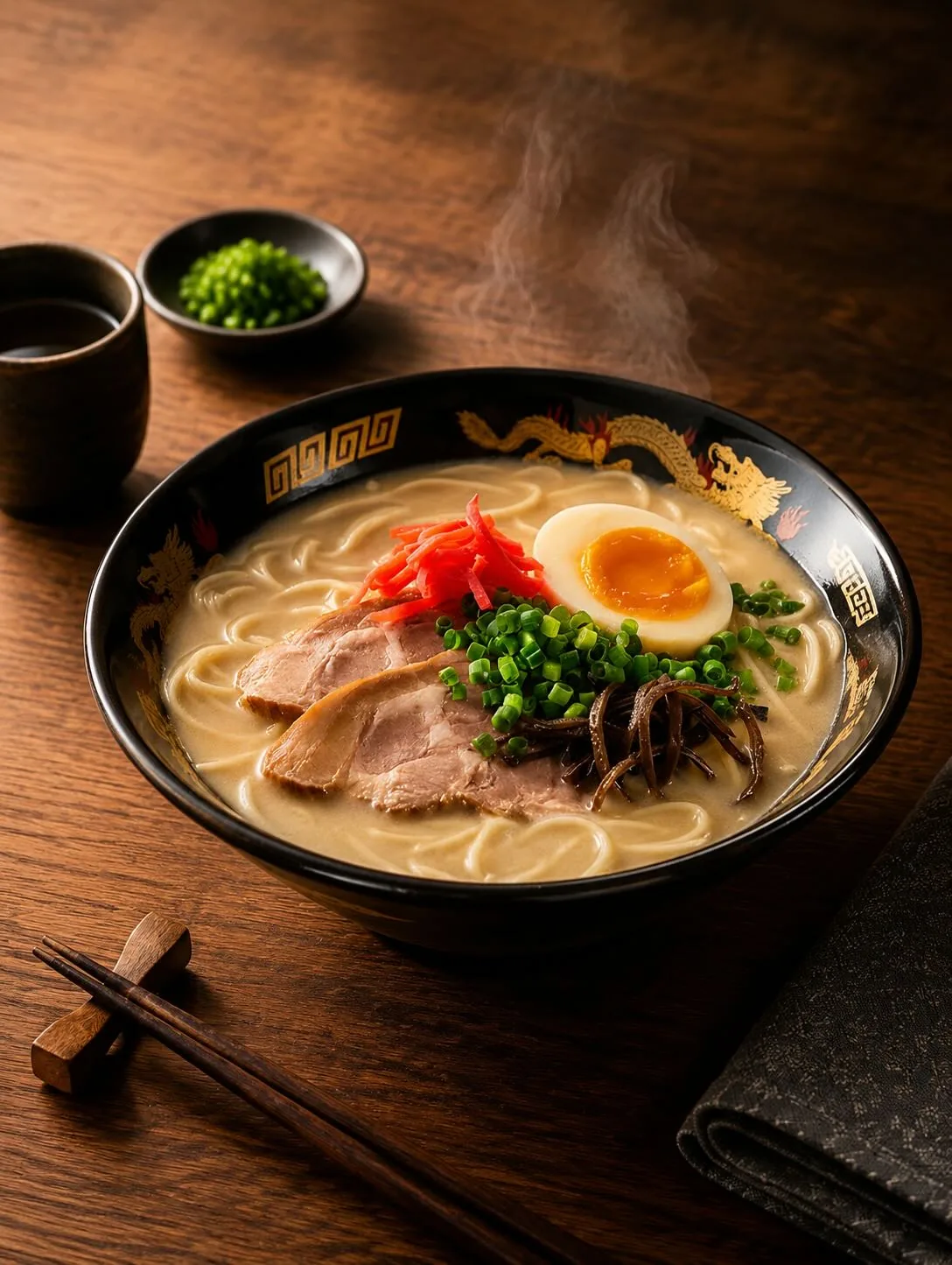
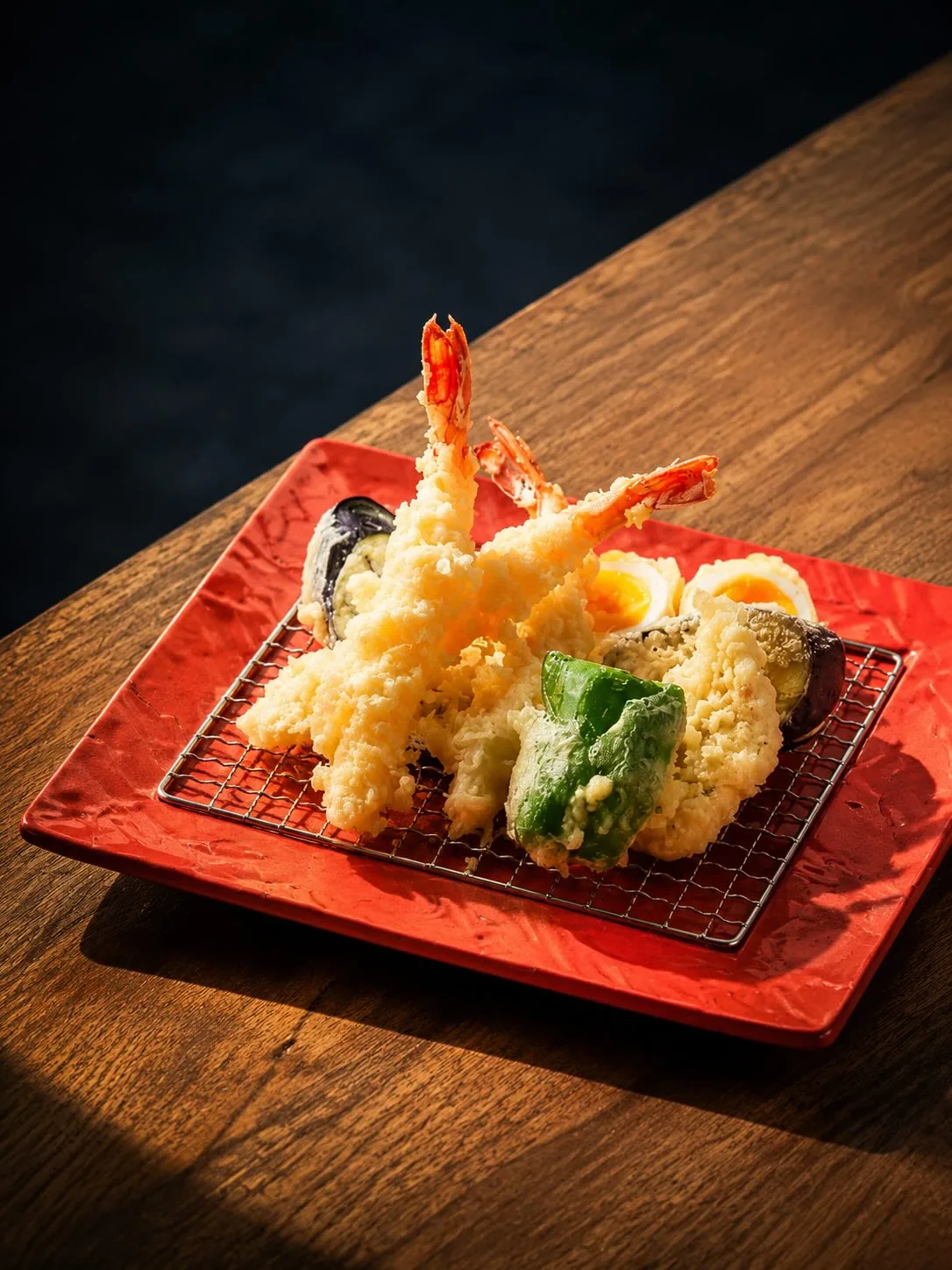
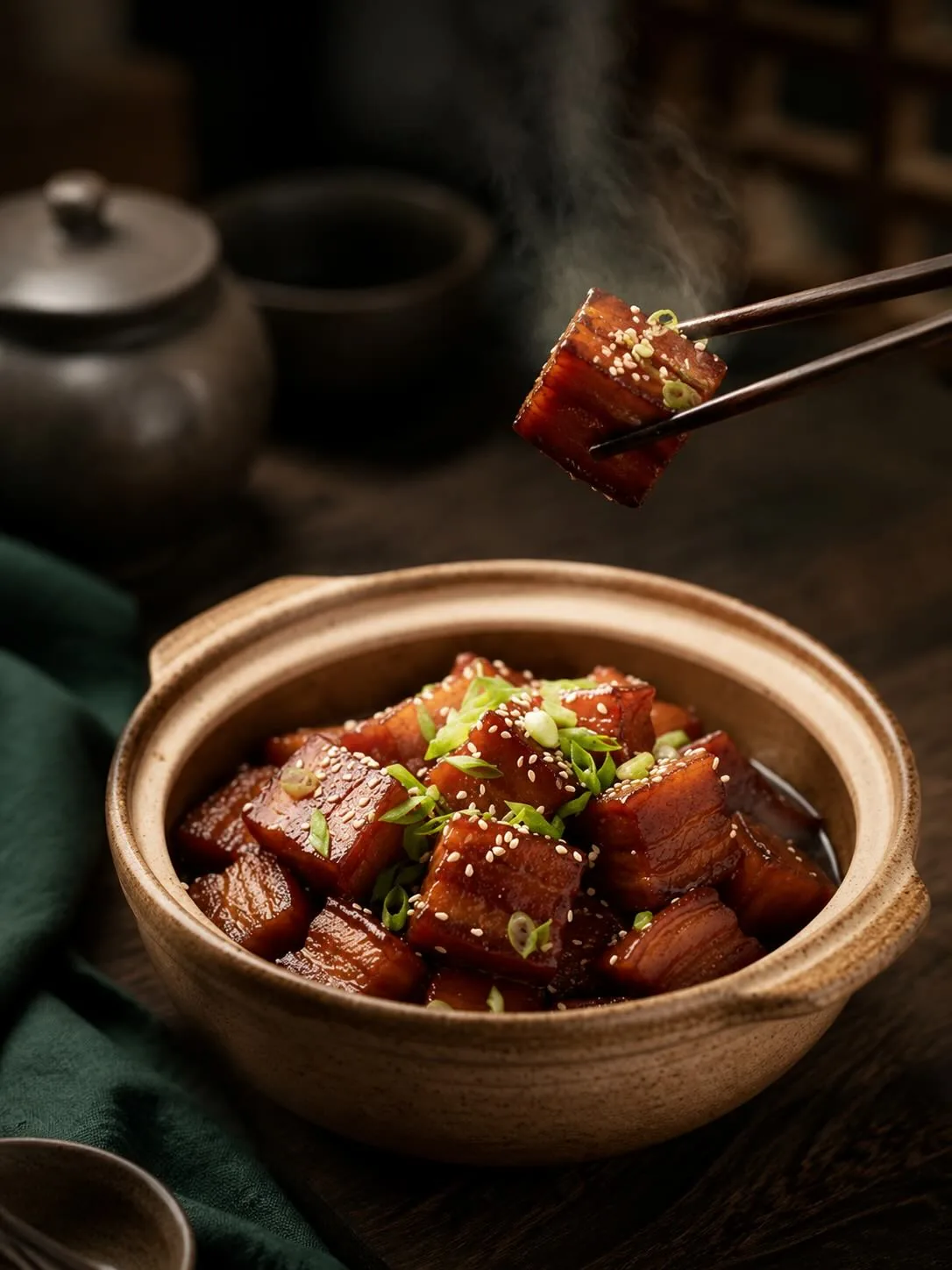
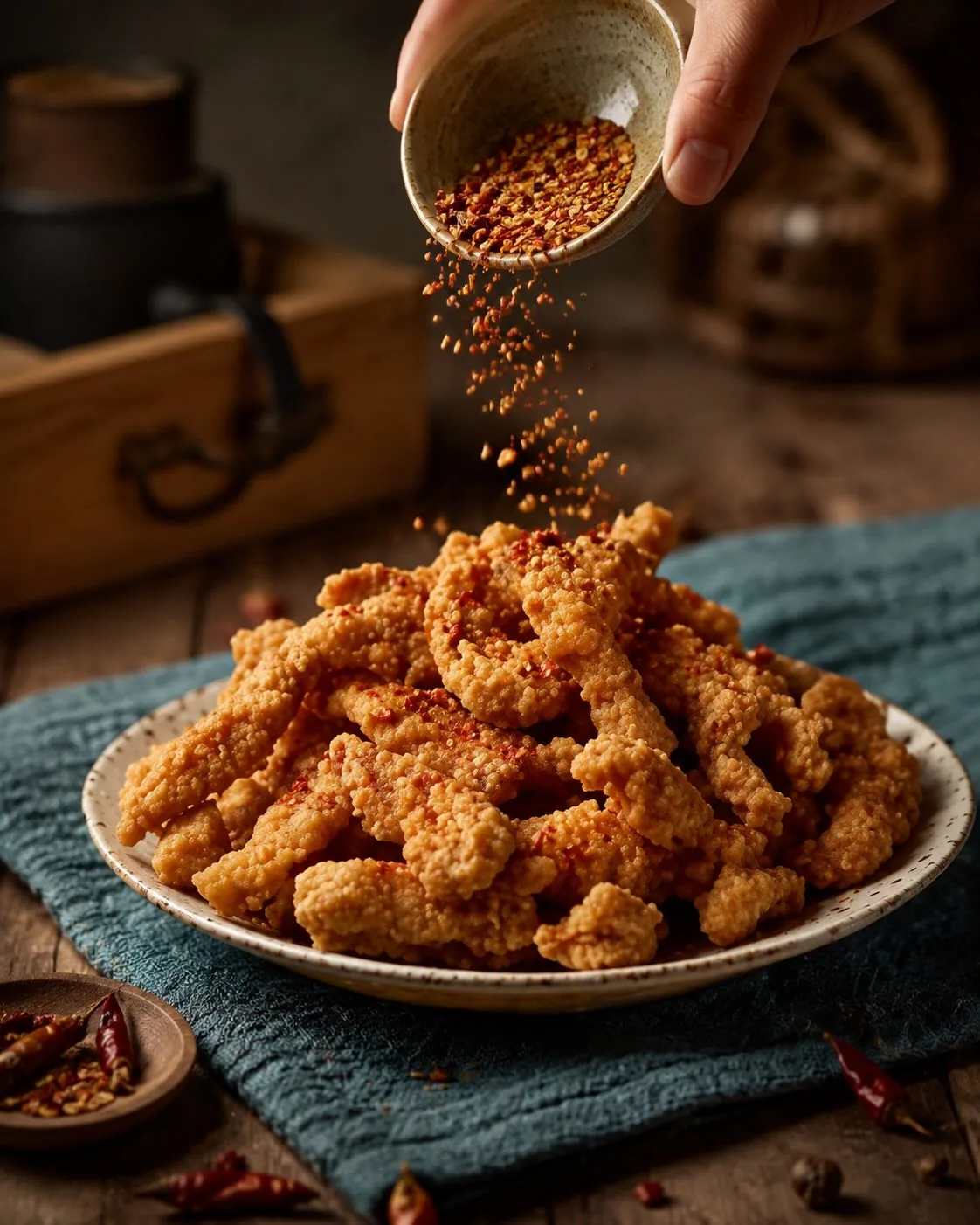
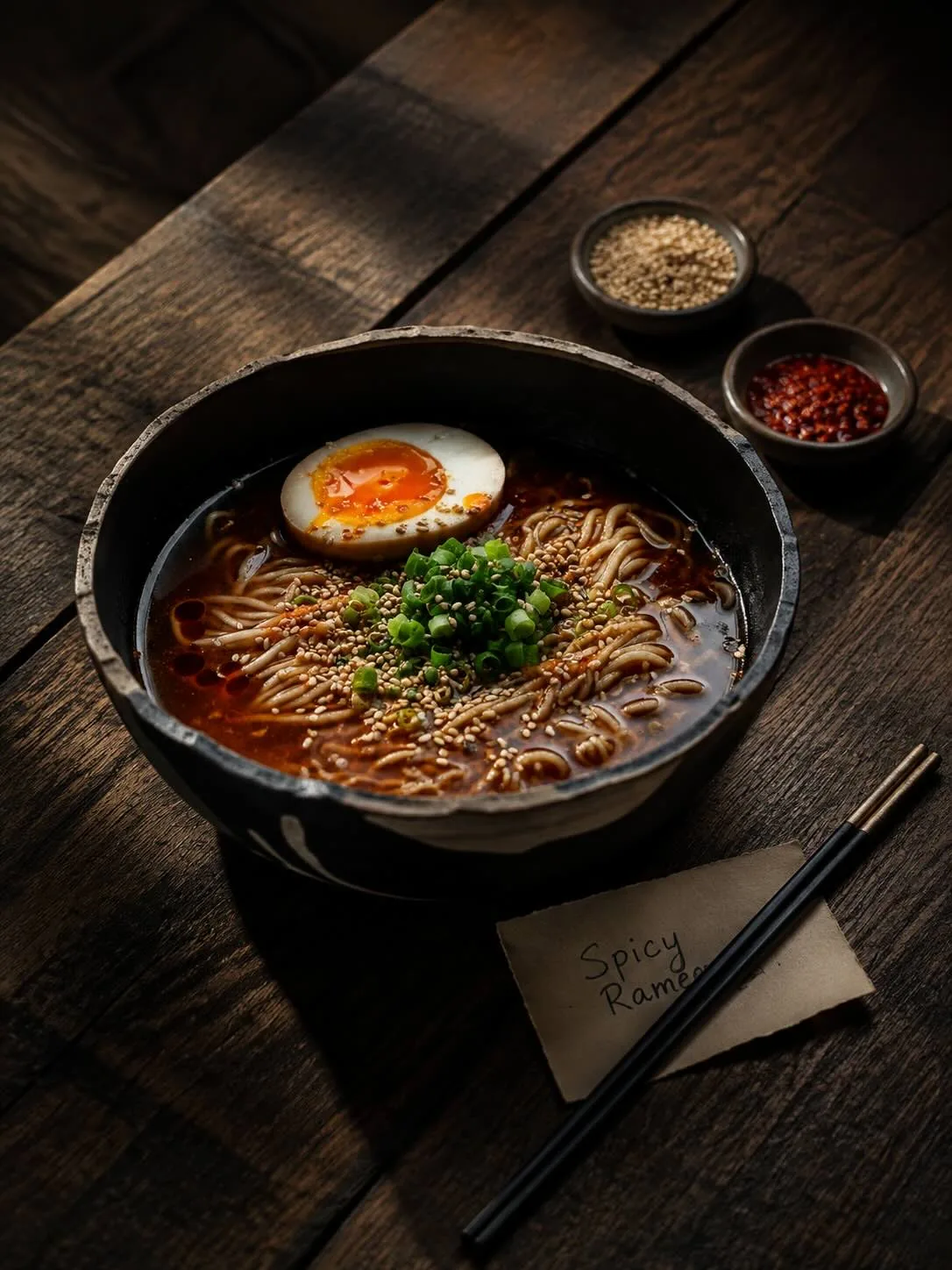
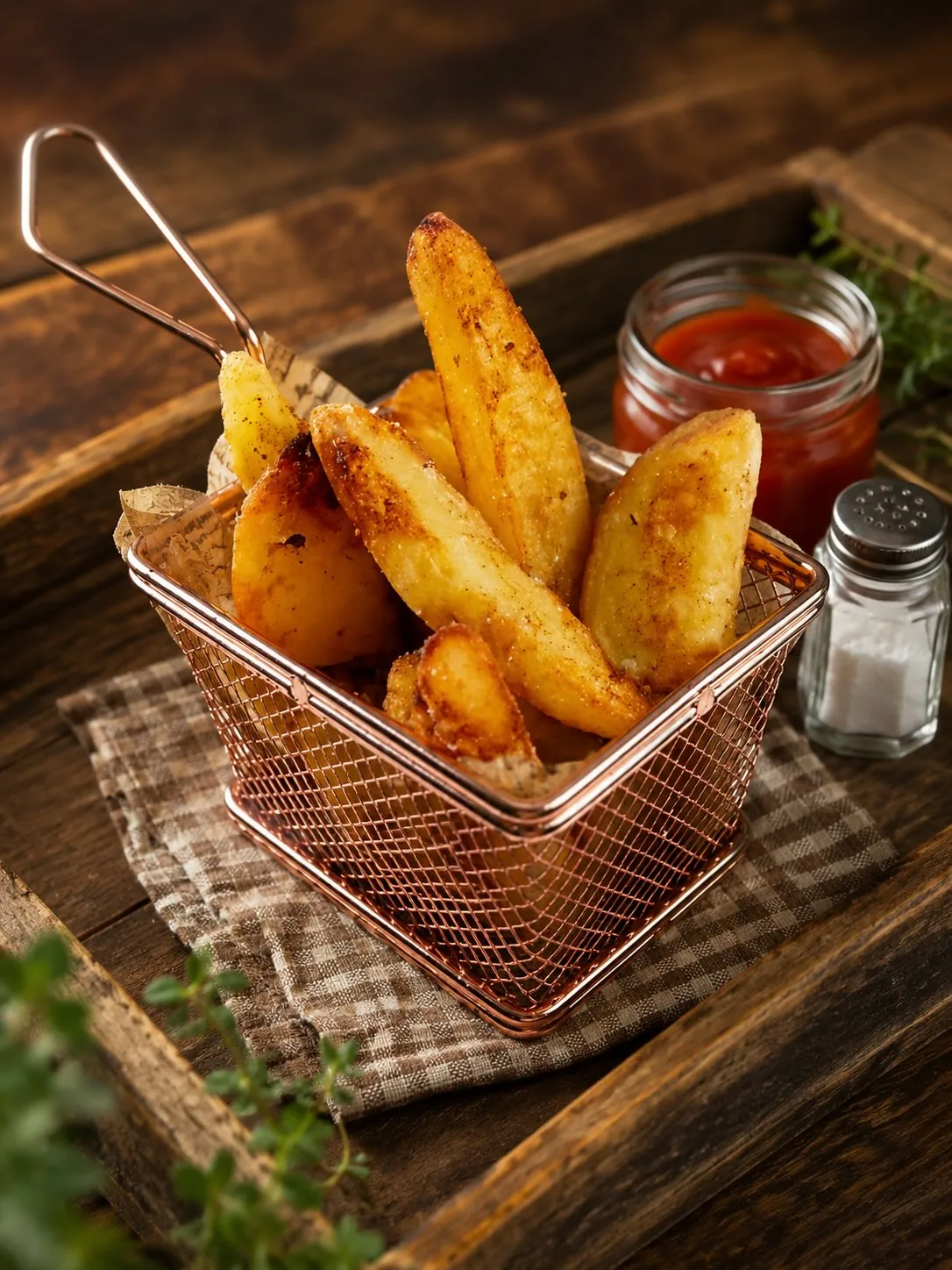
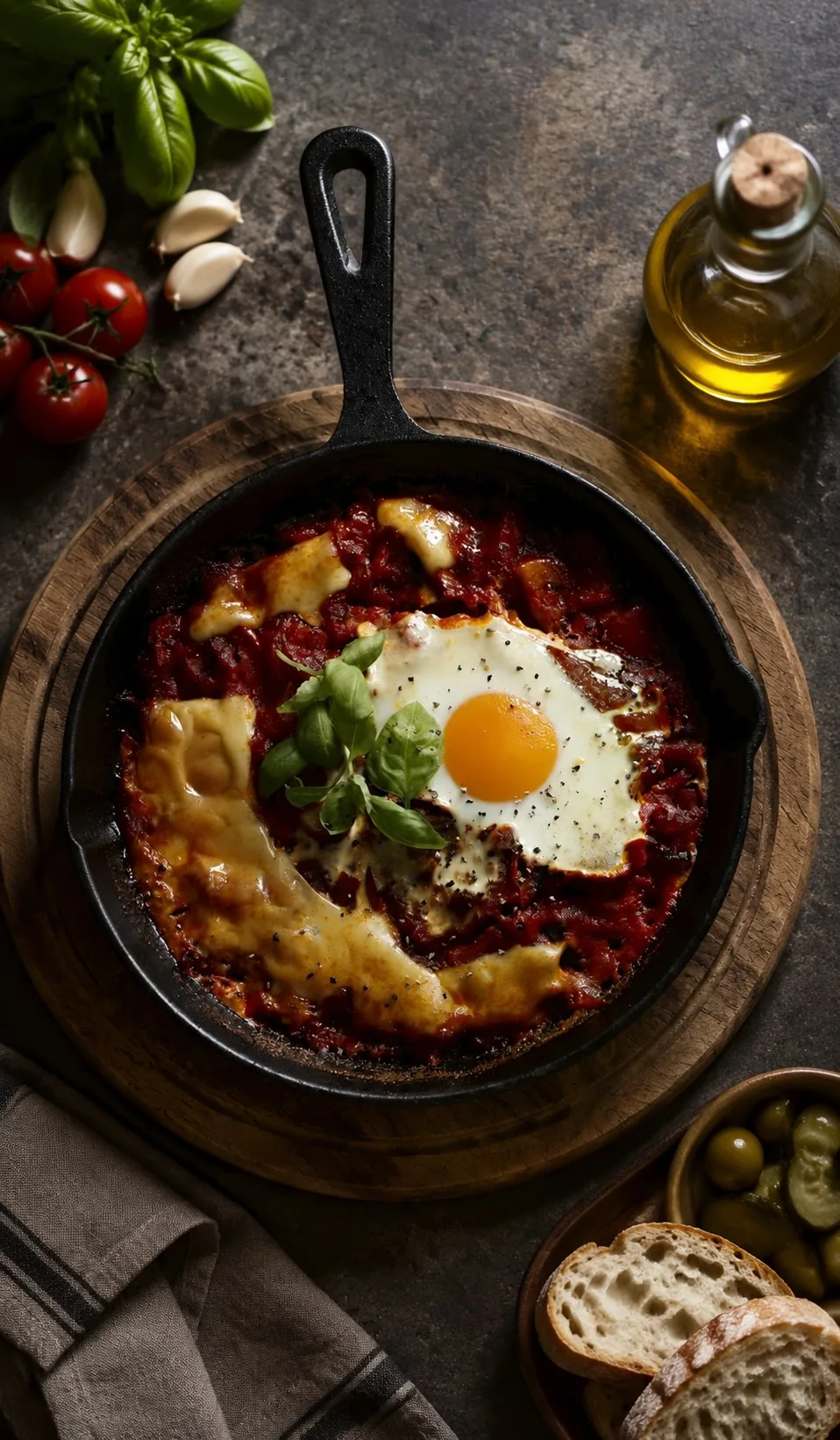
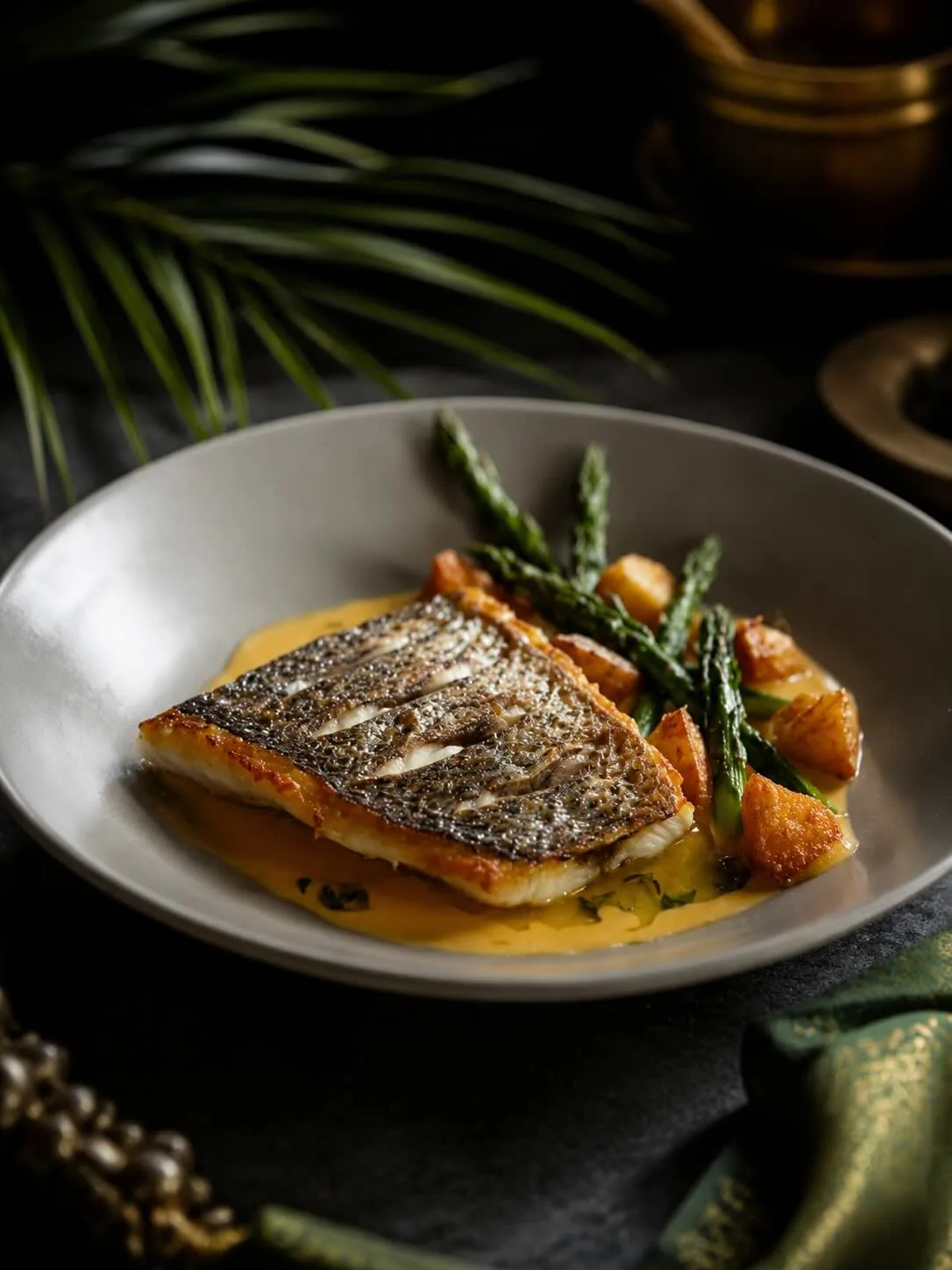
FROM YOUR ORIGINAL FOOD PHOTO
TO A MENU-READY IMAGE
See how your own dish looks in a different visual setting. Compare the original photo with the Chefolio result before deciding what to publish.
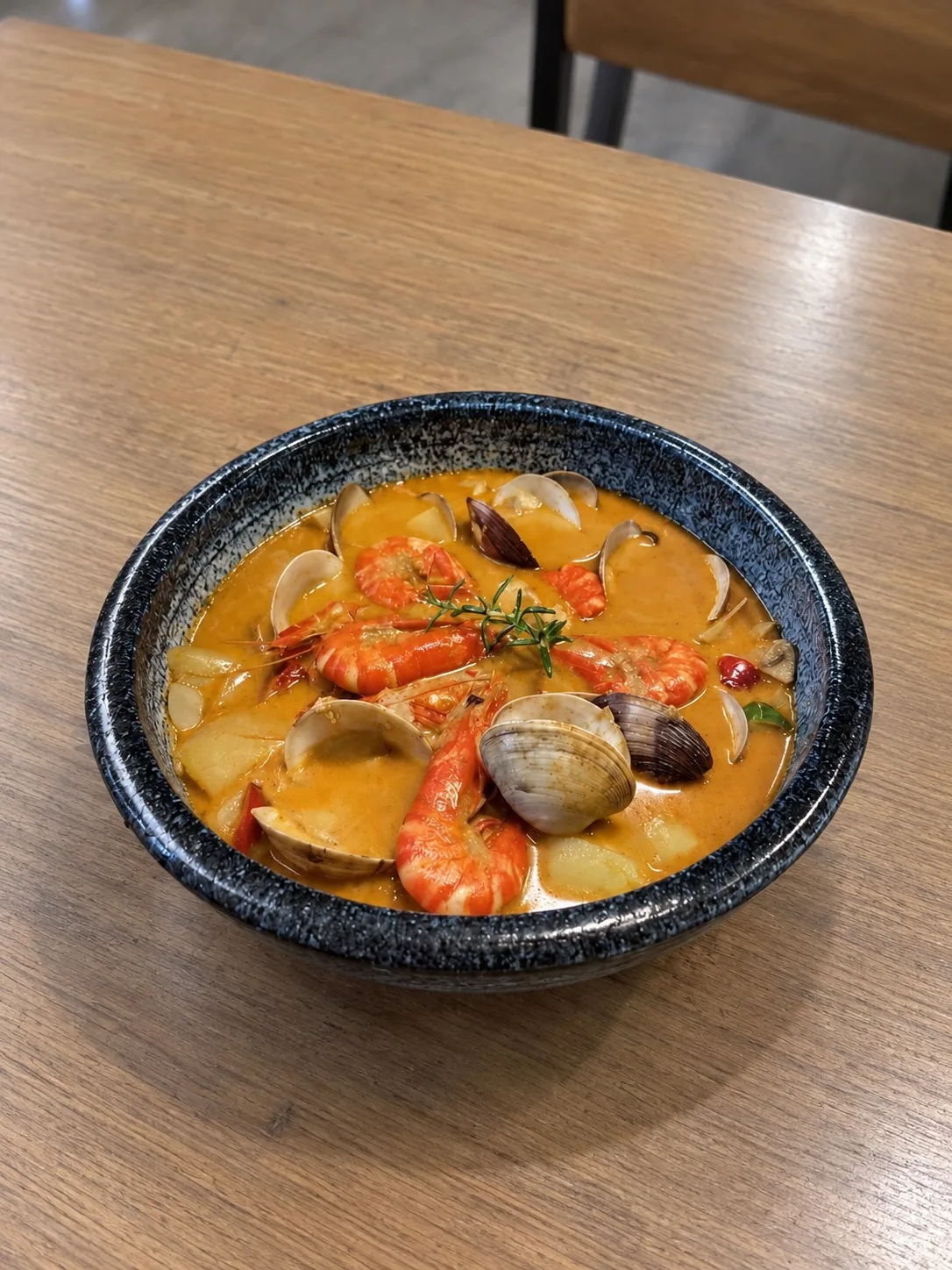
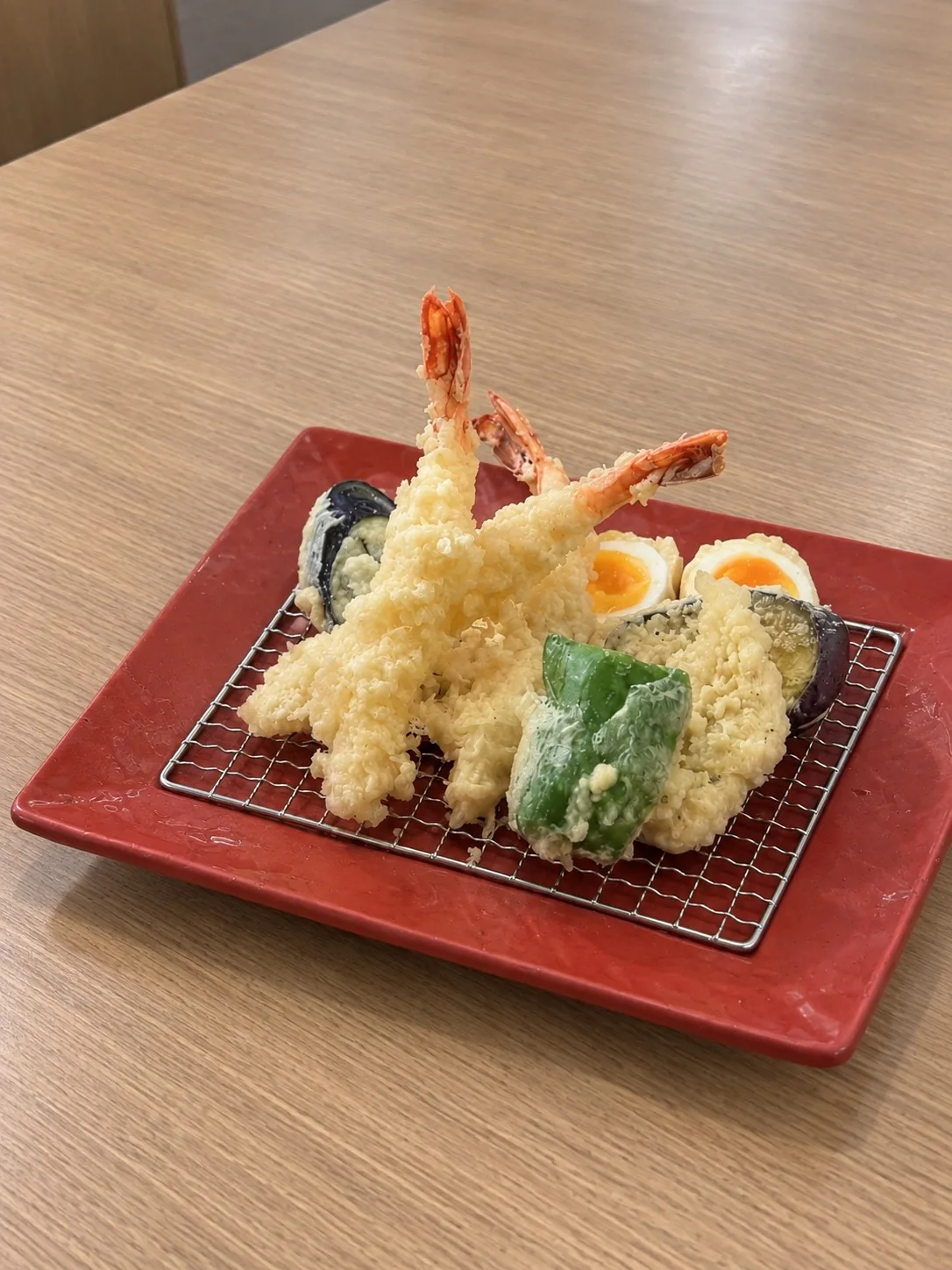
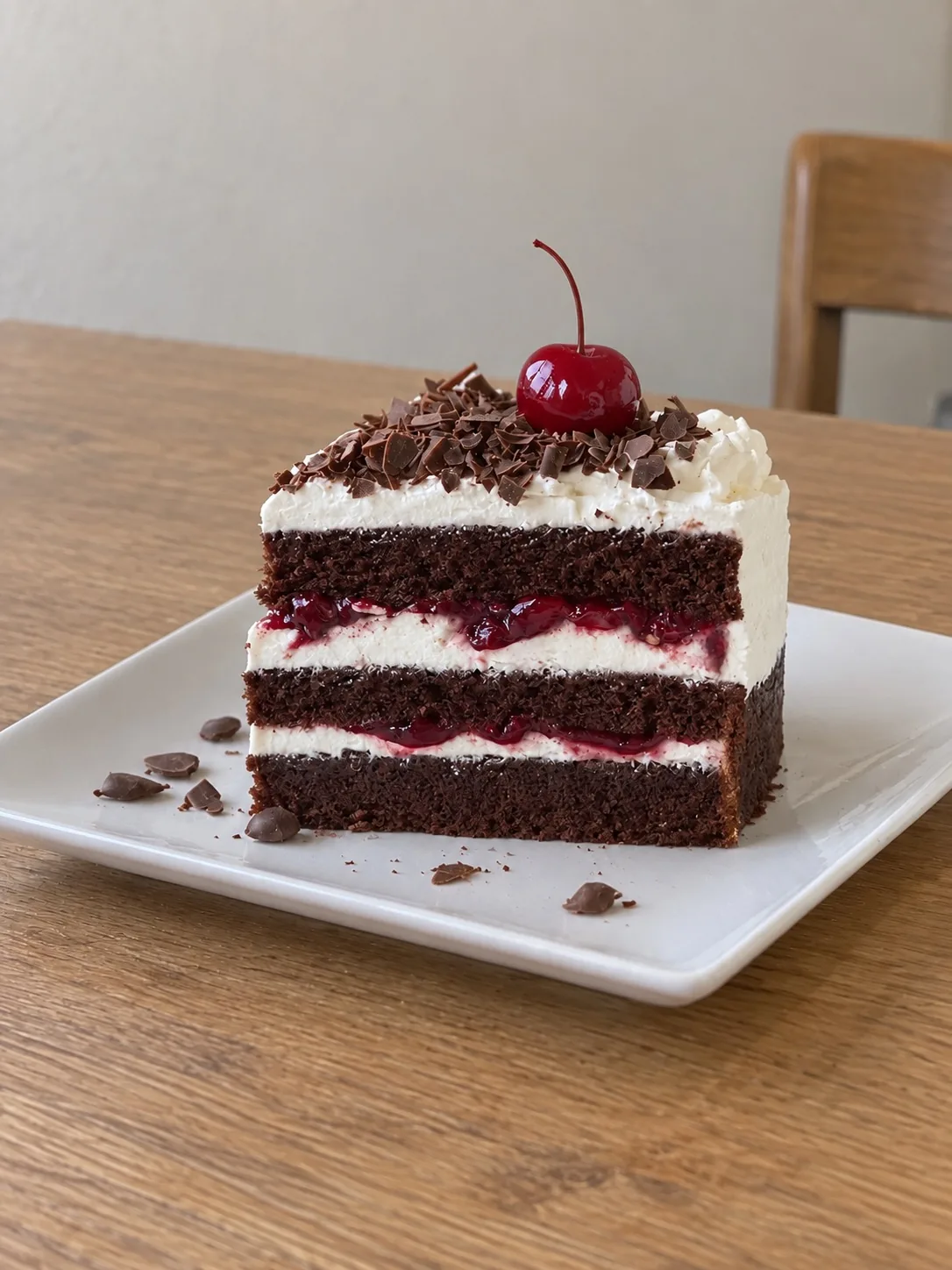
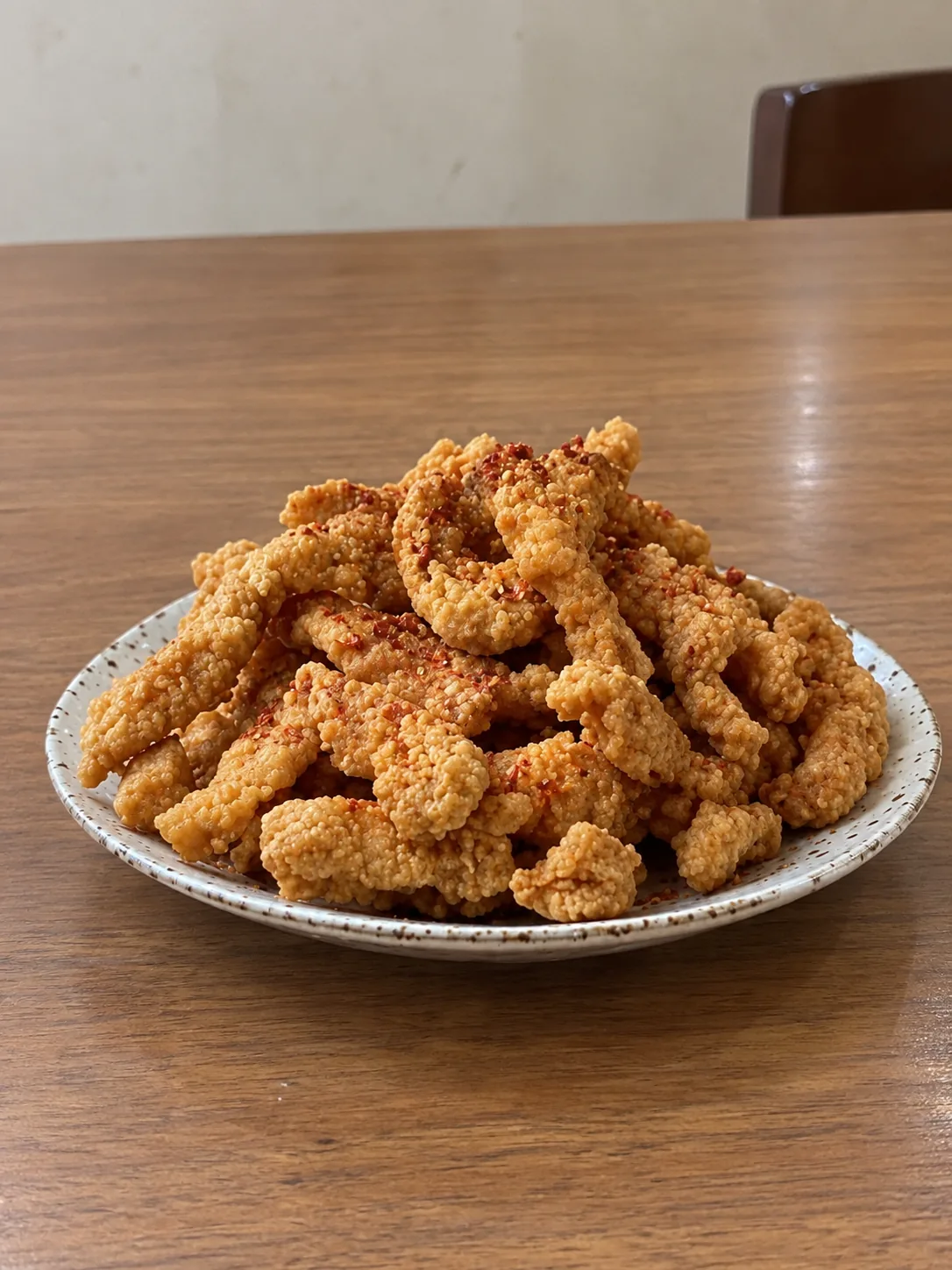
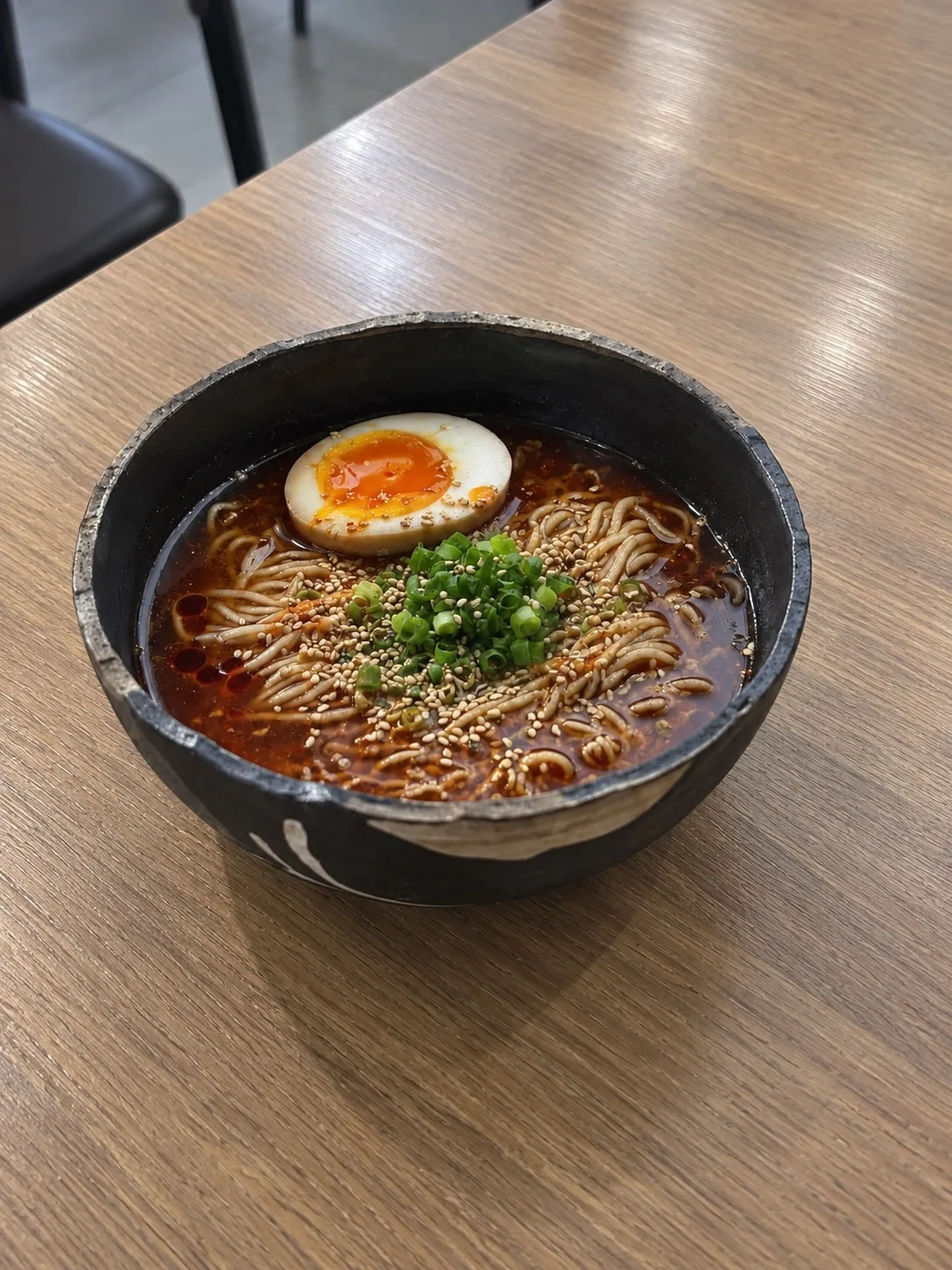
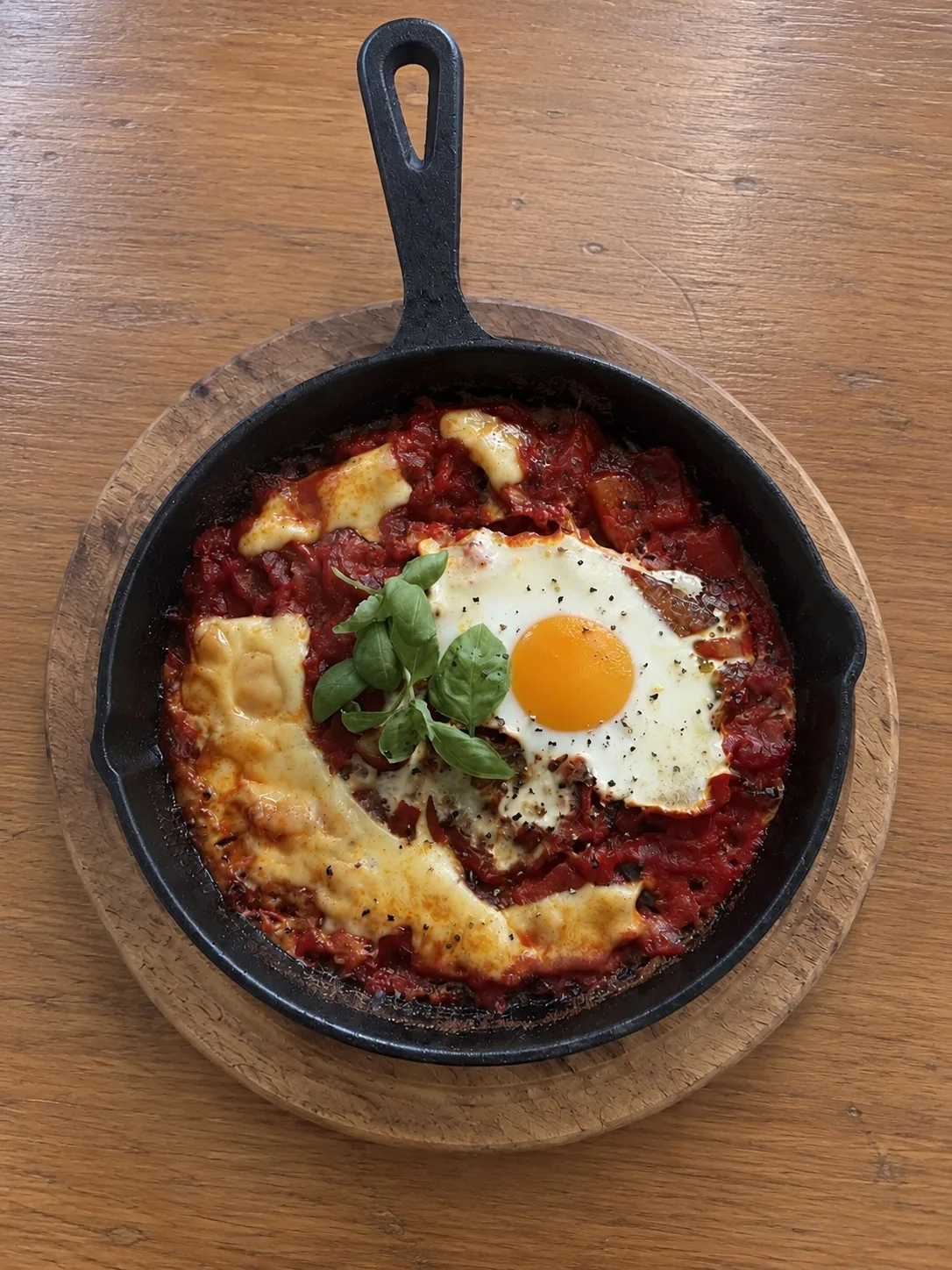
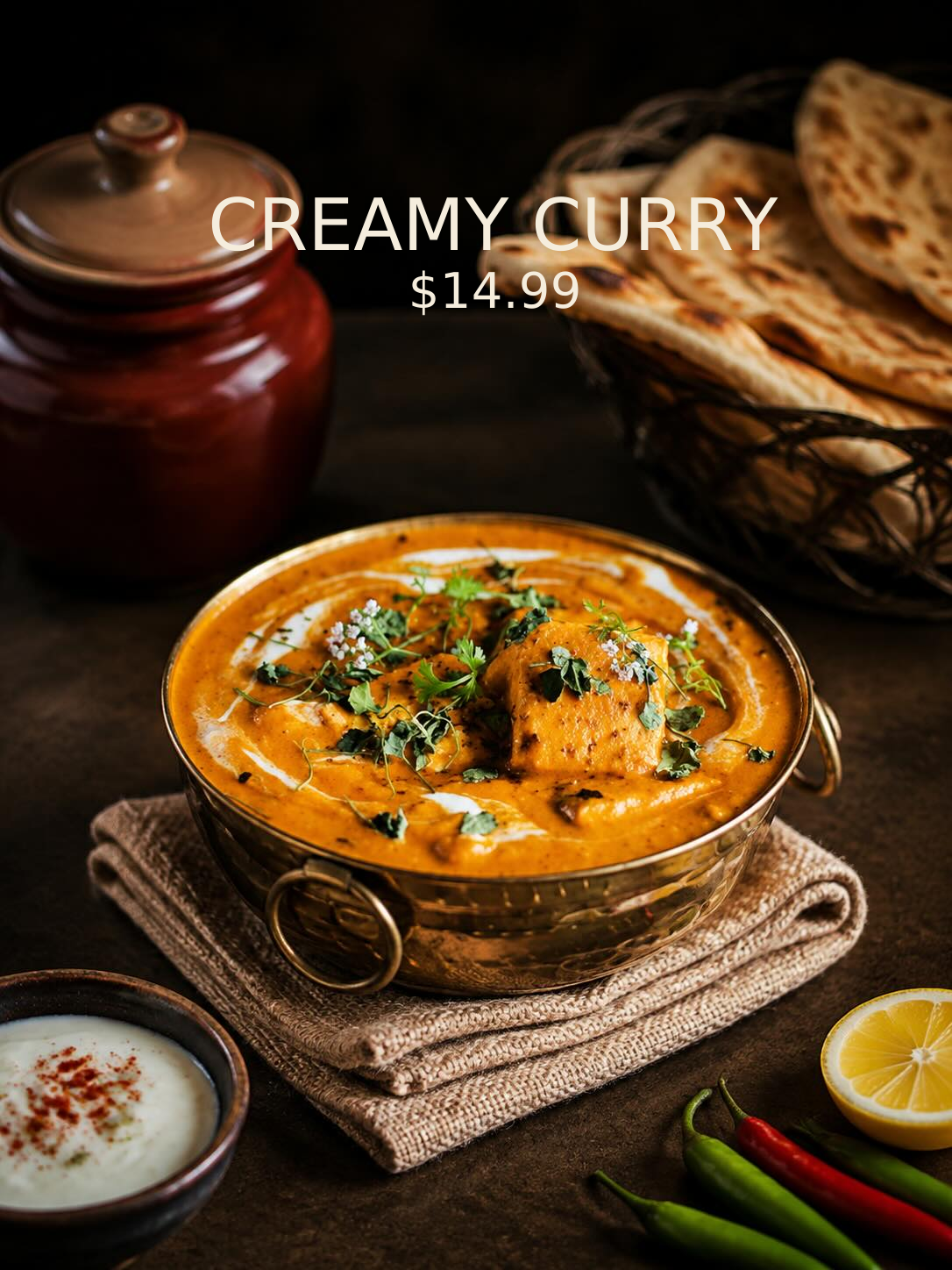
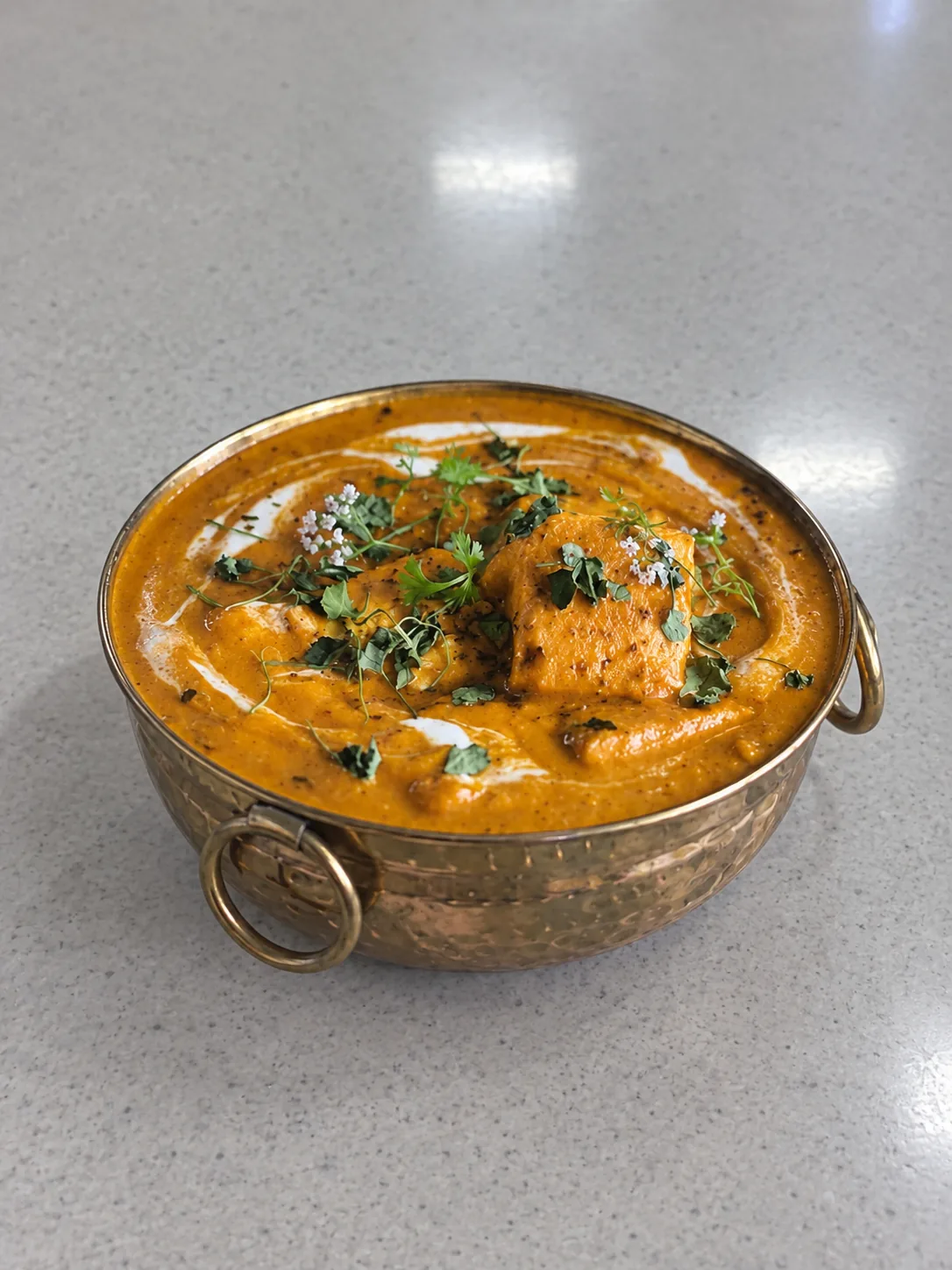
Optional dish name & price.
AI-generated demo with simulated input.
Dish price shown for illustration.
CREATE MENU-READY FOOD PHOTOS
WITHOUT WRITING PROMPTS
Your next food photo starts with the one you already have.
What is Chefolio?
Chefolio is an AI food photo editor for restaurants, cafés, bakeries and food trucks. It starts with a photo of a dish you actually serve. Choose a built-in style without writing prompts, then create an image for menus, delivery listings or social media. You can add a dish name and price and export in 1080p, 2K or 4K. Chefolio does not create complete restaurant menu layouts. Review every AI result before publishing to make sure it accurately represents your food.
- 01
Sign in and upload your food photo
Sign up or sign in with Google or Apple. Start with a photo of a dish you actually serve. A photo taken on your phone is all you need.
- 02
Choose a built-in style
Select a visual setting that suits your food and your brand. No prompt writing required.
- 03
Generate and export
Review the result, add a dish name and price if needed, and export your image for its intended use.
YOUR DISH COMES FIRST
Chefolio is designed to preserve your dish’s ingredients, portions, colors and textures while changing the surrounding visual setting.
AI results can vary. Check every image against the dish you serve before publishing.
Why should menu photos show the food you actually serve?
Menu photos help customers know what they're ordering. DoorDash's menu photo guidelines state: Images must reflect the actual item served, not an idealized or generic version.
Chefolio starts with a photo of your own dish. It's designed to preserve the ingredients, portions, colors and textures while changing the scene around your food. AI results can vary, so compare the finished image with the dish you serve before publishing. Check the platform's current photo requirements before uploading.
One kitchen. Plenty of places to shine.
FOOD PHOTOS FOR MENUS,
DELIVERY LISTINGS
AND SOCIAL MEDIA
Dish name & price
Add a dish name and price directly to the finished image if needed.
High-resolution outputs
Choose 1080p (5 credits), 2K (7 credits) or 4K (10 credits). All plans support these resolutions. You only need enough credits for your chosen output.
Menus, delivery & social
Create images for your menu, delivery listings and social posts. Check each platform’s image requirements before uploading.
PLANS AND CREDITS
Monthly subscription
$9.99/ month
From 250 credits per month
Unused monthly credits roll over and never expire.
One-time credit pack
$4.99/ pack
From 100 credits
One-time credit packs start at $4.99 for 100 credits.
Choose your resolution.
All resolutions available on every plan.
No additional generation fees.
- 1080p
- 5 credits / image
- 2K
- 7 credits / image
- 4K
- 10 credits / image
YOUR FIRST 50 CREDITS.
Shared across Web and App. No expiry. No credit card required.
All prices in USD. Subscriptions and credit packs shown at starting prices.
A FEW THINGS
YOU MIGHT ASK.
What does Chefolio cost?
Subscriptions start at US$9.99 a month for 250 credits. One-time credit packs start at US$4.99 for 100 credits. You can try Chefolio with 50 credits shared between the website and app. Trial credits never expire, and you don't need a credit card.
Do I need to write prompts?
No. Upload your photo and choose a built-in visual style.
Will Chefolio change how my food looks?
Chefolio is designed to keep your dish's ingredients, portion, color, texture and garnish while changing the scene around it. AI results can vary, so check each image against the dish you serve before publishing.
Does Chefolio create a complete restaurant menu?
No. Chefolio edits dish photos and lets you add text and prices to the finished image if you want. It doesn't create a complete restaurant menu layout.
Can I use the images commercially?
Yes. You can use images you create with Chefolio commercially, such as on menus, delivery listings and social media.
How are my uploaded photos handled?
We keep your original uploaded photos on our servers so you can use them to generate more images later.
MAKE YOUR NEXT FOOD PHOTO
MENU-READY
Start with a photo of your own dish. Choose a style, review the result, and create an image for your next menu or post.