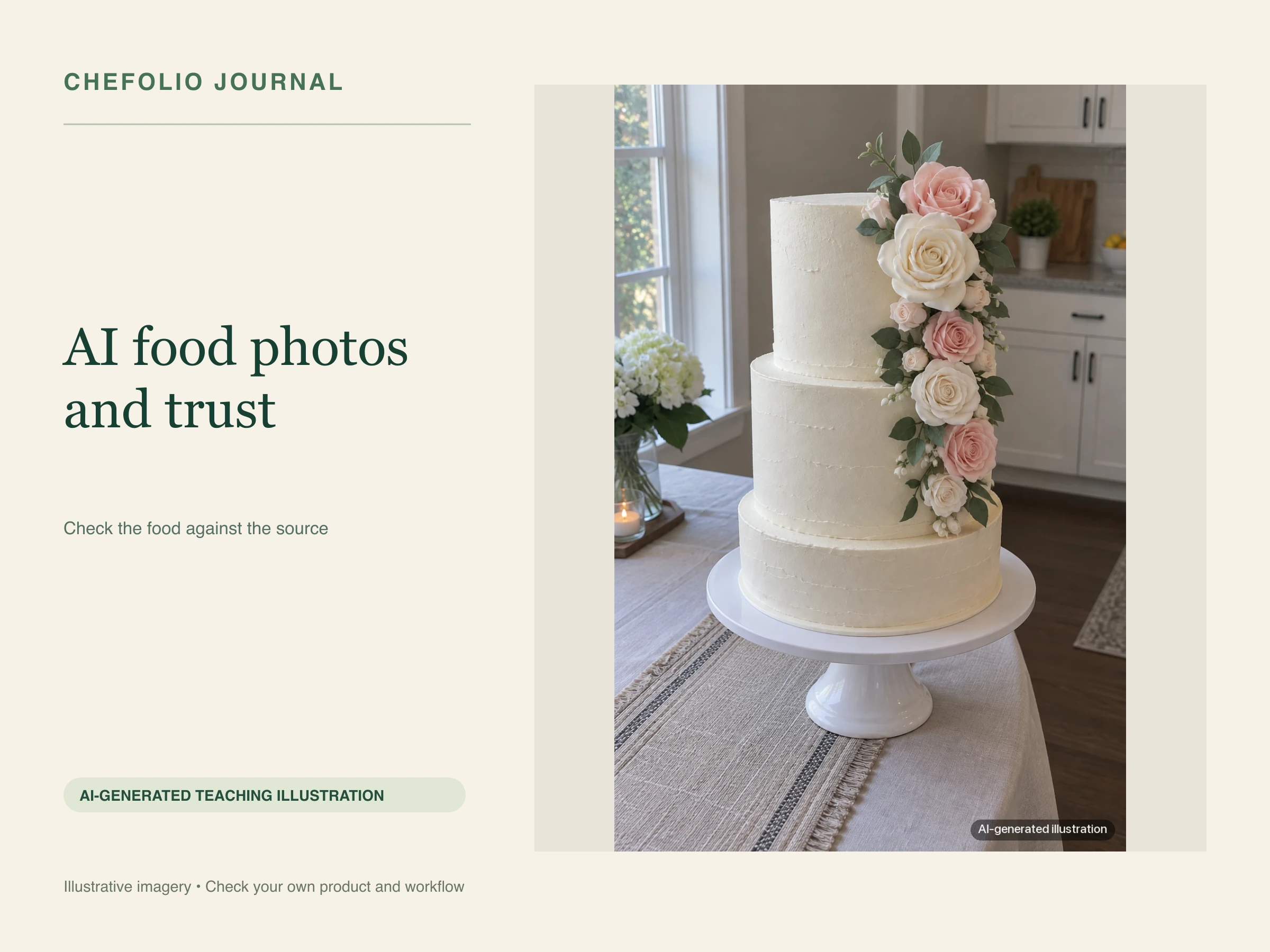
A note from Chefolio: we make an app that edits food photos. Chefolio is designed to change lighting and backgrounds, but an AI edit can also change the food. We label our edits and check them against the source.
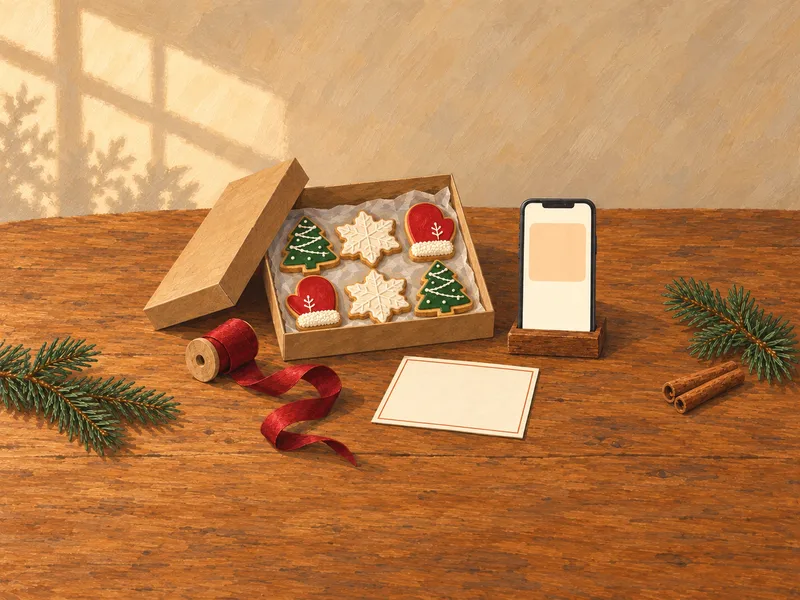
Teaching example edition: the process picture is an AI-generated illustration of what to photograph. The Library comparison uses actual Chefolio screenshots. Neither is a baker's portfolio or a guarantee that AI preserves every food detail.
Bakers run into two different kinds of AI image: a customer may send a generated cake as inspiration, or a photo-editing tool may restyle a cake the baker actually made. Those images make different promises, so it helps to name the difference before using either one.
Your portfolio is a promise
A customer uses your portfolio to judge what you can make. Ask a practical question before adding a photo: could I make this again, for this order, with the agreed size, design and price?
A real photo of your cake, with a modest brightness or white-balance correction, can answer that question. A generated cake cannot demonstrate your own work. An edited photo also stops being reliable if it smooths piping, changes icing colors or adds decorations that your customer will not receive.
Generated, edited and altered
Kind of image | What it shows | How to use it |
|---|---|---|
Basic photo adjustment | Your photograph after crop, brightness or color correction | Check that the colors still match the bake |
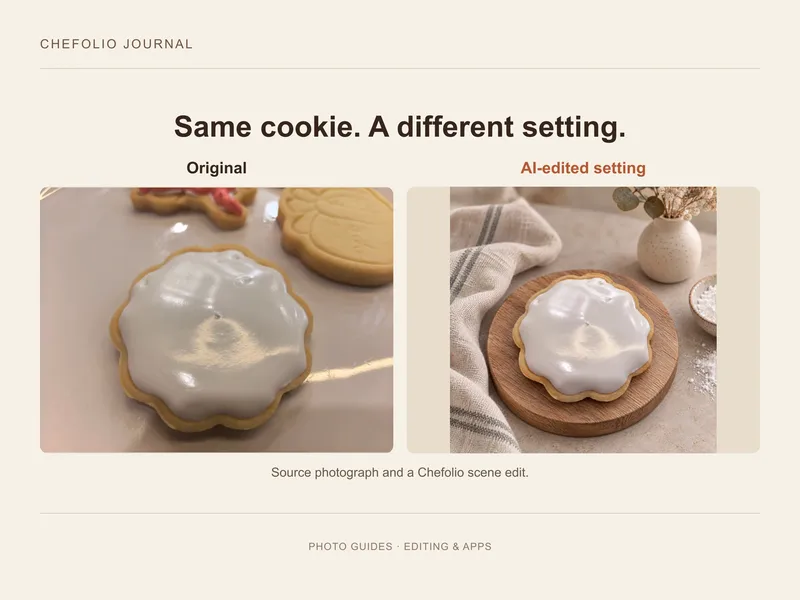
AI-edited setting | A photo used as input for a rebuilt background or lighting | Compare every food detail; disclose the scene edit if it passes |
AI-altered bake | A result with changed icing, decoration, size or count | Choose another image for product advertising |
AI-generated bake | An imagined cake or cookie | Label as a concept; do not present it as your work |
The important distinction is what the customer is buying. A disclosure explains an edited background; it does not make an invented decoration part of the order.
Compare the result with the source
Keep the original where you can find it. Inspect the full-size result, then look back at the source. Check the outlines, colors, piping, toppings, number of tiers and number of items. Check the background too: a scene rebuild can introduce extra food that suggests a larger set.
The actual Library captures below show how to return to the source while reviewing a saved result. The source view contains a full cookie tray and the AI result has a single-cookie composition. They are different framings, so the whole tray cannot be described as unchanged.
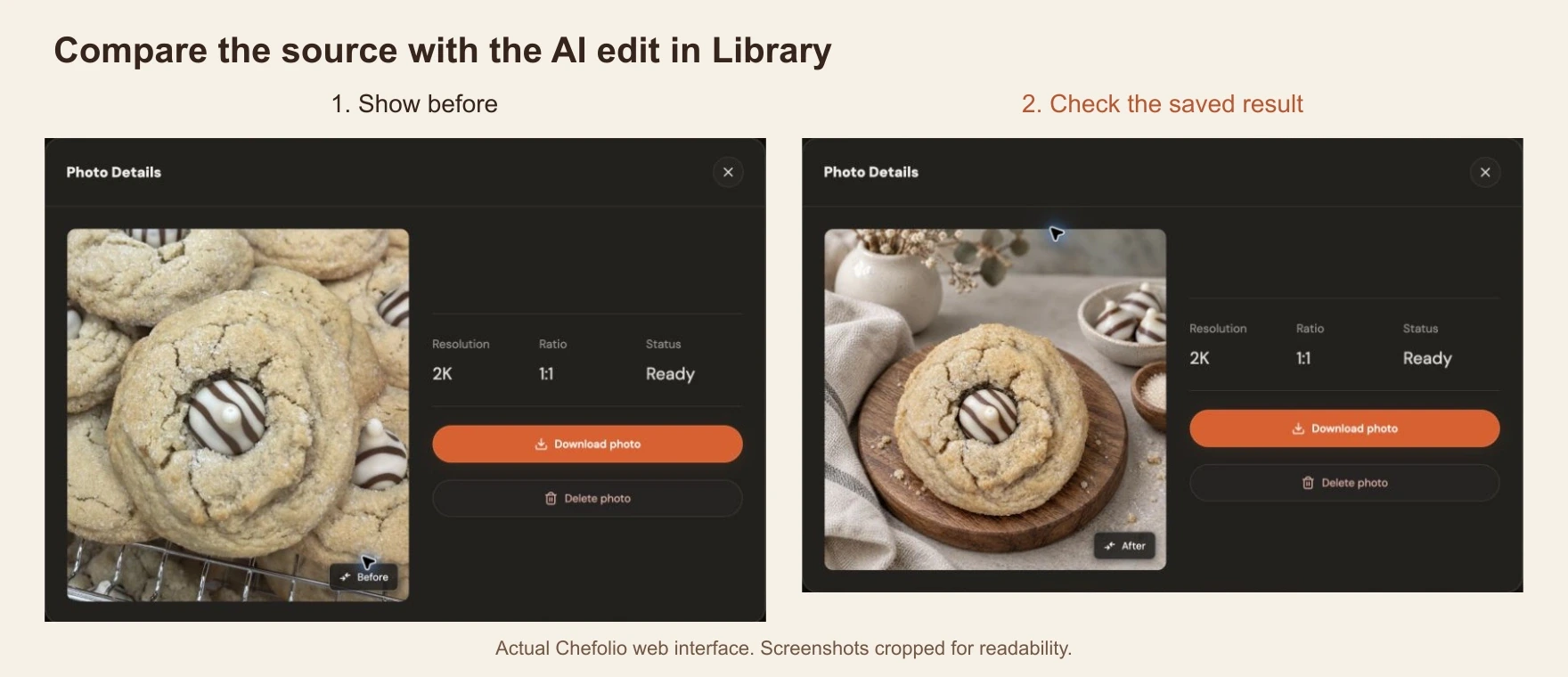
If the bake changed, use the original or request another version. Do not let the better background distract you from a changed product.
Show your actual process
Process photos can help explain your work: a crumb coat, stacking layers or piping before a design is finished. Capture those moments while making the order, then pair them with the finished cake. They provide context that a polished final photo alone cannot give.
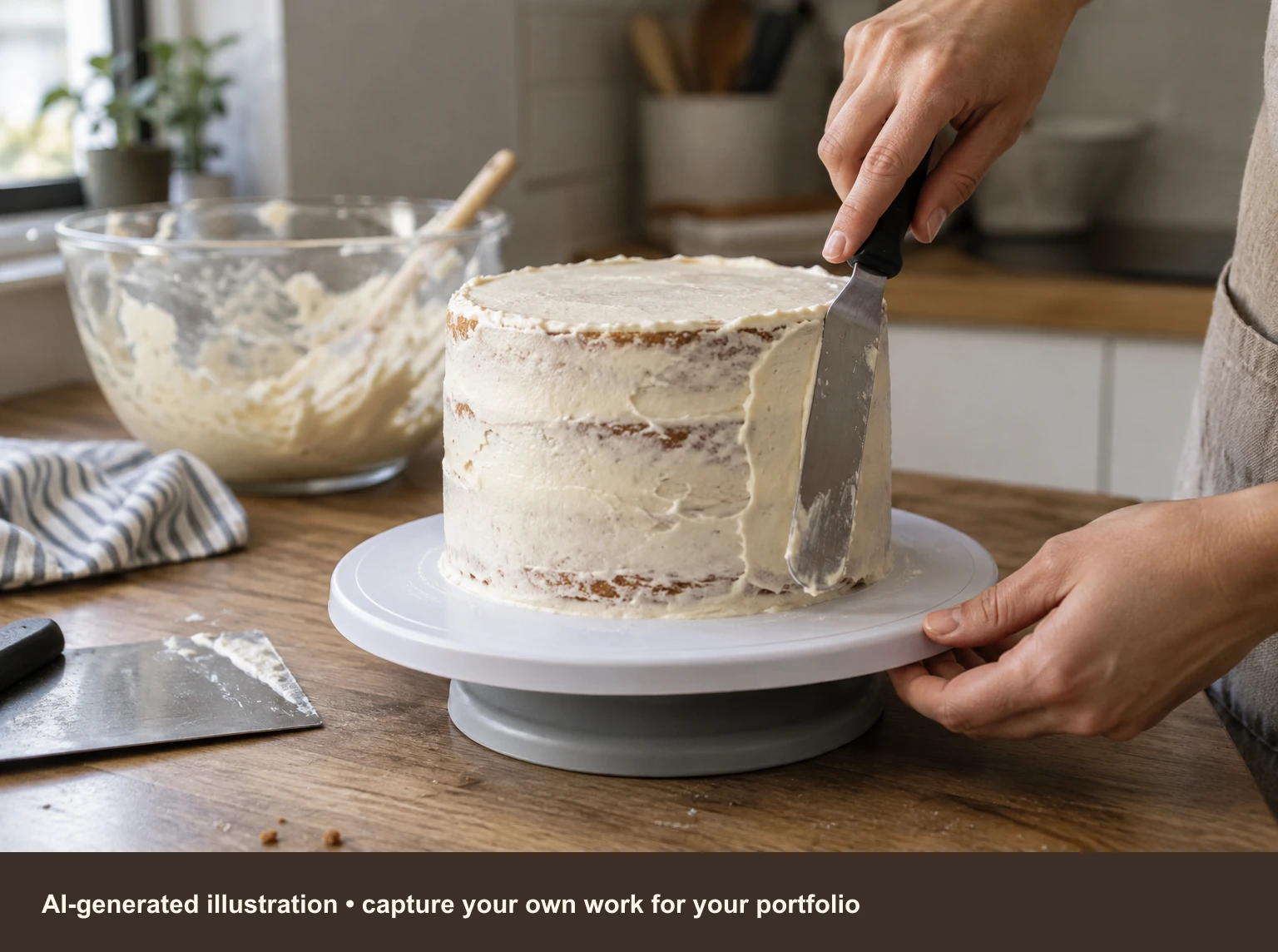
The illustration above is useful for explaining a shot. It cannot vouch for a real cake, demonstrate your skill or document an order. For those jobs, take your own photograph and retain its original file.
What a short note can say
If the food still matches your bake and only the setting changed, a note such as "Background digitally edited" describes the edit. Use "cake as baked" only after you have checked that claim. Our disclosure guide includes caption and alt-text examples.
For a generated concept, say "AI-generated design inspiration." Keep it apart from the portfolio a customer uses to order. If someone sends a design you cannot make, identify the colors or details you can use and propose a realistic version. We have reply scripts for AI cake pictures.
Where Chefolio fits
Chefolio starts from a photo you supply and can rebuild its setting. That makes it an editing workflow, but the output still needs review: AI can alter the food as well as the scene. Don't automatically put every output in the "same bake" row of the table.
Bring a photo of something you made, keep the original, and decide whether the result accurately represents it before posting:

No comments yet