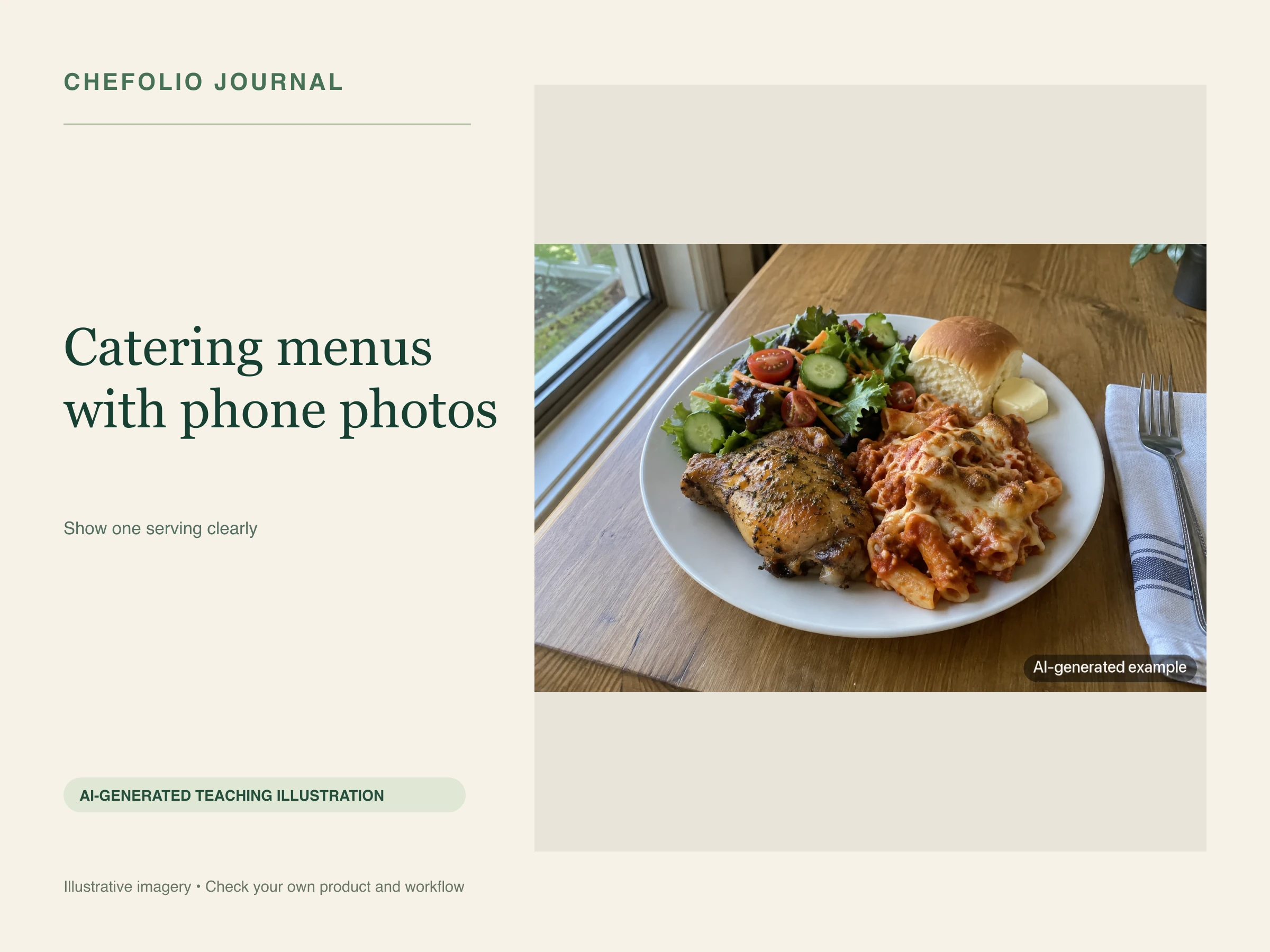
A note from Chefolio: we make an app that edits food photos. Chefolio is designed to change lighting and backgrounds, but an AI edit can also change the food. We label our edits and check them against the source.
Teaching example edition: sample layouts use labelled AI imagery or explicitly labelled AI edits. Example prices, dates and offer details are fictional; they are not offers from a food business.
Caterers have a photo problem restaurants don't. Your best food leaves the building. It gets plated in a hotel kitchen or set out on a buffet line in a church hall, and by the time anyone could photograph it, you're refilling chafing dishes and watching the clock.
Then someone planning a wedding for 150 people asks what your food looks like, and the best you can send is a blurry tray from 2019.
Do you need a photographer?
A professional shoot can be useful for a signature spread, a wedding portfolio or printed materials you plan to use for years. Ask for a quote and decide whether those uses justify the cost for your business.
For the everyday photos, no. Package menus, weekly specials, holiday menus, and Facebook posts need to be clear and current much more than they need to be beautiful. A phone and a routine will get you there, and they'll keep getting you there long after the professional photos are two years out of date.
A repeatable phone setup also means you can reshoot whenever the weekly menu changes.
Four moments when the food already looks its best
You don't need a separate shoot day. You need to catch the food at moments when it's already plated well.
Tastings. You're plating carefully for a couple who's deciding whether to book you. Before each plate goes out, take two minutes and photograph it by a window. These can be some of the best photos you'll get, and they're easy to skip.
Prep day. Trays look their best right after they're assembled, before the lids go on and the van ride happens. If your kitchen has a window, carry one finished tray of each item over to it and take a few shots from above and at a slight angle.
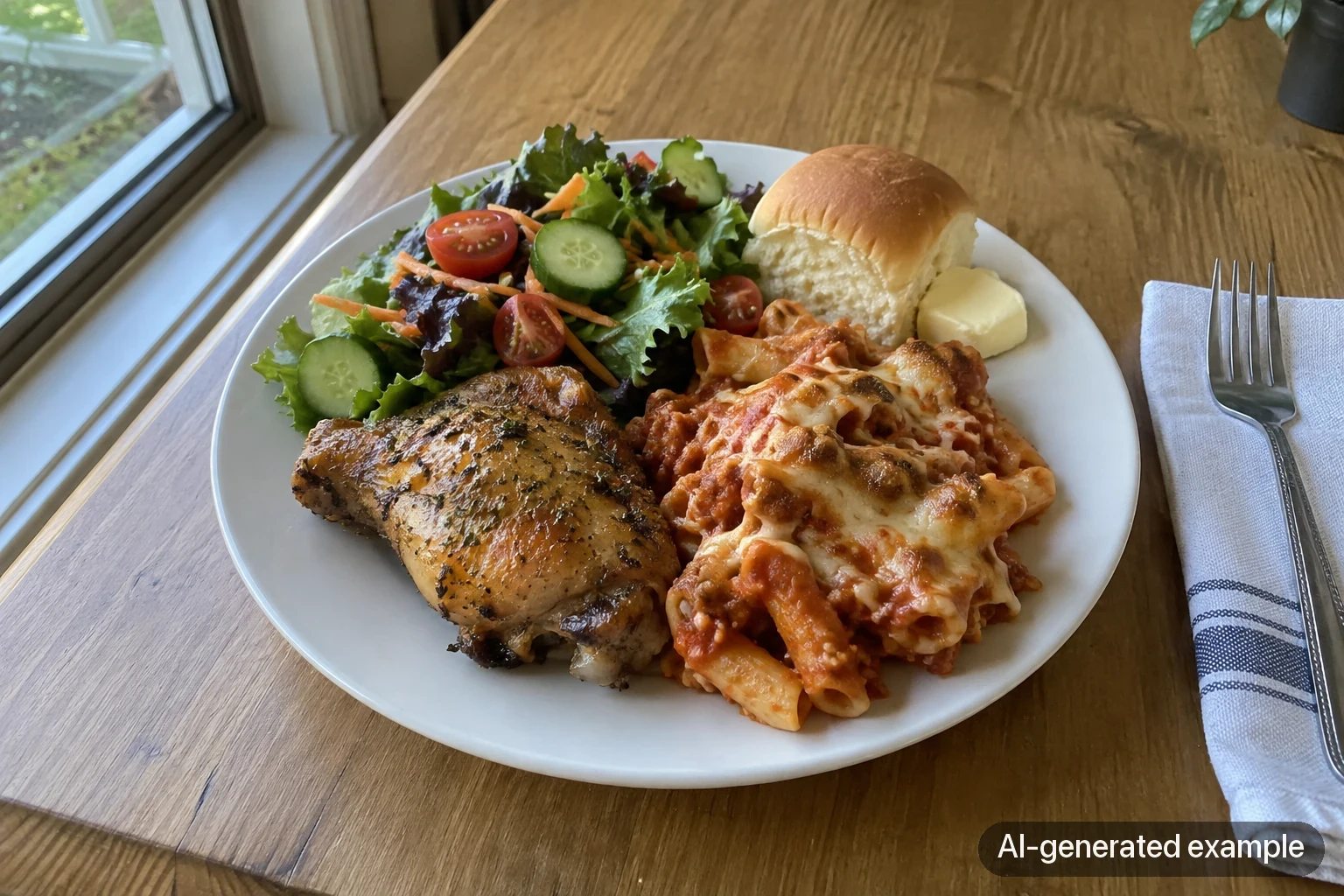
The one-plate shoot. For each item on a package menu, plate a single portion the way a guest would get it. This answers the question clients care about most: how much food does each person get?
The event, with permission. If you want photos of a setup at a venue, take them before guests arrive, and ask the planner or client first. Leave people's faces out unless they've agreed, and check whether the venue has its own rules about photos.
What a catering client wants to see
Restaurant diners want to see the dish. Catering clients are picturing a whole event, and they have practical questions. Good photos answer them:
- A plate as served, so they can judge the portion per guest
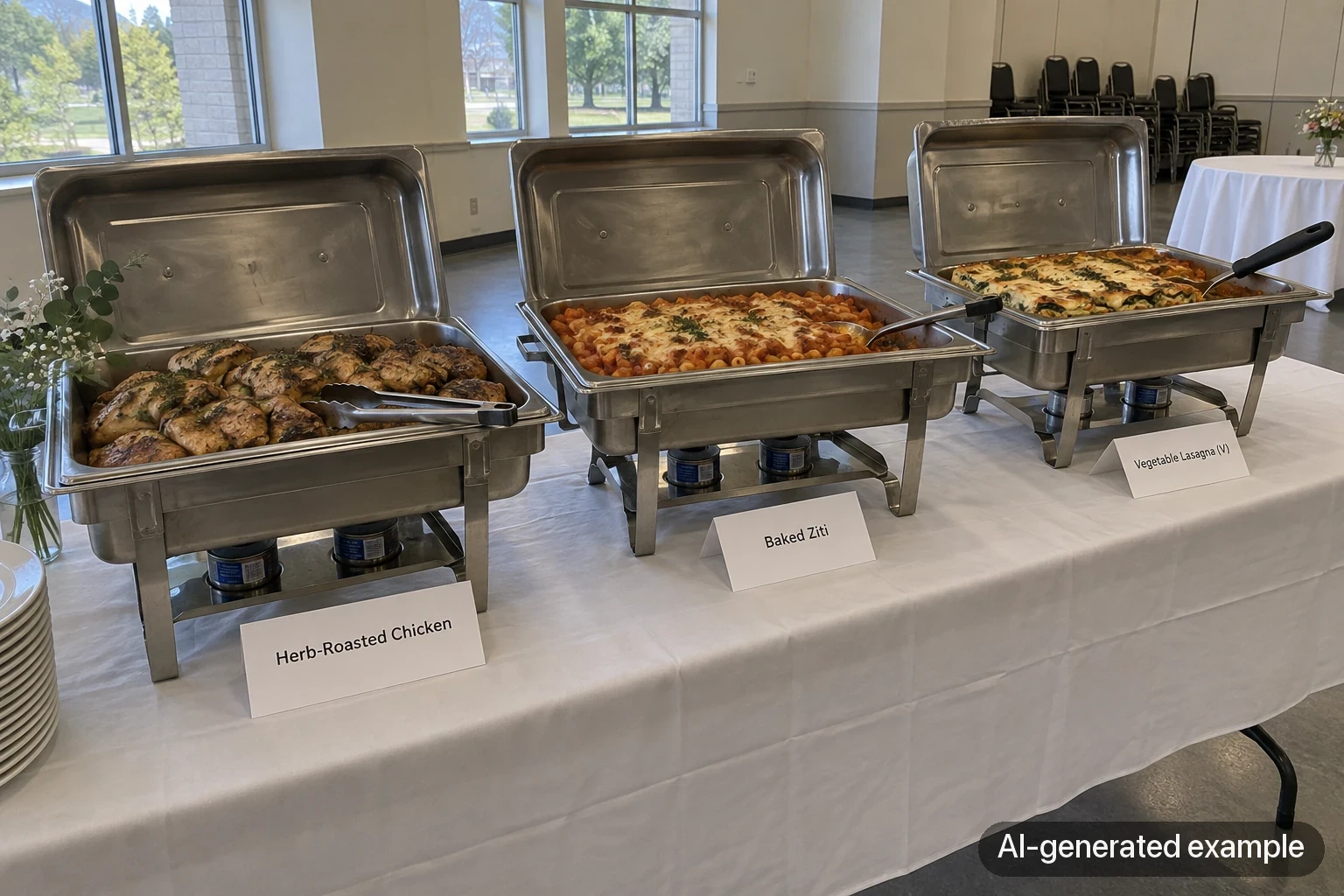
- The buffet or station setup, so they can picture it in their room
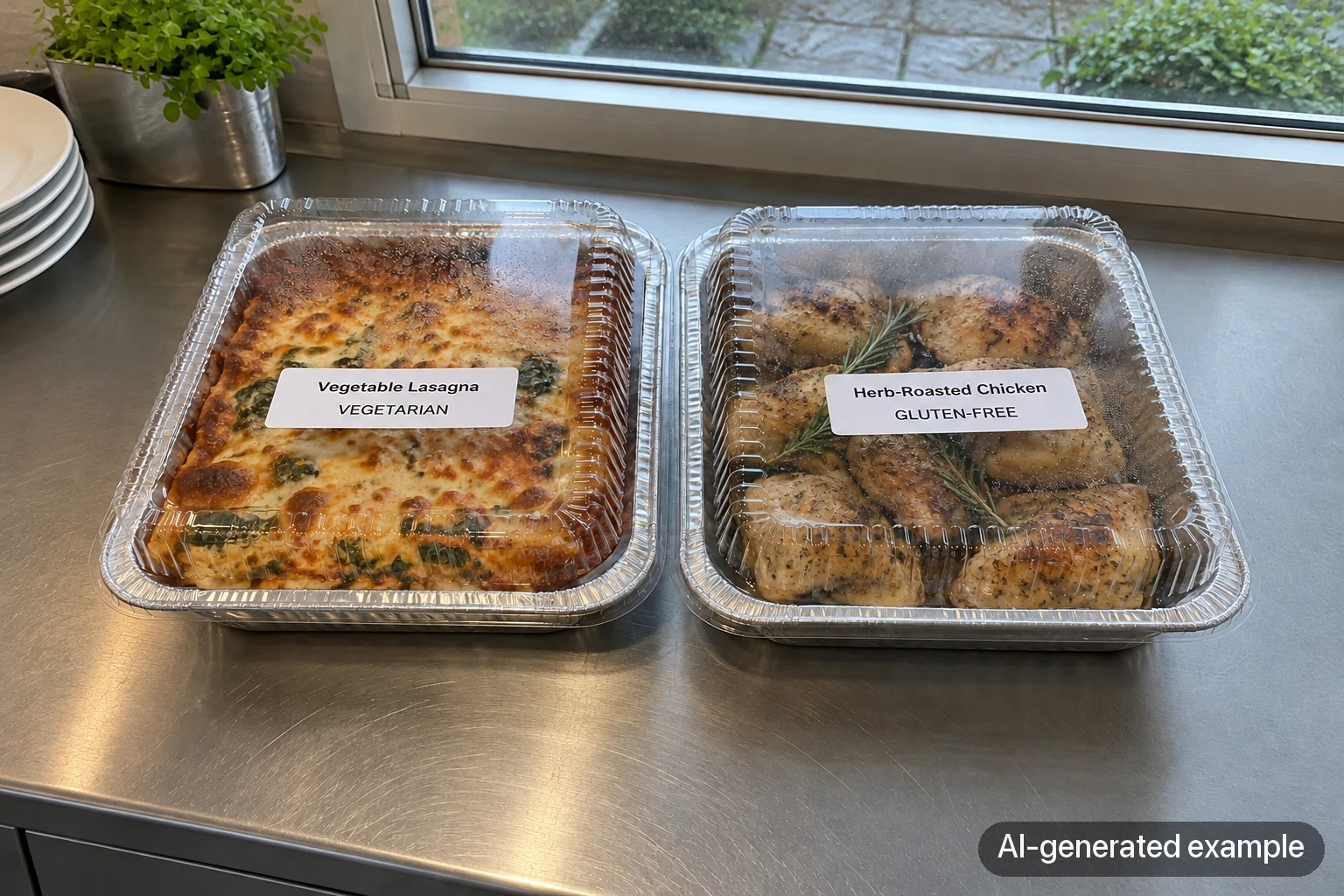
- The drop-off packaging, if you do drop-off catering
- Clear labels on the vegetarian, vegan, and gluten-free options
The packaging one surprises people. It's tempting to only ever show food on nice platters. But if the food arrives in foil pans with lids, a client who saw foil pans in your photos won't be disappointed when you pull up.
Turning photos into a package menu
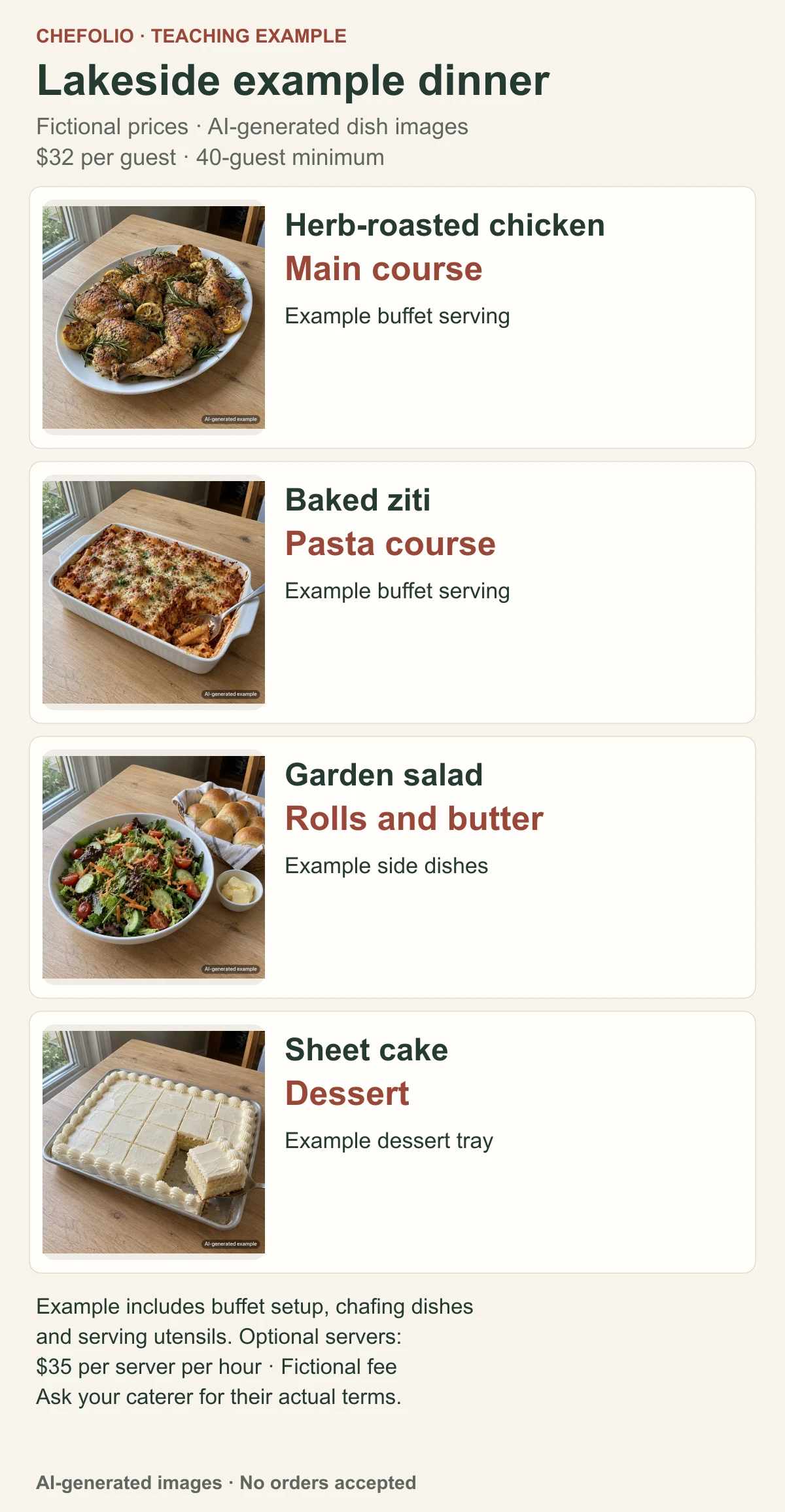
A package menu that reads well on a phone looks something like this (the prices are only an example):
The Lakeside Dinner · $32 per guest · 40 guest minimum

[photo]  Herb-roasted chicken
[photo]  Baked ziti or vegetable lasagna
[photo]  Garden salad, dinner rolls, butter
[photo]  Sheet cake or cookie tray

Includes buffet setup, chafing dishes, and serving utensils.
Servers available at $35 per server per hour.
Put the per-guest price and the minimum at the top. Those are the first two numbers every planner looks for.
Nightly specials in two minutes
Plenty of caterers also run a small dining room, a weekday lunch counter, or a Friday fish fry. When the special changes every night, the photo routine has to be quick or it won't happen at all.
Here's one that holds up. Plate the special once, at the start of service, exactly the way a customer will get it. Carry it to the same spot every night, by a window or under the brightest light at the pass. Shoot it from the same angle, on the same kind of plate. Add the name and the price, and post it before the dinner rush.
Doing it the same way every night pays off twice. The routine becomes automatic, and your page starts to look like a menu instead of a scrapbook.
Post where your regulars already look. For a lot of small-town caterers and family restaurants, that's Facebook more than Instagram.
Only show food you make
Clients use menu photos to decide what to book, so use your own product and setup photographs in an actual offer. The AI illustrations in this article teach framing and layout; they do not show food made by a caterer. For delivery listings, check your platform's current photo instructions before uploading.
Where Chefolio fits
You can try Chefolio on a phone photograph for a special or package menu. Upload it, choose a suitable setting and compare the output with the source. Add the verified dish name, price and package terms in your layout tool. For printed material, ask the printer for the file size they need.
Check each result against the original before you post it: the portion and garnish should match what you served. When you do post an edited photo, a note such as "Background digitally edited" describes a scene edit when the food has passed that check.
You can try it on tonight's special:

No comments yet