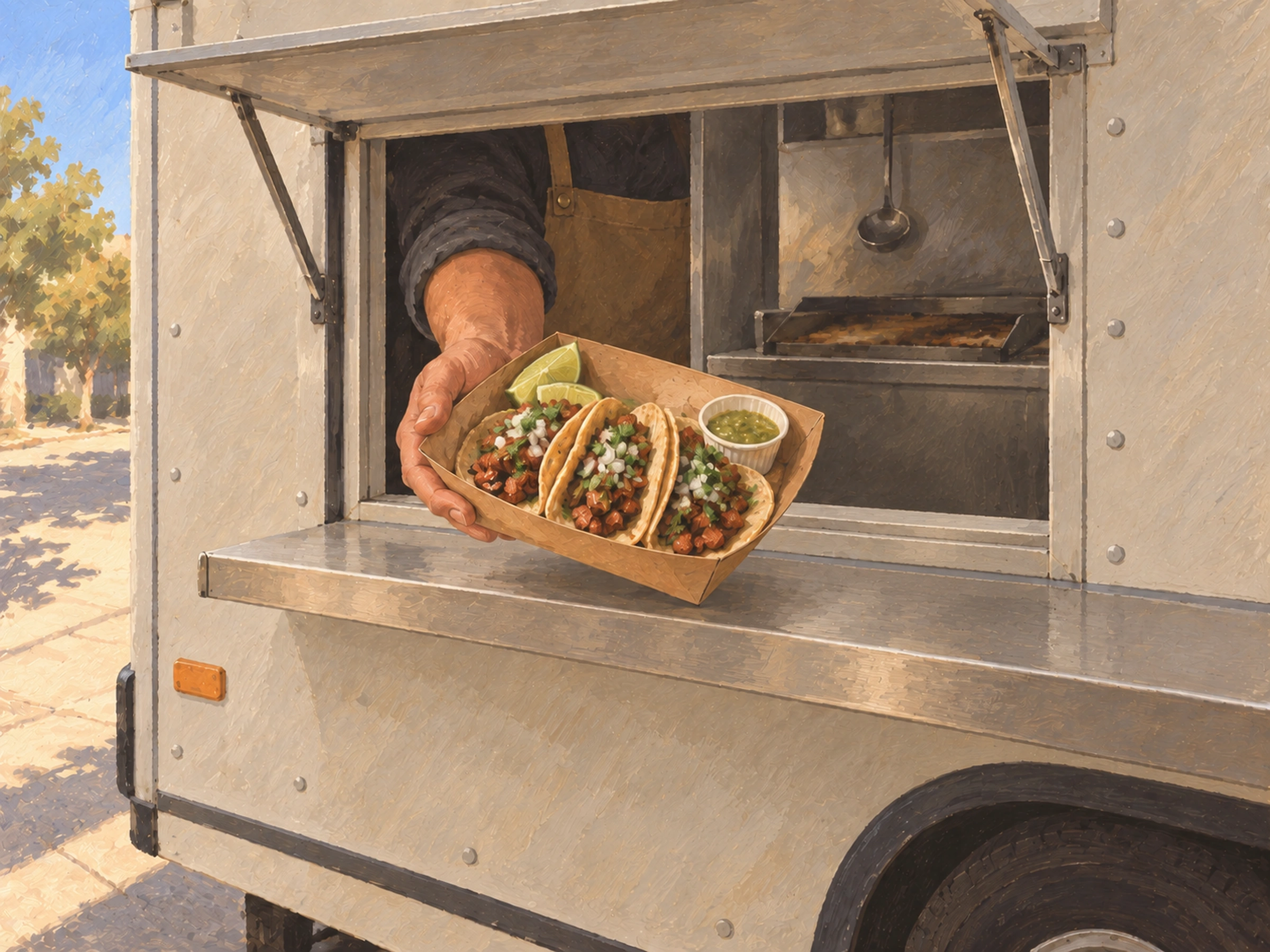
A note from Chefolio: we make an app that edits food photos. Chefolio is designed to change lighting and backgrounds, but an AI edit can also change the food. We label our edits and check them against the source.
Teaching example edition: sample layouts use labelled AI imagery or explicitly labelled AI edits. Example prices, dates and offer details are fictional; they are not offers from a food business.
Search for food truck menu advice and most of what comes back is written for people who haven't opened yet: lists of profitable concepts, what to sell, how to price a brisket sandwich you've never smoked. That's useful if you're still planning. This one is for trucks that are already serving.
Once you're open, you need photos for four jobs. There's the daily special post. There's the menu board, printed or on a screen. There are delivery listings, if you're on DoorDash or Uber Eats. And there are the event organizers who email asking for "a few photos of your food" before they'll book you.
One short routine covers all four.
Your service window is your studio
A truck often has better light than a restaurant dining room. You just have to use the right part of it.
Shoot in open shade: beside the truck on the side away from the sun, or at the window before the sun swings around. Direct midday sun makes hard shadows and blows out anything white, like sour cream or a bun.
Watch your awning. A red or orange awning throws its color onto everything under it, and your salsa verde can come out brown. Step out from under it.
At night, skip the photo if you can. String lights and LED strips mix colors, and phone cameras struggle with that. Take your special photo before service, while there's still daylight.
The daily special in two minutes
The special is the post people look for, so make it a habit rather than a project.
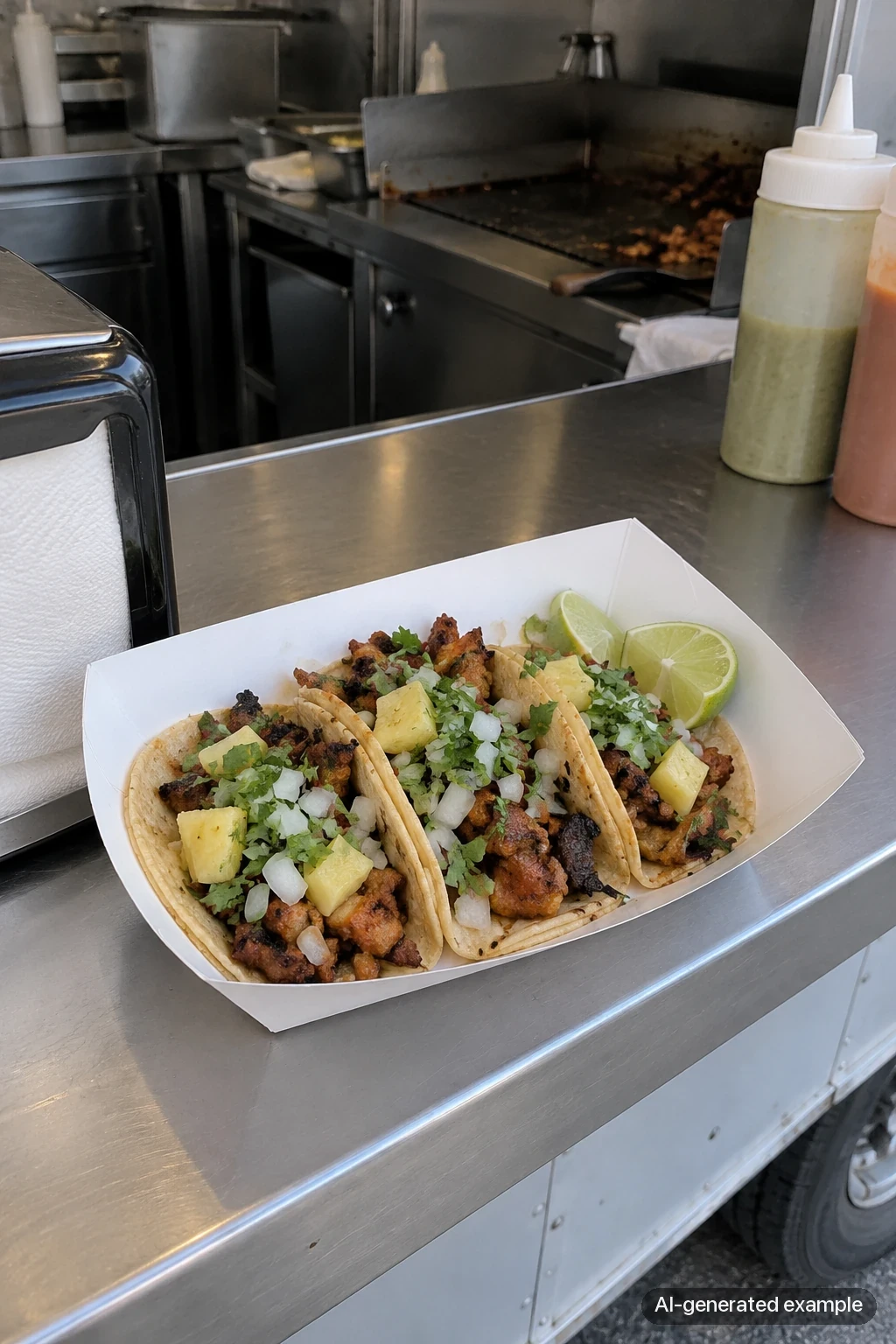
At open, before the line forms, build one special exactly the way you'll serve it: in the real paper boat, basket, or clamshell. Hold it up at the window or set it on the counter in open shade. Take three or four frames from slightly above, then pick the sharpest.
Your post should answer four questions: what the special is, what it costs, where the truck is today, and until what time. Location and hours matter more for a truck than for most food businesses. A mouthwatering photo with no location sends people to your DMs, and they'll ask instead of showing up.
Same spot, same angle, every day. Your feed ends up looking like a menu, and the routine gets faster because there's nothing to decide.
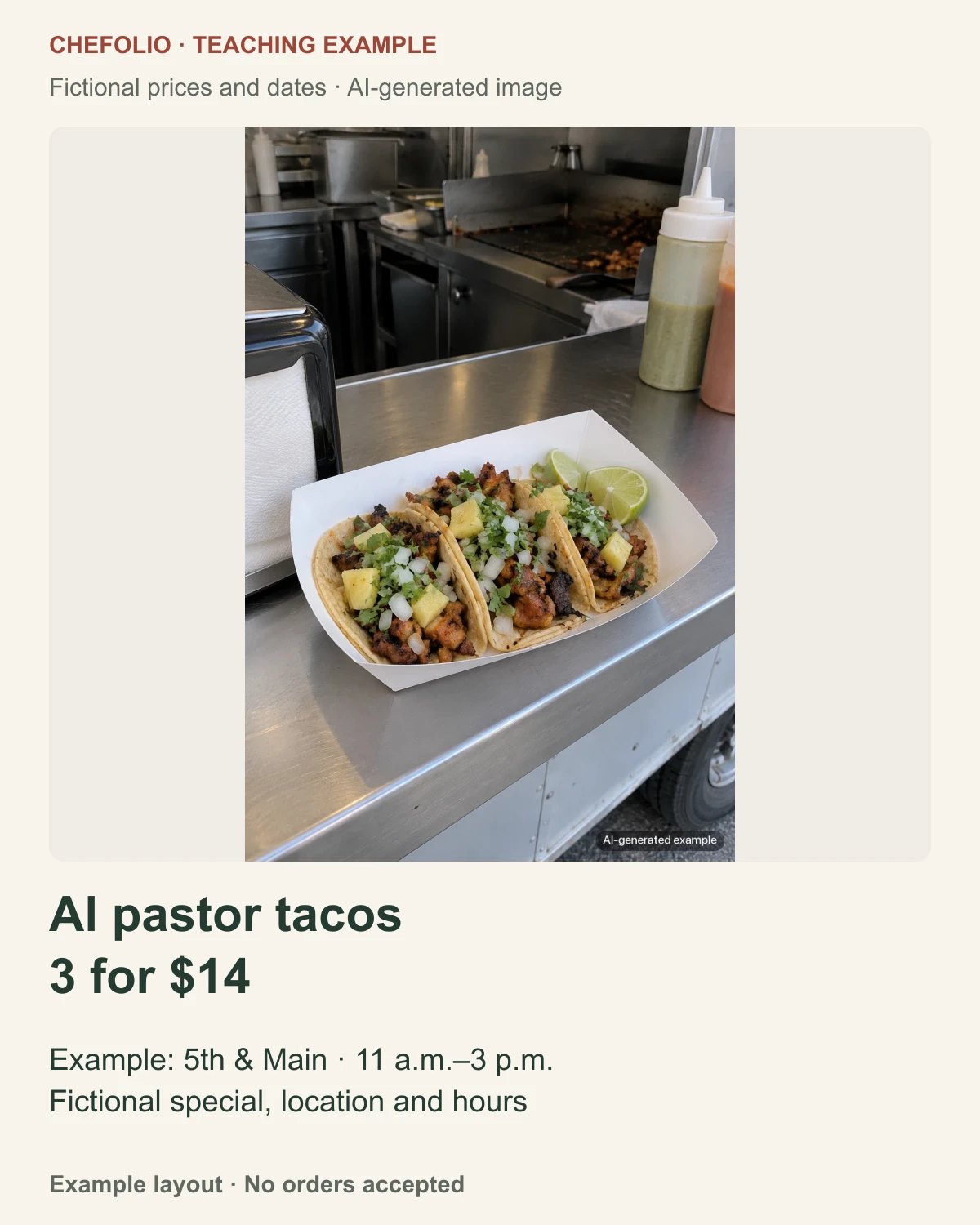
The sample card reads "Al pastor tacos · 3 for $14 · 5th & Main · 11 a.m. to 3 p.m." All four details are fictional. Replace each one with today's item, price, location and hours.
Photos for the menu board
A menu board gets read from ten feet away by people deciding quickly, usually while they stand in line. Photos help if you use a few of them well.
Pick three to five items to show with photos: your best sellers and the thing you're known for. List everything else as text. A board where every item has a small photo turns into visual noise.
Use the same background and angle for every photo on the board so they read as a set.
For print, use the biggest file you have. A board printed at 24 x 36 inches needs a large, sharp original, so shoot at full resolution and export at the highest size your editor offers. A phone photo that looks fine on Instagram can look soft when it's two feet wide.
For a digital screen, most are landscape 16:9. Frame the dish with room on the sides so it doesn't get cropped.
Delivery listings
Before uploading to a delivery listing, check the current merchant instructions for DoorDash or Uber Eats. Keep an original, text-free photograph of the actual item. Our delivery-app photo guide explains the checks to make before submission.
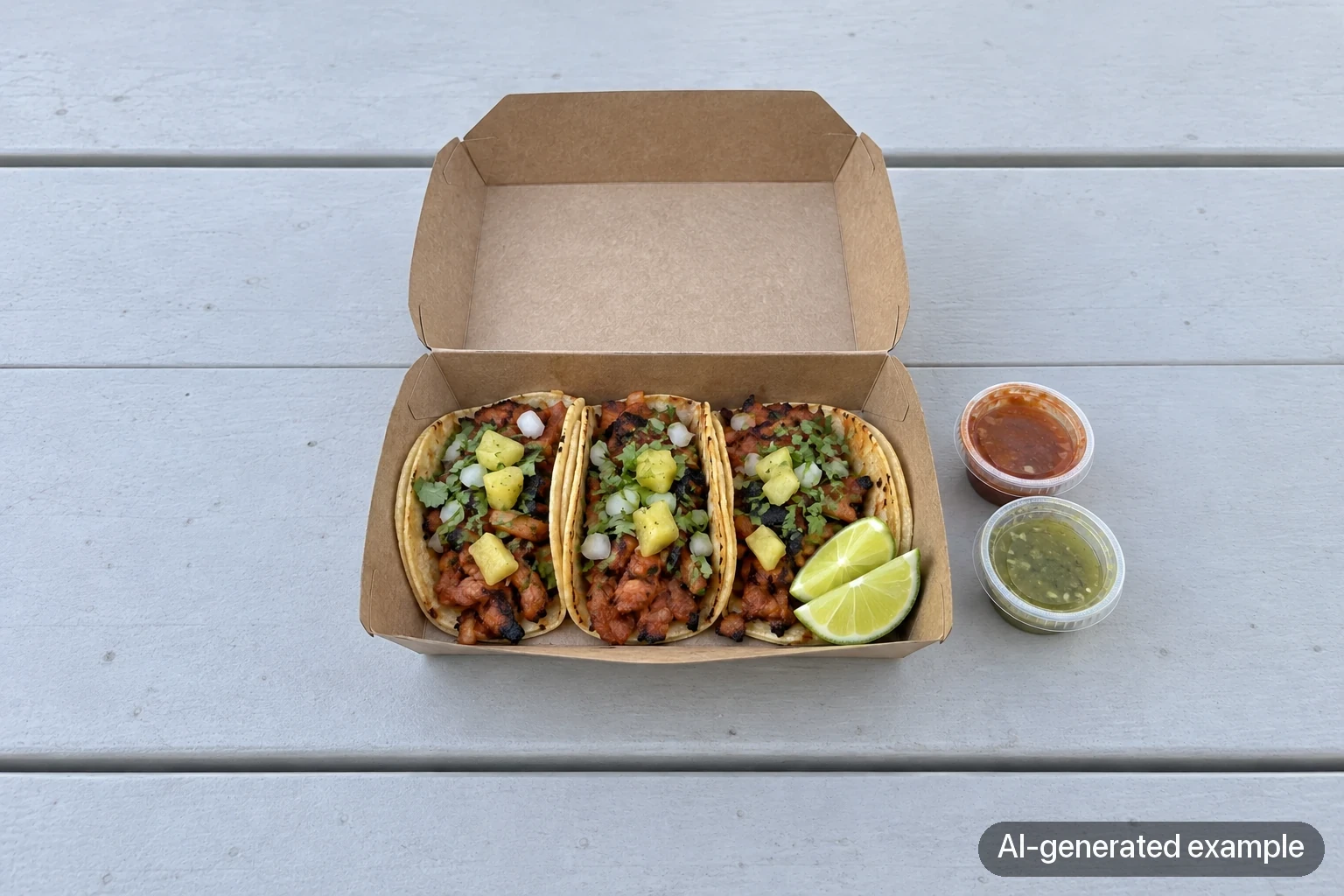
For a truck, photograph the food in the packaging it will arrive in. Nobody expects truck tacos on a porcelain plate, and a photo of the real paper boat sets the right expectation for the customer opening the bag.
Raw for the feed, clean for the menu
Behind-the-scenes clips have a different job: the flat-top sizzling, the lunch line and the hand-lettered special board show what service feels like. Use them alongside clear menu photos.
Clean photos earn their place where people decide what to order: the menu board, the delivery app, and the folder you send event organizers. Keep six to ten of your best in one album so you can send them the same day someone asks.
Where Chefolio fits
To try an edit on your own special photo, upload it to Chefolio and choose a suitable setting. Check the result first, then add the name, price, location and hours in your layout tool. Ask your printer what file dimensions the board needs, and keep a separate text-free original for delivery listings.
Check each result against the original before it goes up. If an edit moves the tacos off the paper boat and onto a plate, reject that version or use the original. The packaging is part of what your customer gets.
You can try it on today's special:

No comments yet