A note from Chefolio: we make an app that edits food photos. Chefolio is designed to change lighting and backgrounds, but an AI edit can also change the food. We label our edits and check them against the source.
Teaching examples: AI-generated setups and comparisons below illustrate the ideas. They are not records of physical photography tests, and their food details may differ between panels.
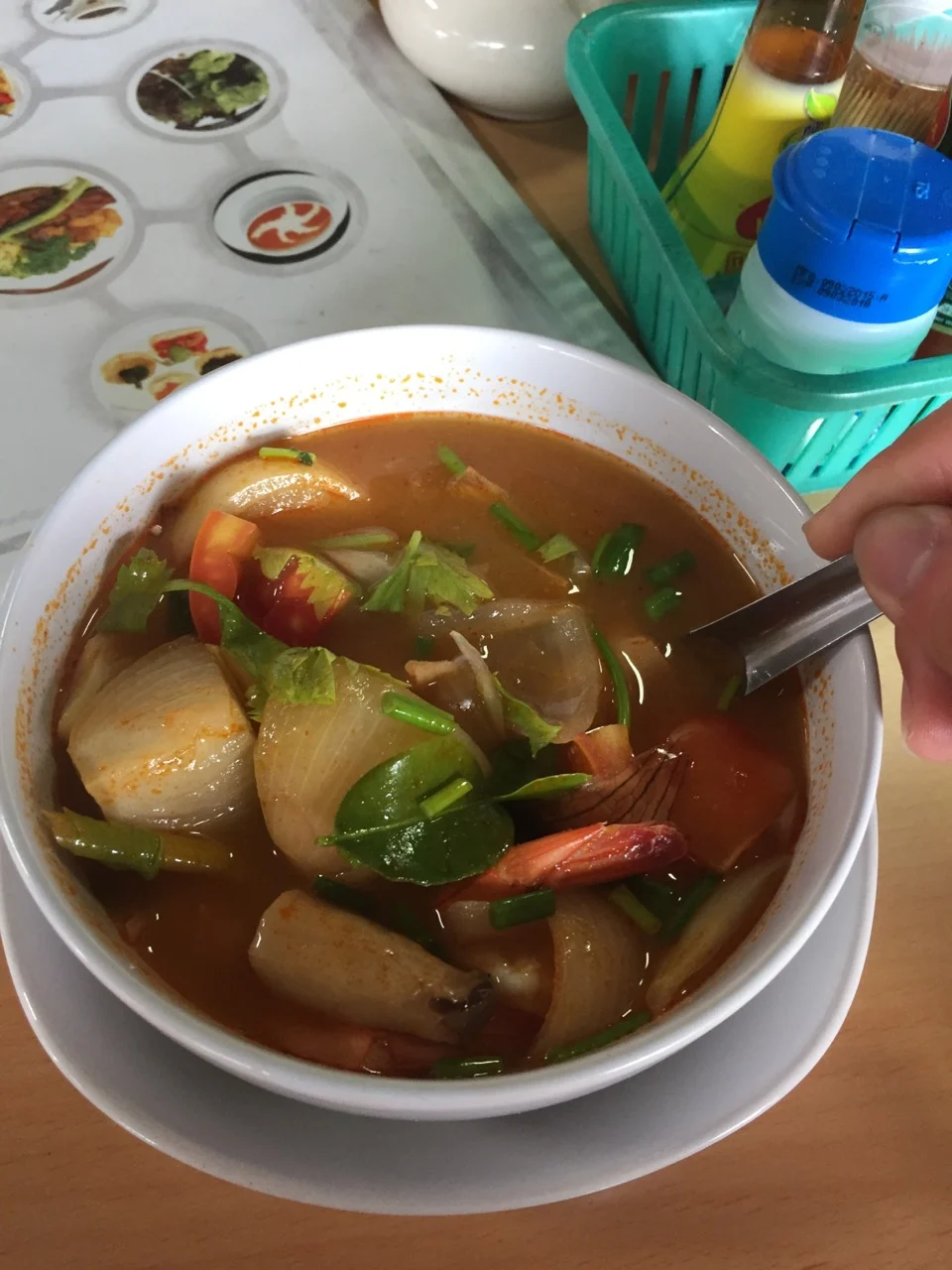
The photo at the top of this post is a good bowl of tom yum and a bad menu photo. There's a hand in the frame, a condiment basket, a printed placemat, and the bowl is off to one side. That's several distractions to check against the platform's guidelines before you upload.
Most rejections come down to the same handful of mistakes. DoorDash publishes the most detailed list of reasons (DoorDash), so we've used it as the backbone here. Uber Eats, Grubhub, and Skip look for many of the same problems. For the exact sizes each app wants, see our side-by-side photo requirements.
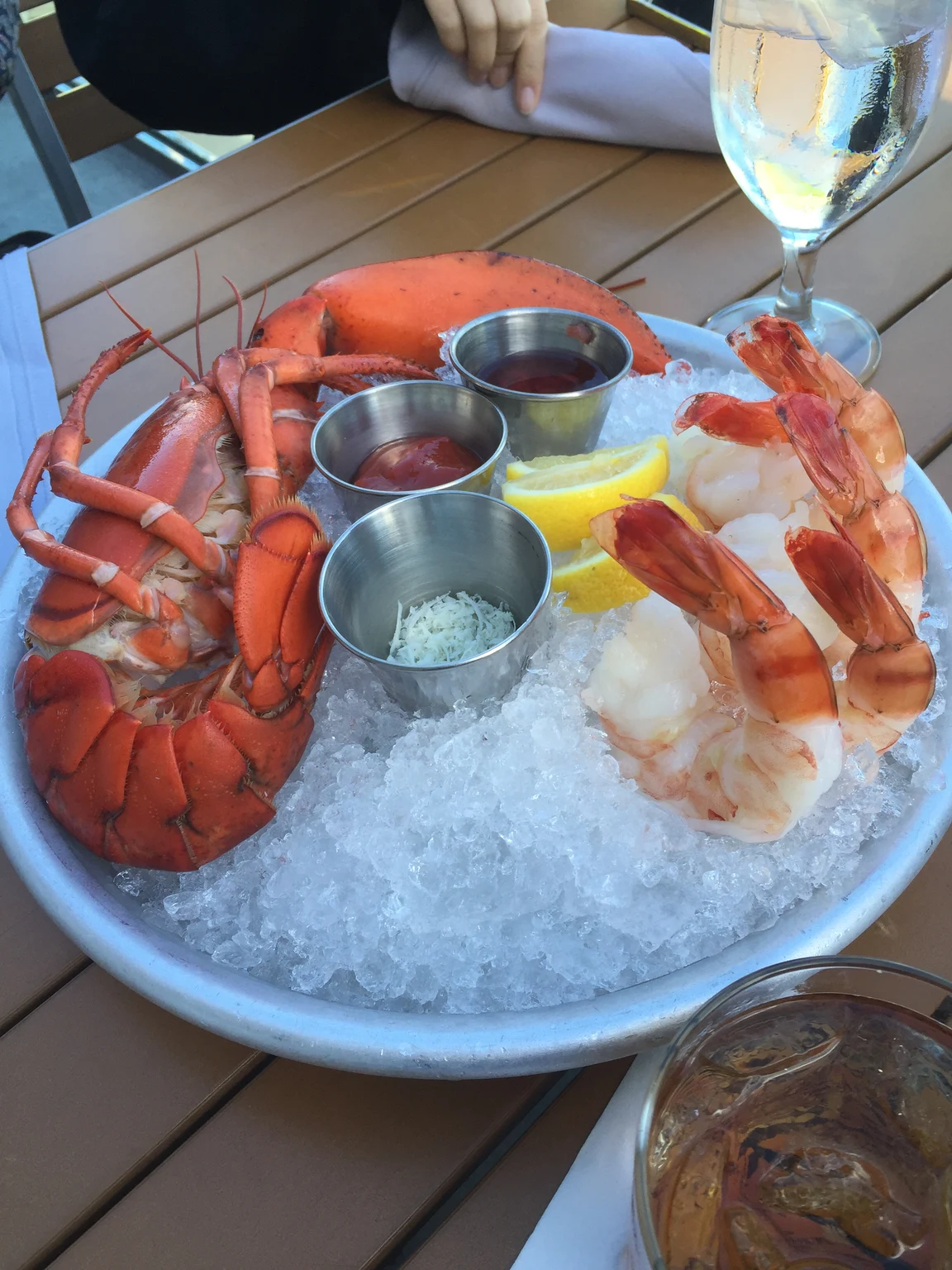
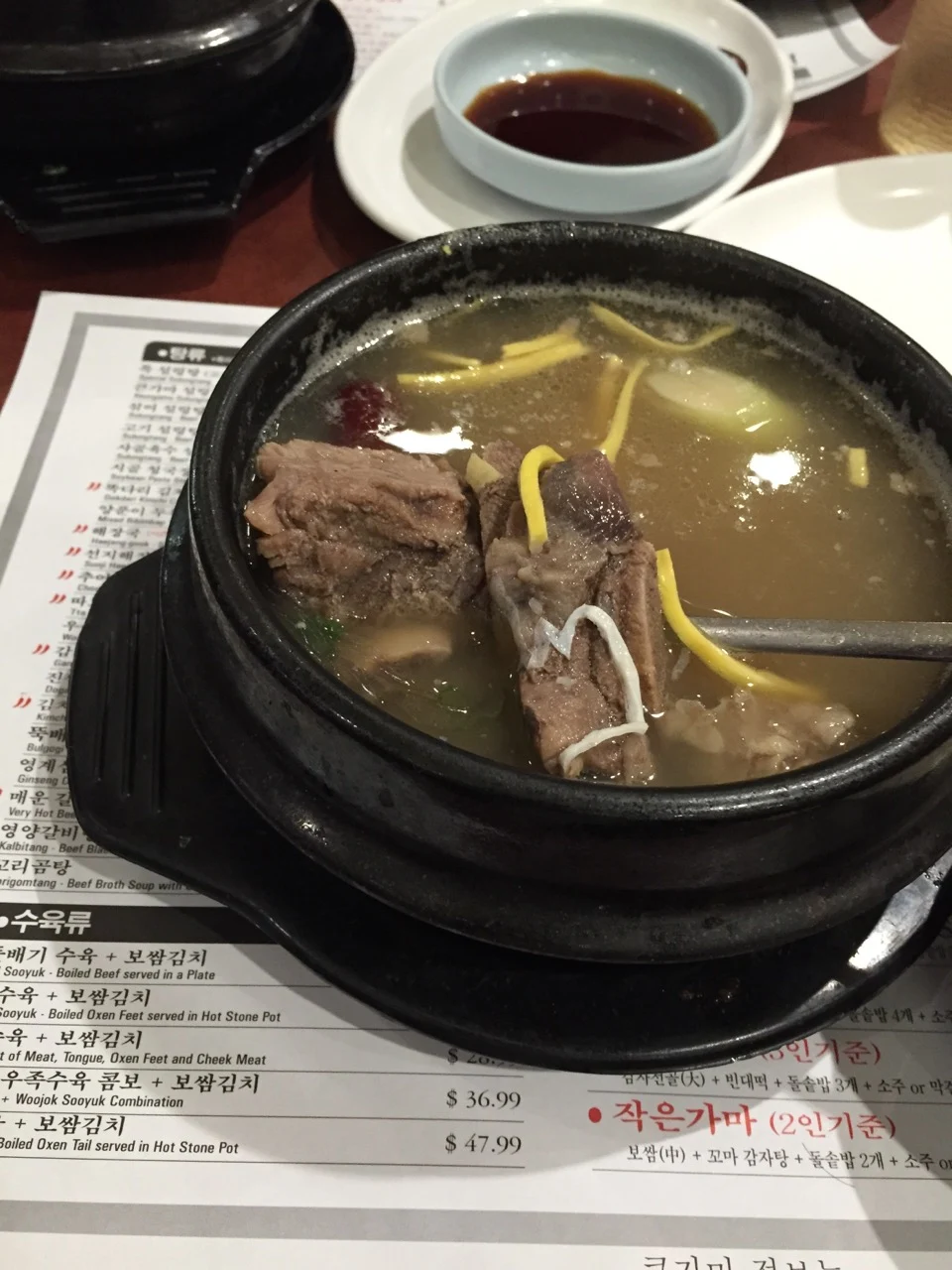
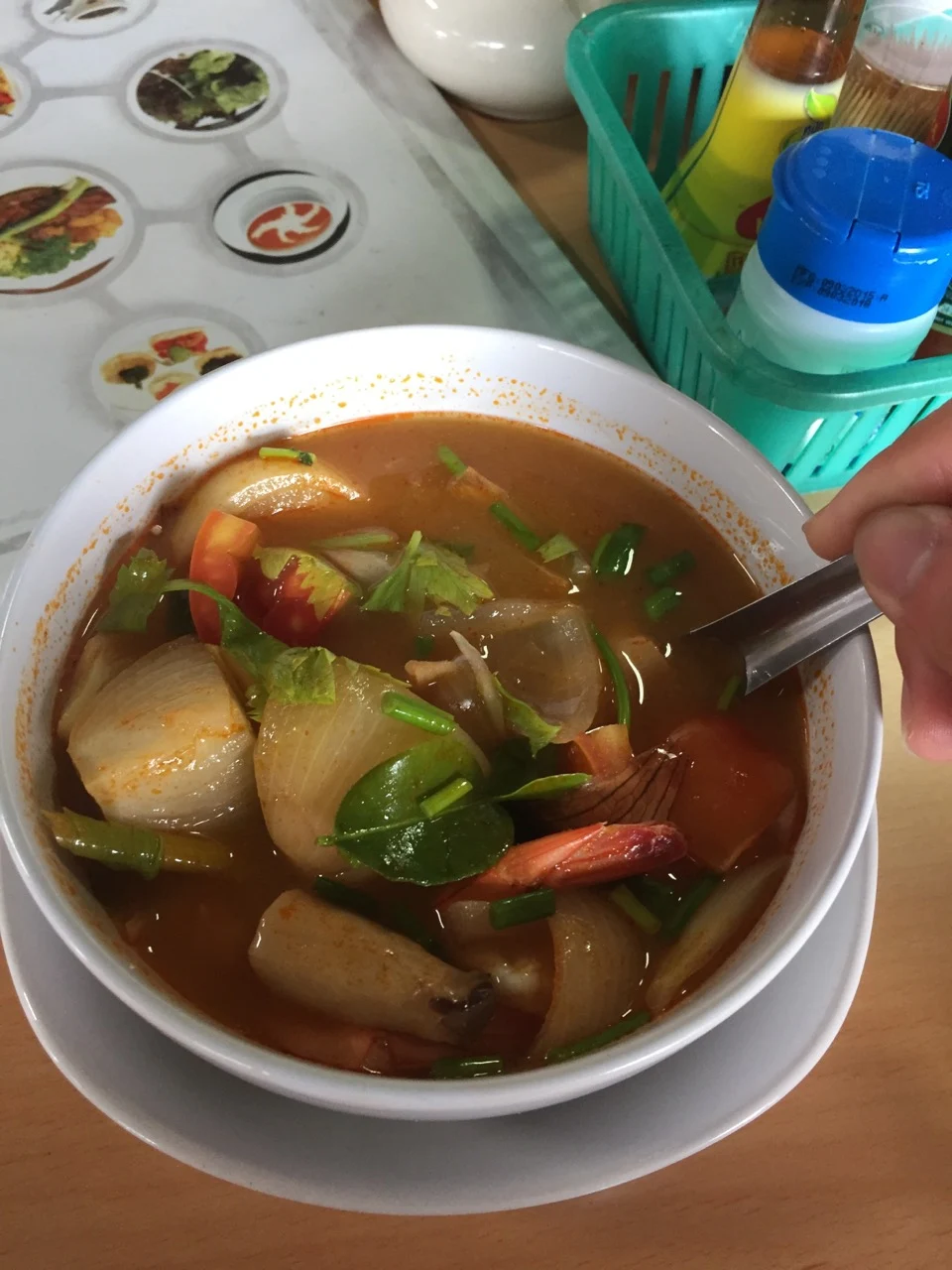
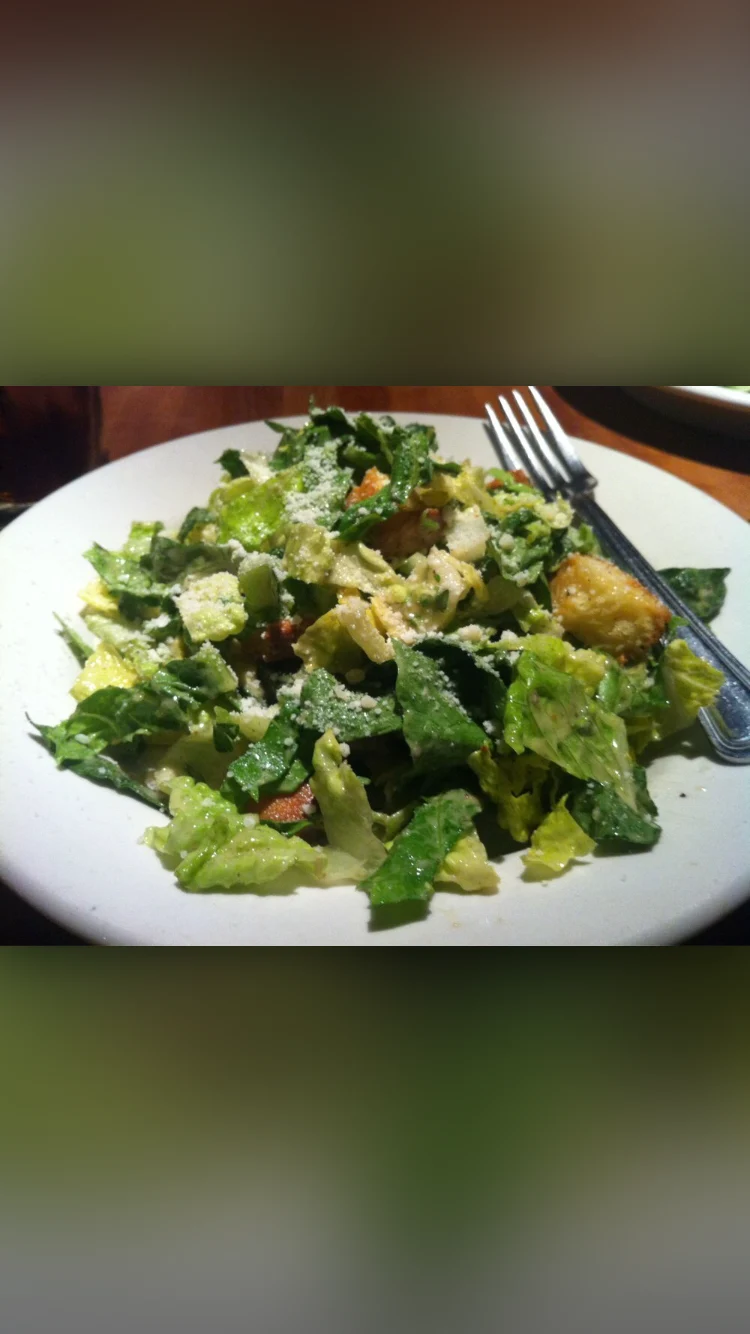
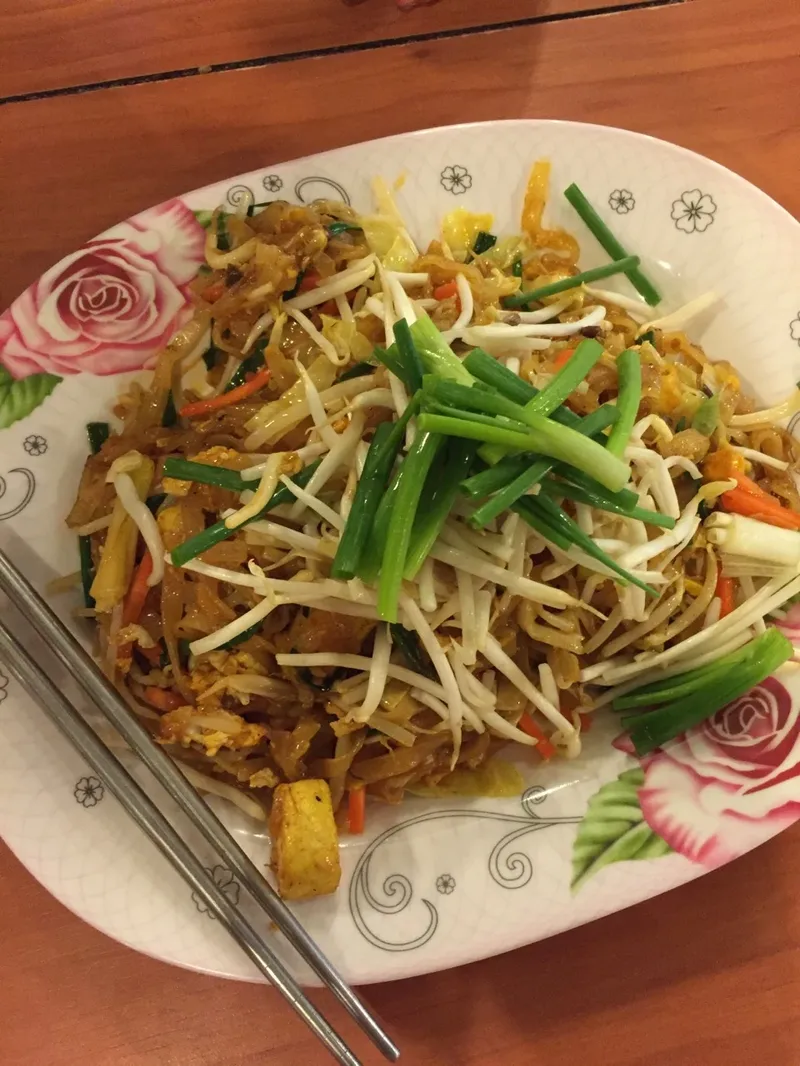
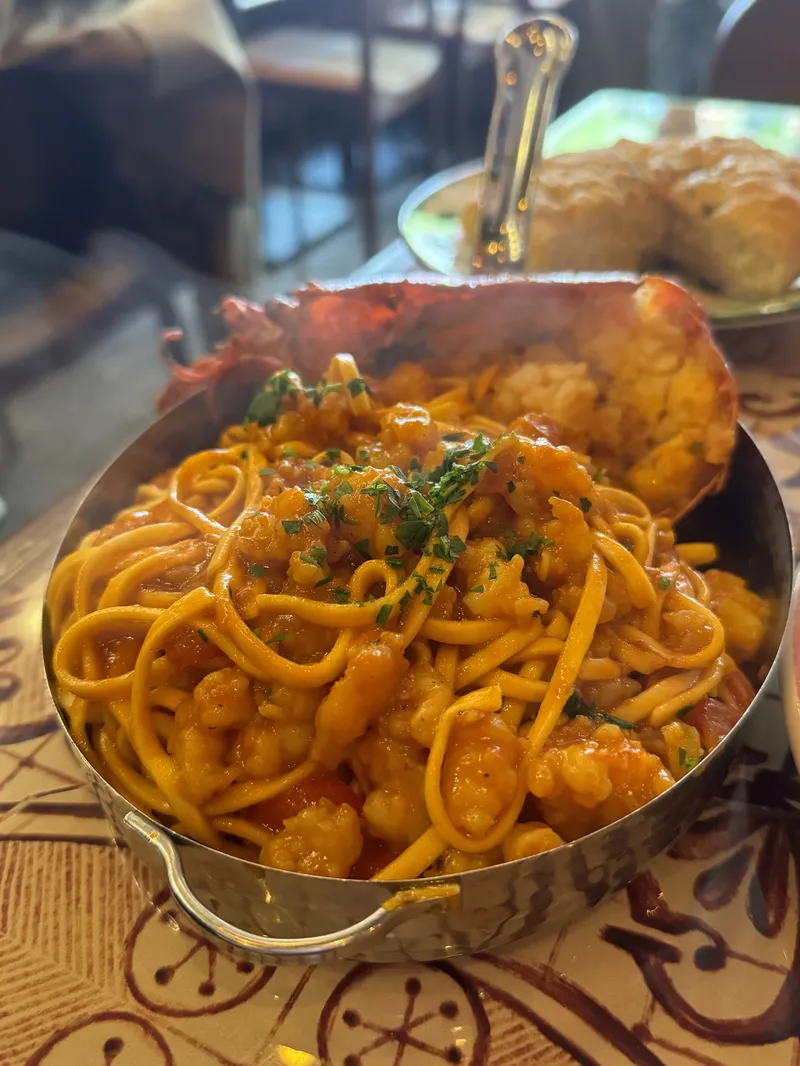
Four actual supplied files illustrate problems to check before uploading. They are teaching examples, not records of platform rejection decisions. The screenshot source is 750 × 1334 pixels; converting or displaying it larger does not restore the original camera detail.
1. The wrong shape
DoorDash only accepts landscape photos in a 16:9 ratio. Vertical and square photos are rejected outright. Uber Eats recommends 5:4 to 6:4, and Skip wants 3:2.
The fix: shoot in landscape with space around the dish, then crop for each app. If all you have is a vertical photo, you usually can't rescue it without cutting off food. Reshoot.
2. Too small, or a screenshot
DoorDash's minimum is 1400 x 800 pixels. Photos saved out of a group chat, downloaded from social media, or screenshotted from someone's phone often fall short, and they look soft even when they pass.
The fix: upload the original file from the phone that took it. On an iPhone, sharing from the Photos app with the original file, rather than a screenshot or a message attachment, keeps the full resolution.
3. The dish is too small or cut off
DoorDash wants at least 80% of the item in the frame, with the item filling roughly half to two-thirds of the photo. A plate lost in the middle of a big table fails. So does a close-up that crops off half the burger.
The fix: step in until the plate fills most of the frame, and leave a little breathing room on every side.
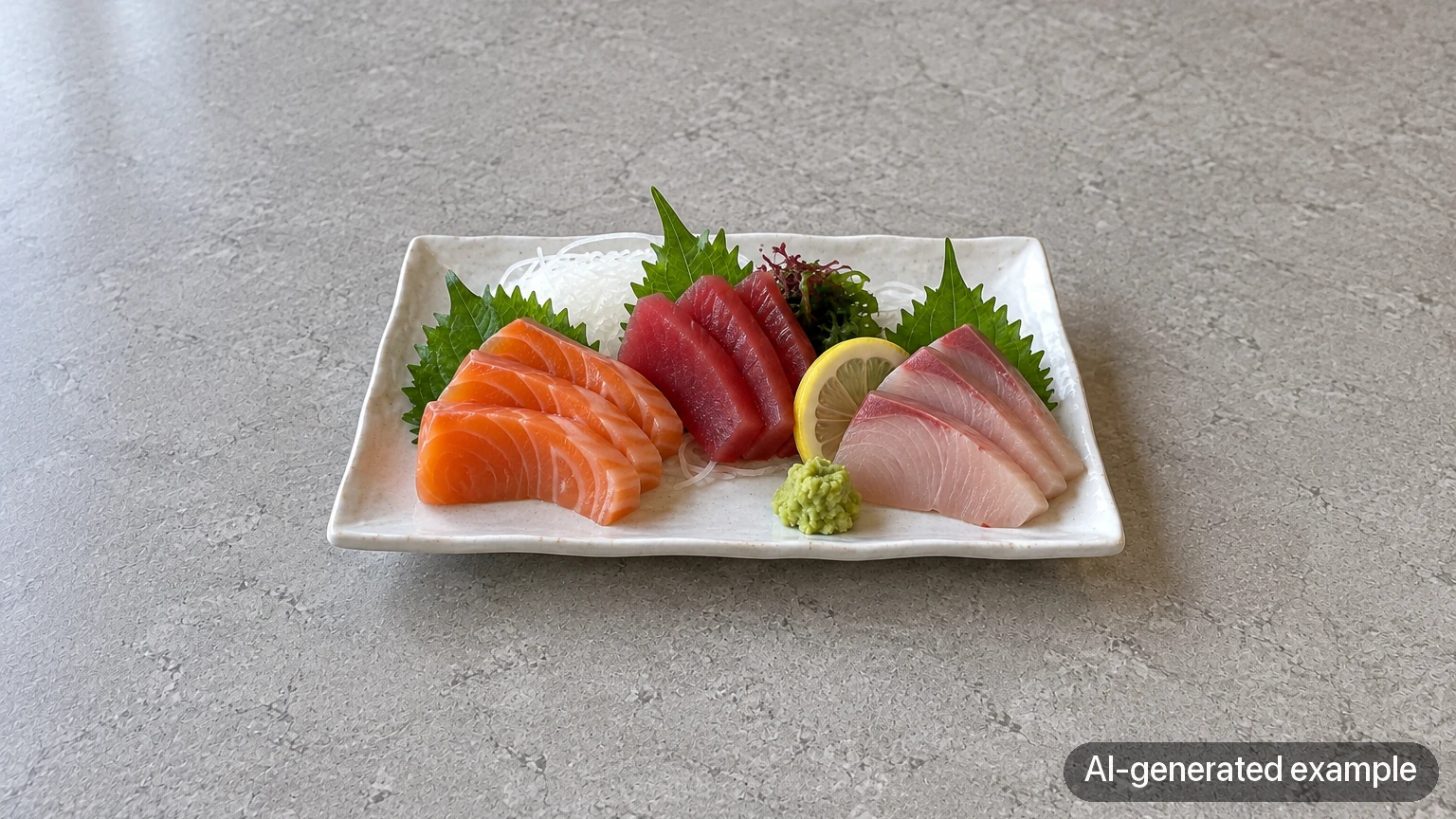
4. Harsh light
Hard shadows and blown-out highlights are both on the rejection list. They usually come from overhead spotlights, direct sun, or the flash.
The fix: move to a window with soft daylight, turn off the flash, and bounce light into the shadows with a white board. If the sauce still glares, lower the exposure a little.
5. A busy background
Condiment bottles, menus, napkins, other plates, a phone on the table. DoorDash asks for a "simple, non-distracting background," and it's one of the most common reasons photos get bounced.
The fix: clear the table before you shoot, not after. A plain wood table or a neutral board is all you need.
6. People in the frame
DoorDash doesn't allow people in menu photos, and only allows hands if they don't distract from the item. The hand holding a spoon in our cover photo is worth removing for a cleaner item image.
The fix: take hands out of the frame entirely. It's the simplest rule to follow on this list.
7. Text, logos, borders, and collages
DoorDash rejects text, graphics, and borders on item photos. Uber Eats rejects text and watermarks too, except for text printed on the food or packaging itself (Uber Eats). The dish name and price you added for Instagram will get the photo rejected here.
The fix: keep a clean version of every photo without text. Save the text versions for social and print.
8. It doesn't match the dish, or it isn't yours
This one covers several related problems. DoorDash says images "must reflect the actual item served, not an idealized or generic version." It rejects stock photos, clip art, and photos you don't own the rights to. It also wants a separate photo for each menu item, so reusing one burger photo for three different burgers doesn't work.
The fix: photograph each item as it's served, with the sides it comes with. Don't use your supplier's product photo or a picture you found online.
A bad photo can be worse than none
Getting a photo approved isn't the finish line. An approved photo that's dim, brownish, or cluttered still has to persuade someone scrolling past a long list of other restaurants. We'd go further: a truly bad photo can cost you more orders than no photo. A murky picture of your pasta tells people what to expect, and what it tells them isn't good.
Where Chefolio fits
Several of these mistakes are about light and background, and those are the ones Chefolio handles. Upload the photo, pick a built-in style, and it relights the dish and replaces the busy table. For delivery apps, export the version without the name and price, check that the shape matches the platform, and compare the result with the original to make sure the portion and sides are exactly what the customer gets.
What Chefolio can't fix: a photo that's too small, cut off, or of the wrong dish. Those need a reshoot.
If your photo was rejected for its light or background, you can try it on that one:
No comments yet