A note from Chefolio: we make an app that edits food photos. Chefolio is designed to change lighting and backgrounds, but an AI edit can also change the food. We label our edits and check them against the source.
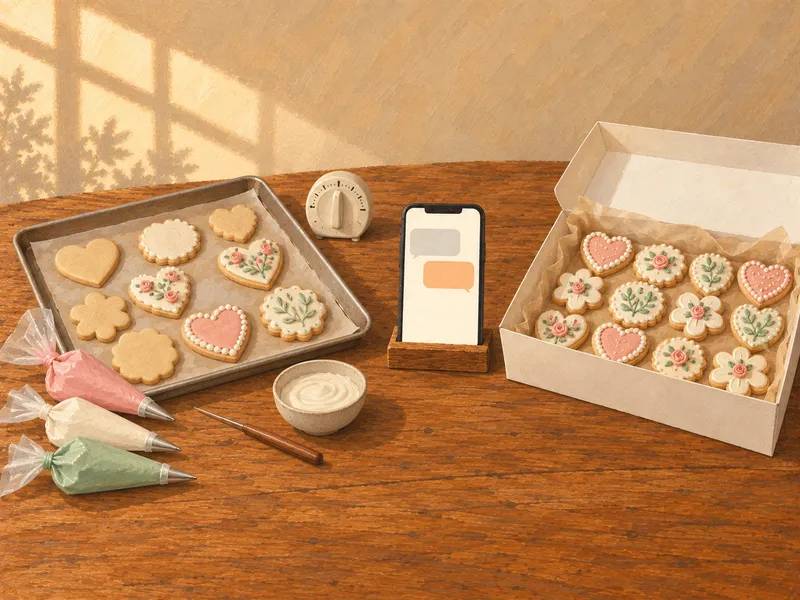
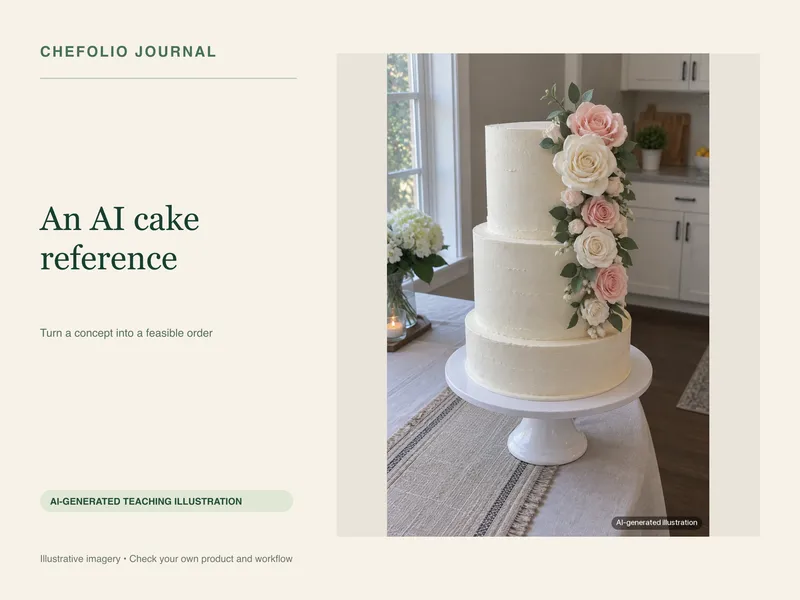
Teaching example edition: both grids below are AI-generated illustrations of different visual treatments, not a real bakery account or a paired before-and-after experiment. The printable recipe uses example settings.
A bakery grid is easier to scan when its finished-product photos share a few choices: similar backgrounds, light, angles and edits. You do not need every post to look identical. You need a repeatable setup that shows what you make clearly.
Compare the visual choices
In the first illustration, the surfaces, light and camera angles vary. In the second, the backgrounds and light are more consistent. Both were generated separately to show the idea. They do not prove that a real batch was reshot or that an app preserved the same bakes.
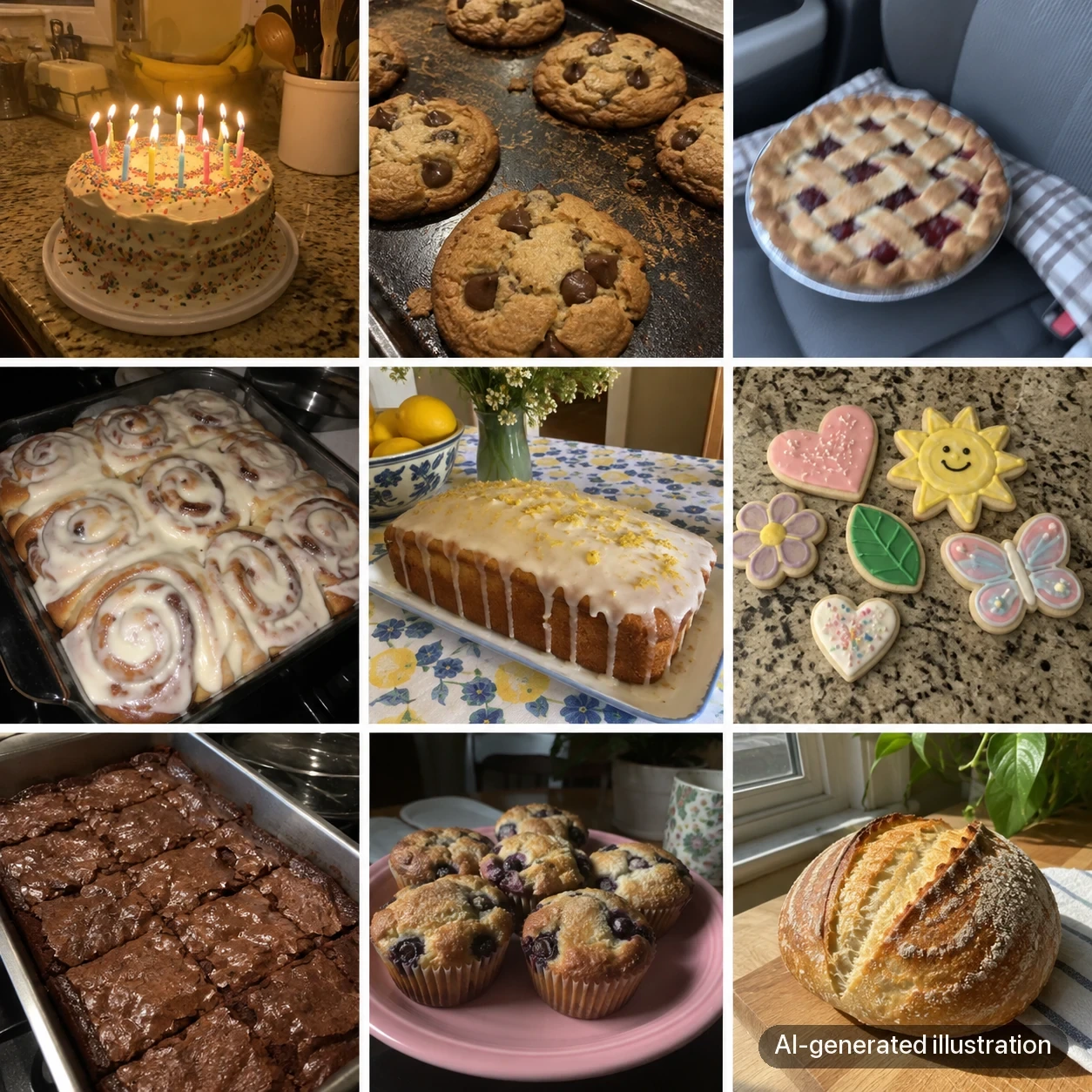
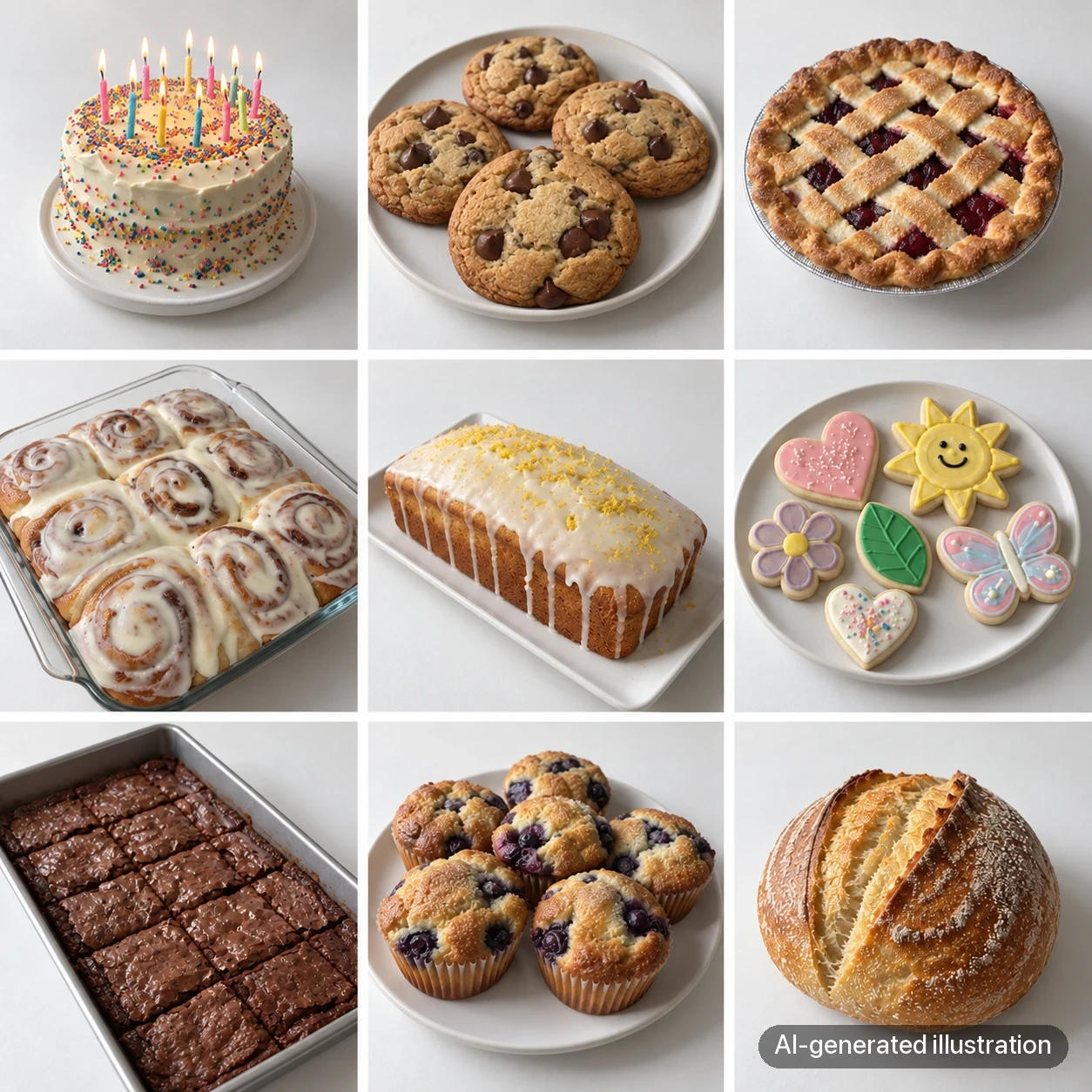
Two labeled AI-generated grid illustrations. Compare their treatment of background and light, not exact product identity. These are not Instagram screenshots, a real bakery profile, or measured evidence of increased trust or sales.
Write down your photo recipe
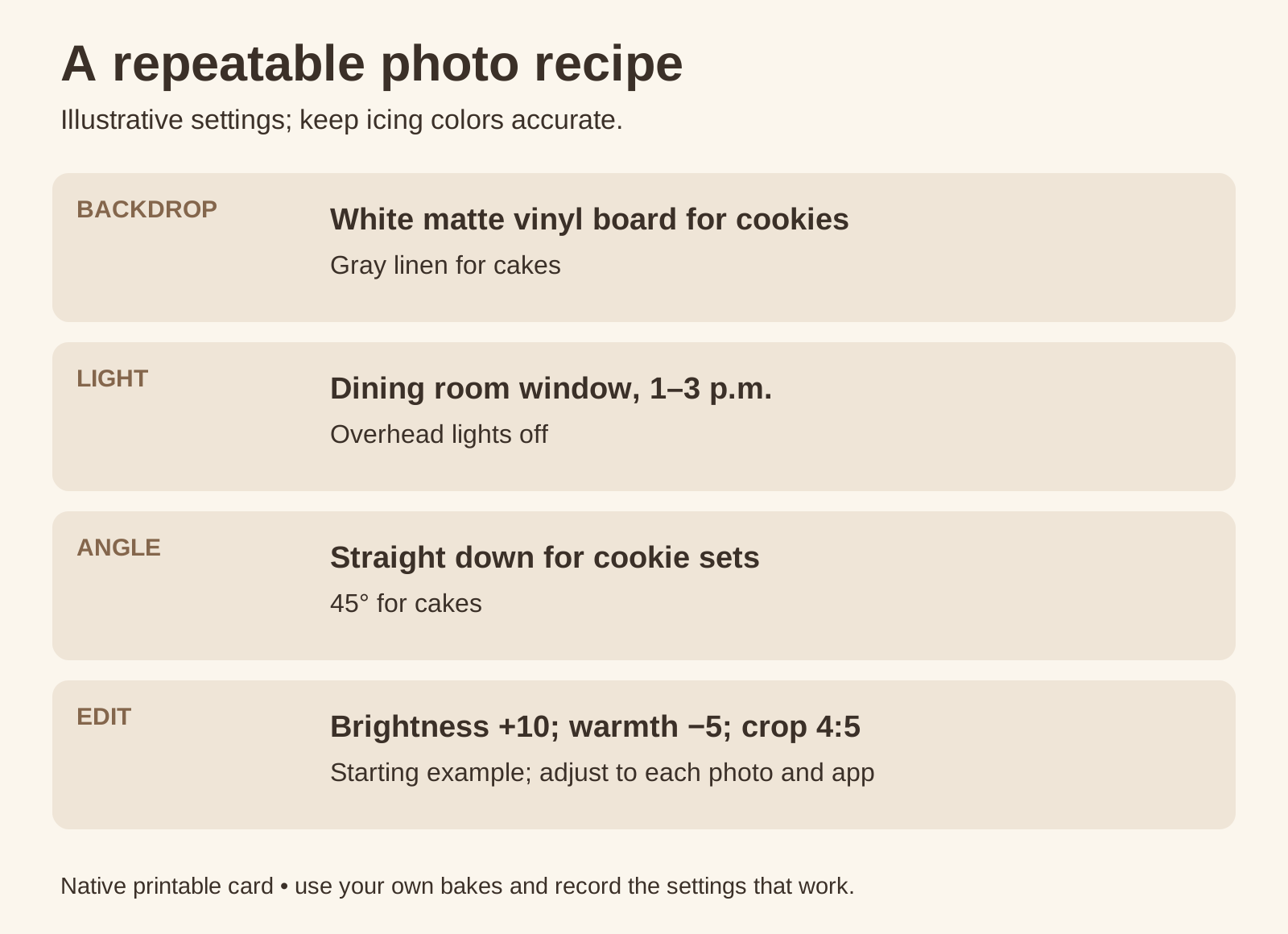
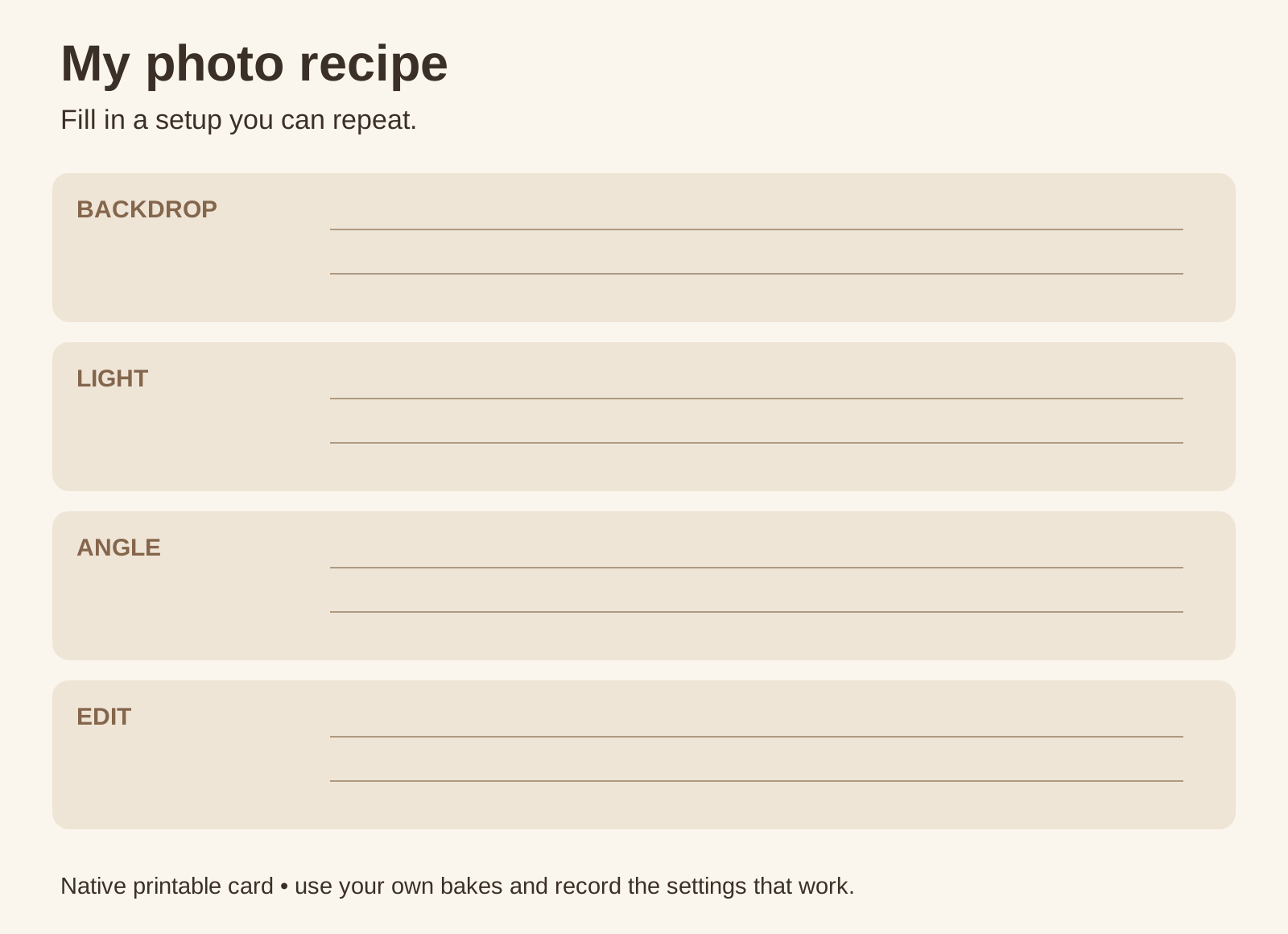
Choose a setup you can repeat in your own space. The card below is a starting example, with the same four decisions each time. The values brightness +10 and warmth −5 are examples, not tested settings for every photograph or editor.
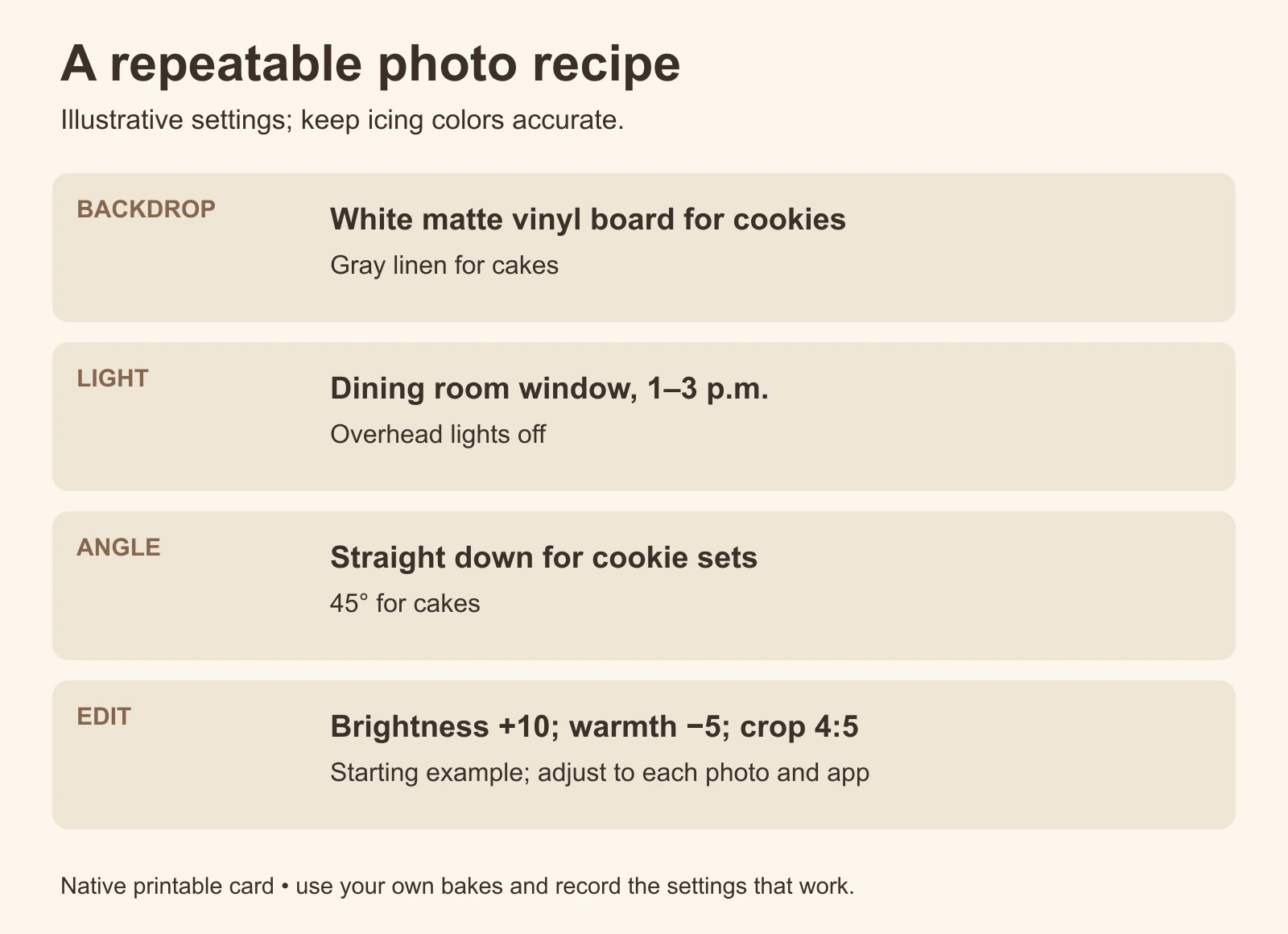
Download the example recipe card or the blank printable card. Record the choices that work for your own bakes.
The backdrop
One or two surfaces are enough to build a repeatable setup. A matte board for cookies and a fabric or plain background for cakes can be easier to manage than choosing a new backdrop for every post. If stains are a concern, see our cookie-backdrop guide.
The light
Use a similar light source and position when possible. A window changes throughout the day, so check the color and direction rather than treating a time slot as a guarantee. If you use a lamp at night, keep its position consistent and turn off conflicting lights. Our night-photo guide has a setup to adapt.
The angle
Choose an angle that explains each product, then repeat it for that category. Overhead views can show flat cookie decoration. A lower angle can explain a cake's height and sides. A fixed angle is useful only if it keeps the important details visible.
The edit
Save a light preset or record the adjustments you usually make. Compare the edited color with the actual icing each time. A shared filter is not useful if it turns sage icing teal or hides piping texture.
In your editor, adjust brightness and warmth while checking the bake, then write down your own values. Different photos can need different amounts even within one setup.
Batch the setup, leave room for real life
Photograph several finished products while the setup is ready. Keep the originals, then prepare the individual posts. Process clips, packing photos and customer images shared with permission can follow a looser style; let the finished-product photos carry the repeating look.
Review any rescued photo
If a photo was taken in a cluttered kitchen, Chefolio can help create a new setting. Choose a style consistently, but review every result: repeating a template does not guarantee matching light or unchanged food.
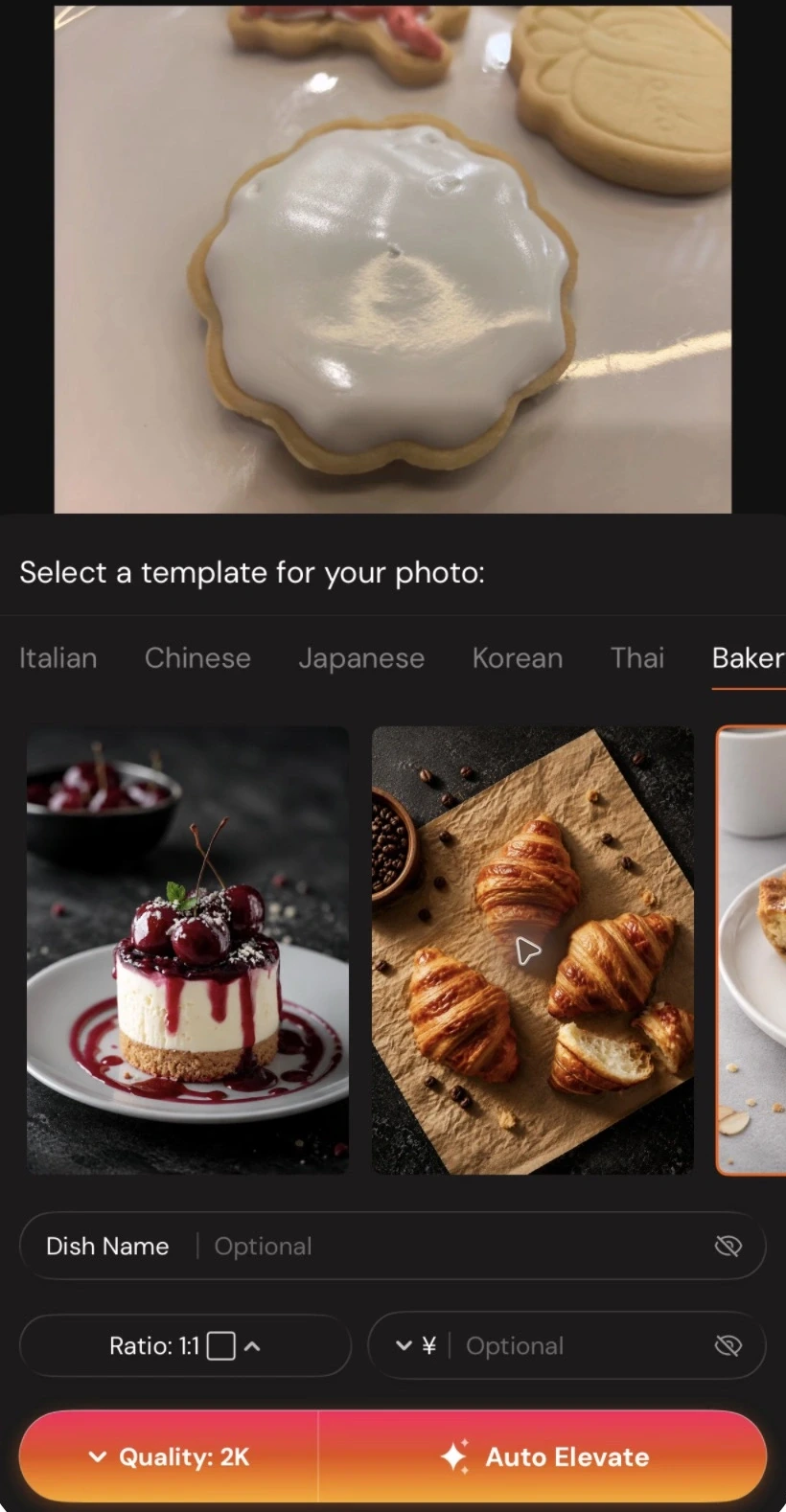
Compare the source and output for colors, piping and count. If the result passes, disclose the AI scene edit when you post it. Try it with one of your own photos:


No comments yet