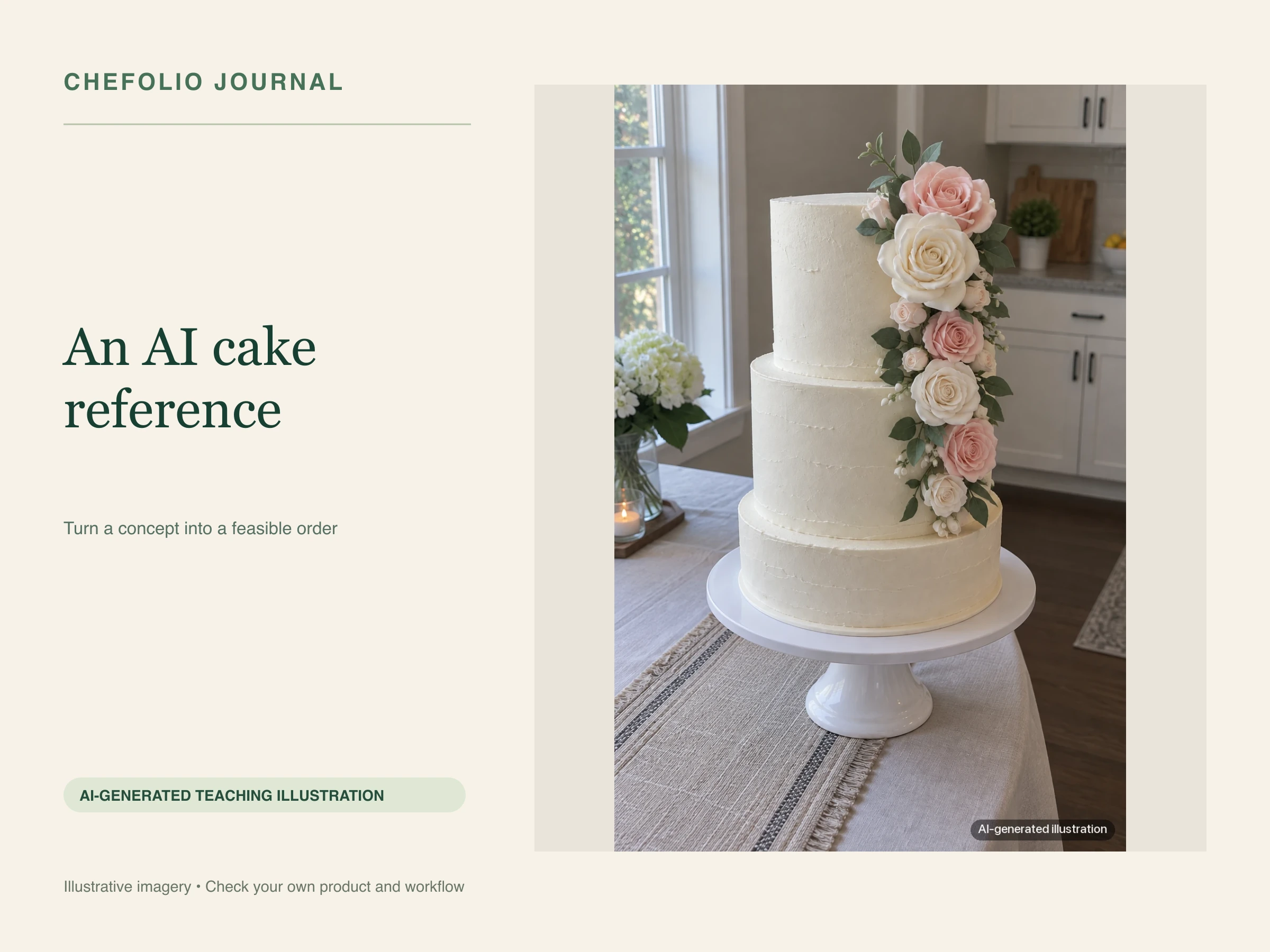
A note from Chefolio: we make an app that edits food photos. Chefolio is designed to change lighting and backgrounds, but an AI edit can also change the food. We label our edits and check them against the source.
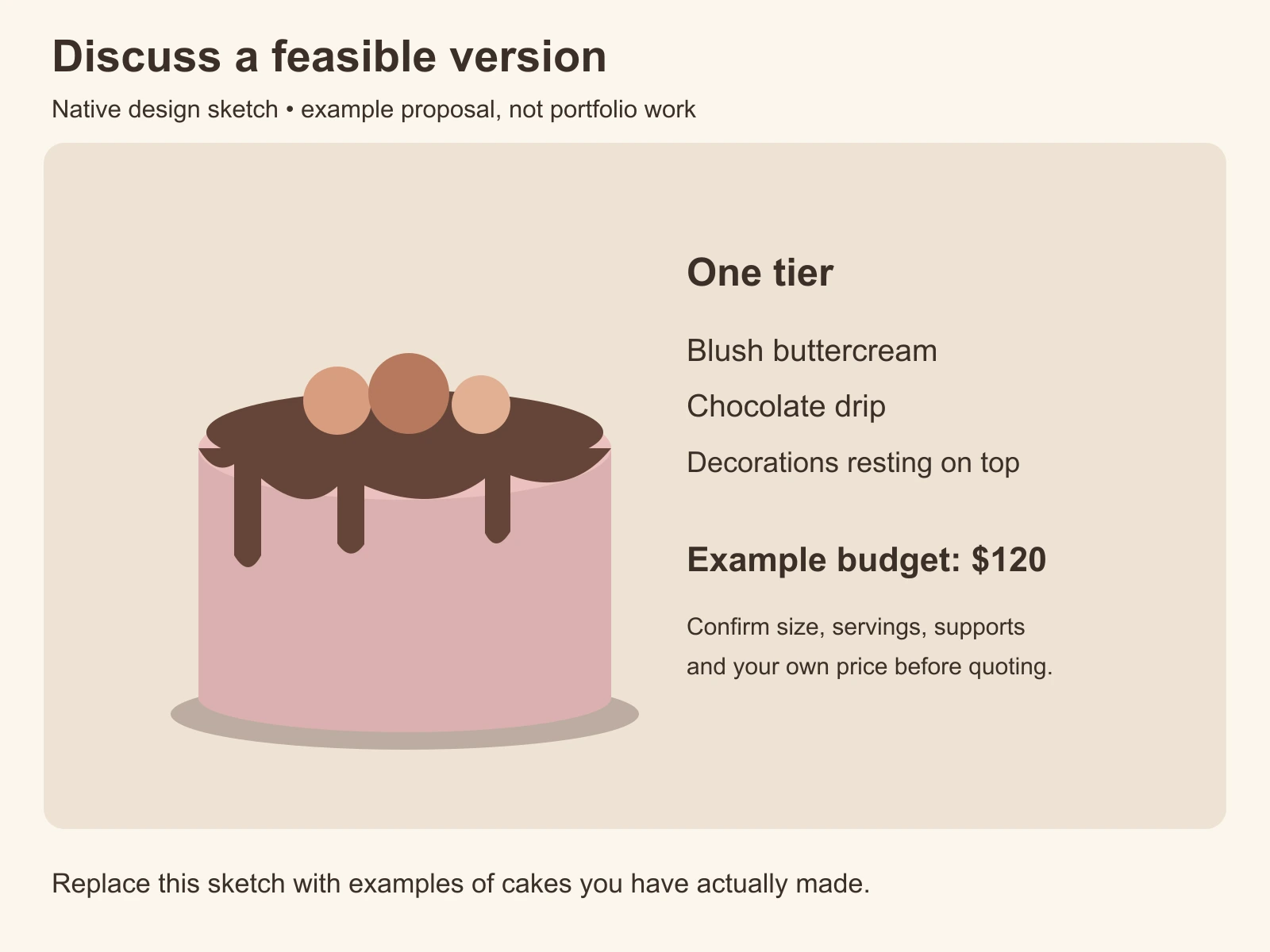
Teaching example edition: the opening request, prices and replies are hypothetical. The elaborate cake is an AI-generated example; the simpler version is a native design sketch, not a real bake or portfolio photograph.
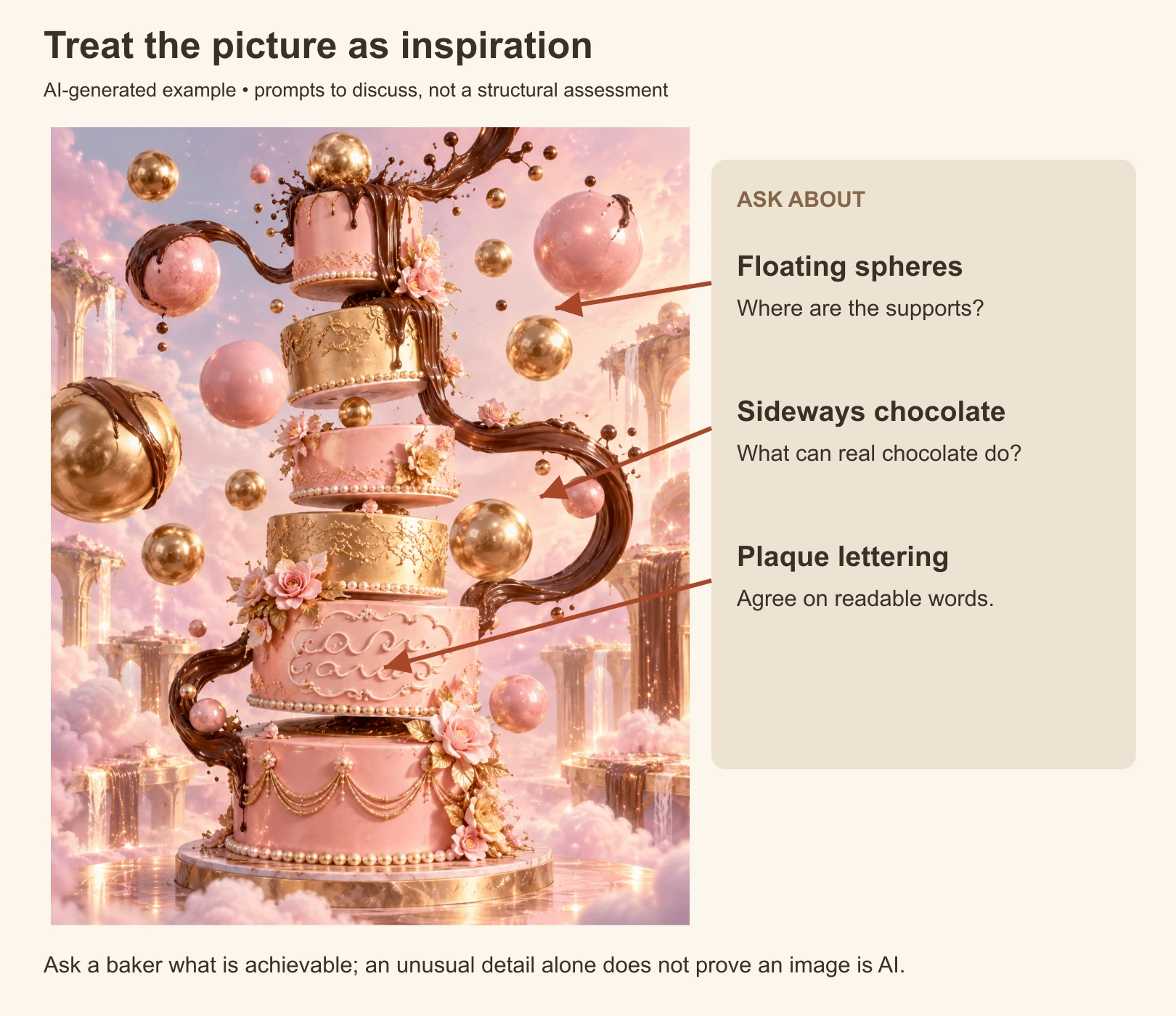
Imagine a customer message: "Can you make this for Saturday? My budget is $120." The attachment shows an elaborate cake with floating spheres, sweeping chocolate streams and lettering that is hard to read. Before quoting, separate the parts they like from the parts you can actually make.
Start with the idea
The customer may have found the image without knowing how it was made. You can begin with its colors, mood or theme, then explain what needs to change. An unusual design alone is not proof that a picture is AI, and a real cake can hide structural supports.
Ask about the guest count, date and budget. Those details matter as much as the inspiration image when deciding what to offer.
Discuss the uncertain details
Look for parts that need clarification:
- Decorations with no visible support
- Chocolate or other materials shown flowing in unexpected directions
- Lettering that is not readable
- Decorations that merge into each other
- Tall or offset tiers whose support system is unclear
The illustration below intentionally exaggerates those questions. It is not a real customer's attachment or a structural assessment of an actual cake.
A reply that gives a useful next step
A clear reply names what you can offer, describes the changes and gives a quote you can stand behind. The prices here are sample figures only. Replace them with your own size, servings, materials and labor calculation.
For an inspiration design that needs simplifying:
I like the blush and chocolate idea. The floating pieces in this picture need a different approach in a real cake. For the example $120 budget, I'd discuss a single tier with a chocolate drip and decorations resting on top. Let me confirm the size and guest count before quoting. I can send examples of cakes I've actually made in that style.
For a design you can make but that exceeds the budget:
I can offer a version with these colors and flowers, but the size and hand-made decoration would exceed that budget. I can quote the larger design, or suggest a smaller cake with fewer flowers. Which direction would you like me to price?
For a design that needs small adjustments:
I can make a version of this. I would adjust the tier proportions and pipe readable lettering in my usual style. I'll include those details and the serving size in the quote so we are agreeing on the same cake.
Avoid saying "I made this last month" unless the reference really is your work. A generated sketch can help discuss a design, but it cannot replace that portfolio evidence.
Put the design in writing
Once the customer agrees, record the serving size, flavors, colors, decoration, supports, price and pickup details. A plain line can explain the role of the reference:
Inspiration images guide the theme. Your handmade cake will follow the size, colors and decoration listed in this quote; it will not be an exact copy of the reference image.
Attach the agreed sketch or your relevant portfolio examples. Photograph the completed order before it leaves, and keep that source file with the order record. Your own photo documents what you made; a generated sketch does not.
Keep your portfolio easy to find
A page or Highlight of your real cakes makes the next conversation easier. Group them by a useful feature, such as size, finish or theme, and link to a relevant example in the quote. We discuss the difference between concepts and portfolio work in AI food photos vs. real photos.
If a real cake photo has a distracting background, Chefolio can rebuild the setting, but its AI output may also alter food details. Compare the result with the original and reject changes to colors, decorations, tiers or size. Label a scene edit that passes the check; keep the original as the record of the bake.
Try that workflow with a cake photo you took:
No comments yet