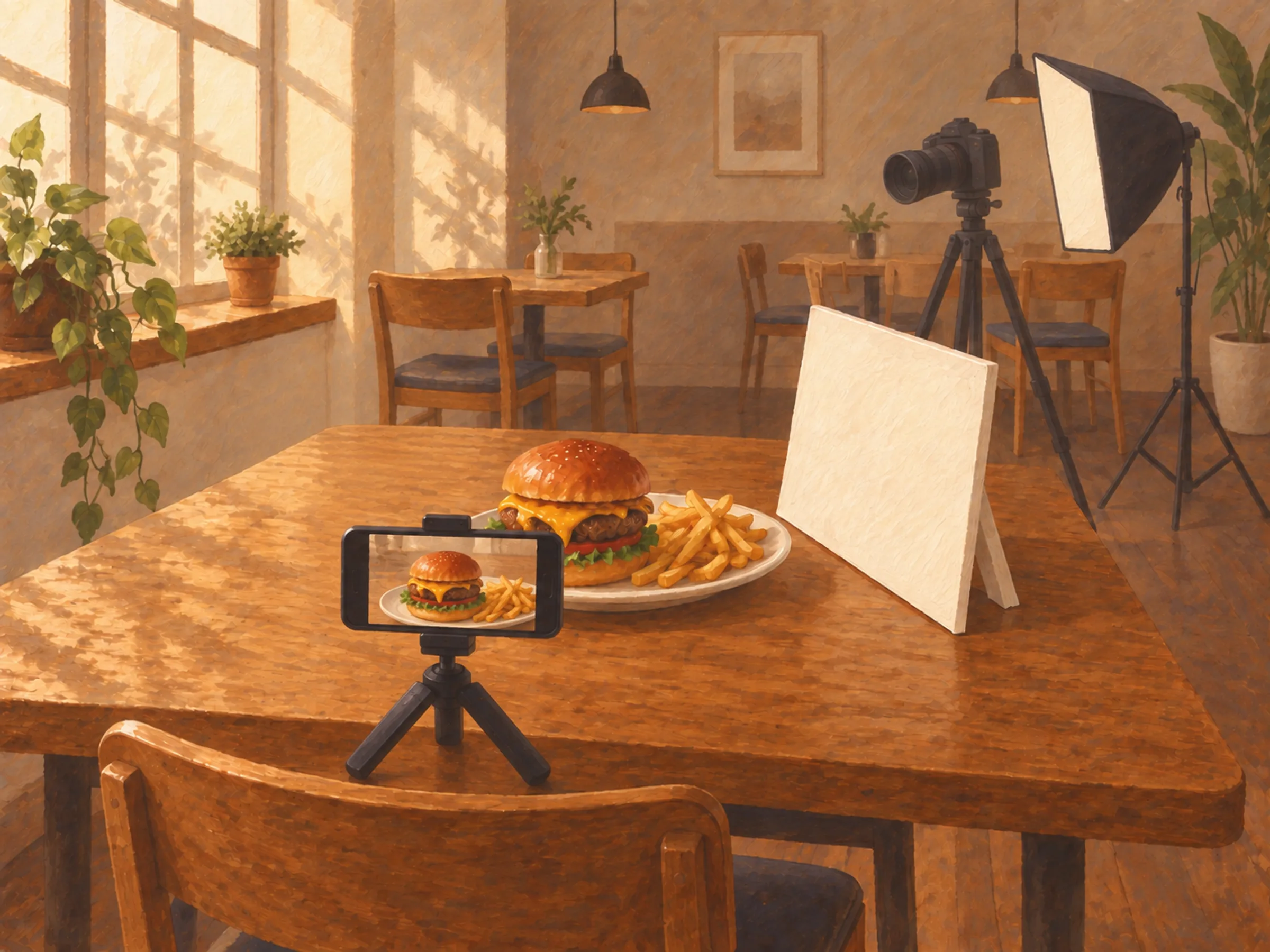
A note from Chefolio: we make an app that edits food photos. Chefolio is designed to change lighting and backgrounds, but an AI edit can also change the food. We label our edits and check them against the source.
Teaching examples: AI-generated setups and comparisons below illustrate the ideas. They are not records of physical photography tests, and their food details may differ between panels.
This usually gets framed as a single decision: hire a pro or do it yourself. In practice, most restaurants that have good photos use both. The better question is which photos need which.
What a professional shoot costs
Rates swing a lot by city and by photographer. For a national reference point, Thumbtack's data puts commercial photography at an average of about $198 an hour, with the typical job averaging $440 and most falling between roughly $300 and $650 (Thumbtack). Food shoots often cost more once a stylist and retouching are added.
The invoice isn't the whole cost. You also pay for:
- The food, since every dish gets cooked for the camera, sometimes twice
- Staff time to cook, plate, and clean up
- A section of the dining room, or a morning when you'd normally be prepping
- Your own afternoon, because someone has to be there to say "that's not how we plate it"
One multi-location owner wrote on Reddit in 2023 that a shoot that didn't work out had cost a couple hundred dollars in food alone, plus an afternoon spent standing next to the photographer. Other owners are happy with the spend. In a recent r/restaurantowners thread about AI menu photos, one said that hiring a professional to shoot the full menu had been worth the cost.
Both can be true. It depends on what the photos are for and how long they'll stay accurate.
The free option you might qualify for
If you're on DoorDash and your menu doesn't already have professional photos, you may be able to book a free shoot through the Merchant Portal. It includes a 1.5-hour session covering up to 20 menu items plus one header image. DoorDash pays the photographer; you cover the food and labor. It's subject to availability in your area, and the photos can take up to seven days to show up on your menu (DoorDash).
That's a good deal for your DoorDash listing. If you want to use the photos anywhere else, like your website or Instagram, check the terms first.
What doing it yourself costs
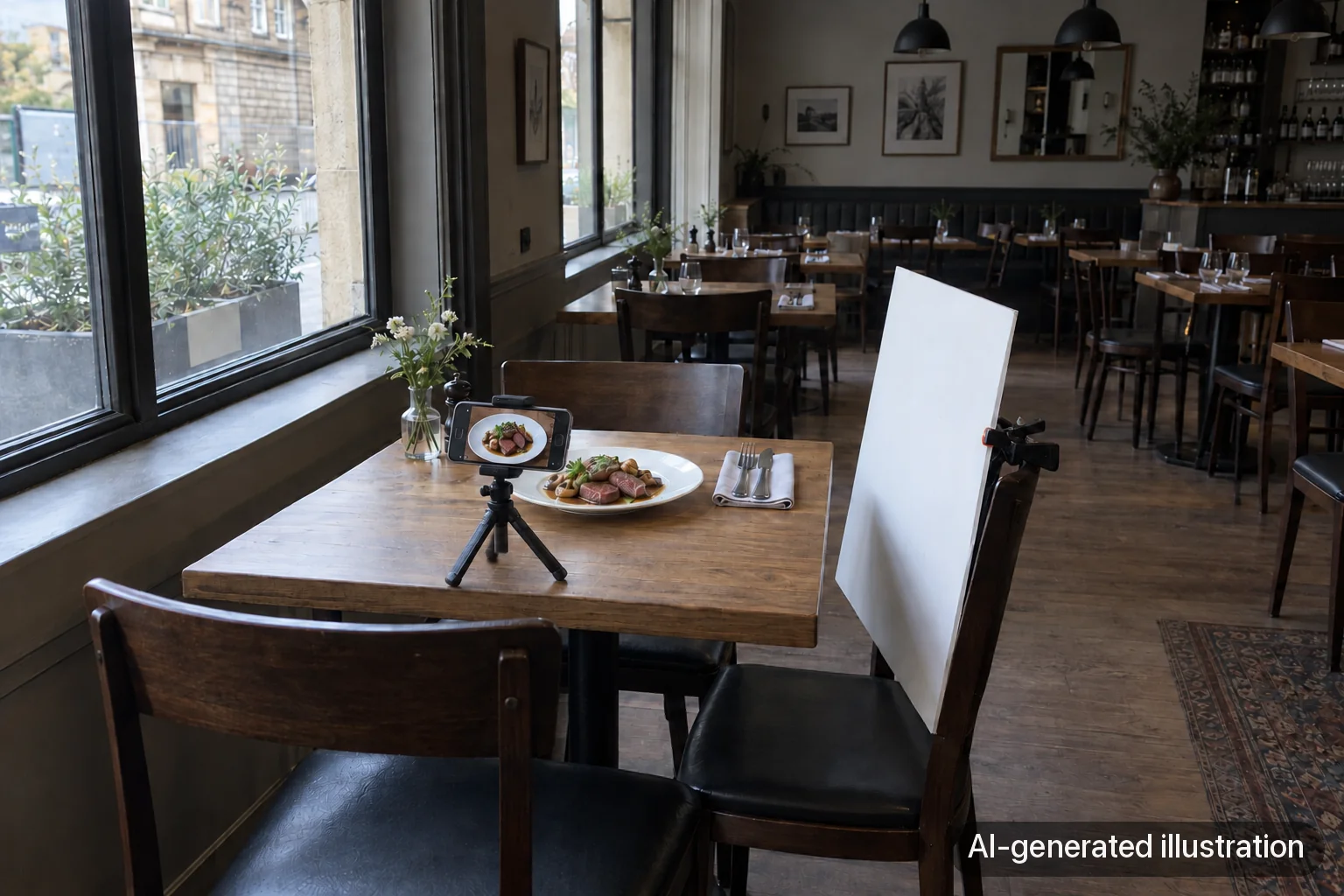
The money is small: a white foam board, maybe a daylight lamp, and some patience. The real cost is time and consistency. Expect an afternoon for each section of the menu the first time, and faster after that once you have a routine. Our guide to photographing menu items with your phone covers the setup.
DIY's weak spot is consistency. Photos taken on different days, by different staff, under different light, start to look like they came from different restaurants.
A simple way to decide
Sort your photos by how long they'll stay true and how many people will see them.
Photo | Changes how often? | Best approach |
|---|---|---|
Website header, signature dishes, printed menu | Rarely | Hire a professional |
DoorDash listing, if you qualify | When the menu changes | DoorDash's free shoot |
Weekly specials, seasonal items | Every week or month | DIY |
Instagram and Facebook posts | Constantly | DIY, plus some behind-the-scenes video |
Menu updates between pro shoots | A few times a year | DIY, matched to the pro style |
A professional photo of a dish you'll serve for five years is money well spent. A professional photo of this Thursday's special isn't.
When DIY keeps coming out wrong
Some restaurants do everything right and still get dim, cluttered photos, because the dining room has no good window, or the only free table sits next to the dish-clearing station where the dirty dishes pile up. That's where an editing tool earns its place.
Chefolio takes a phone photo and changes the light and background around the dish, so an everyday photo can sit next to your professional ones without looking out of place. Check the portion and garnish against what you serve before you post. It won't turn a blurry or badly cropped photo into a good one; those still need a reshoot.
If you want to see whether it closes the gap for your menu, try one dish:

No comments yet