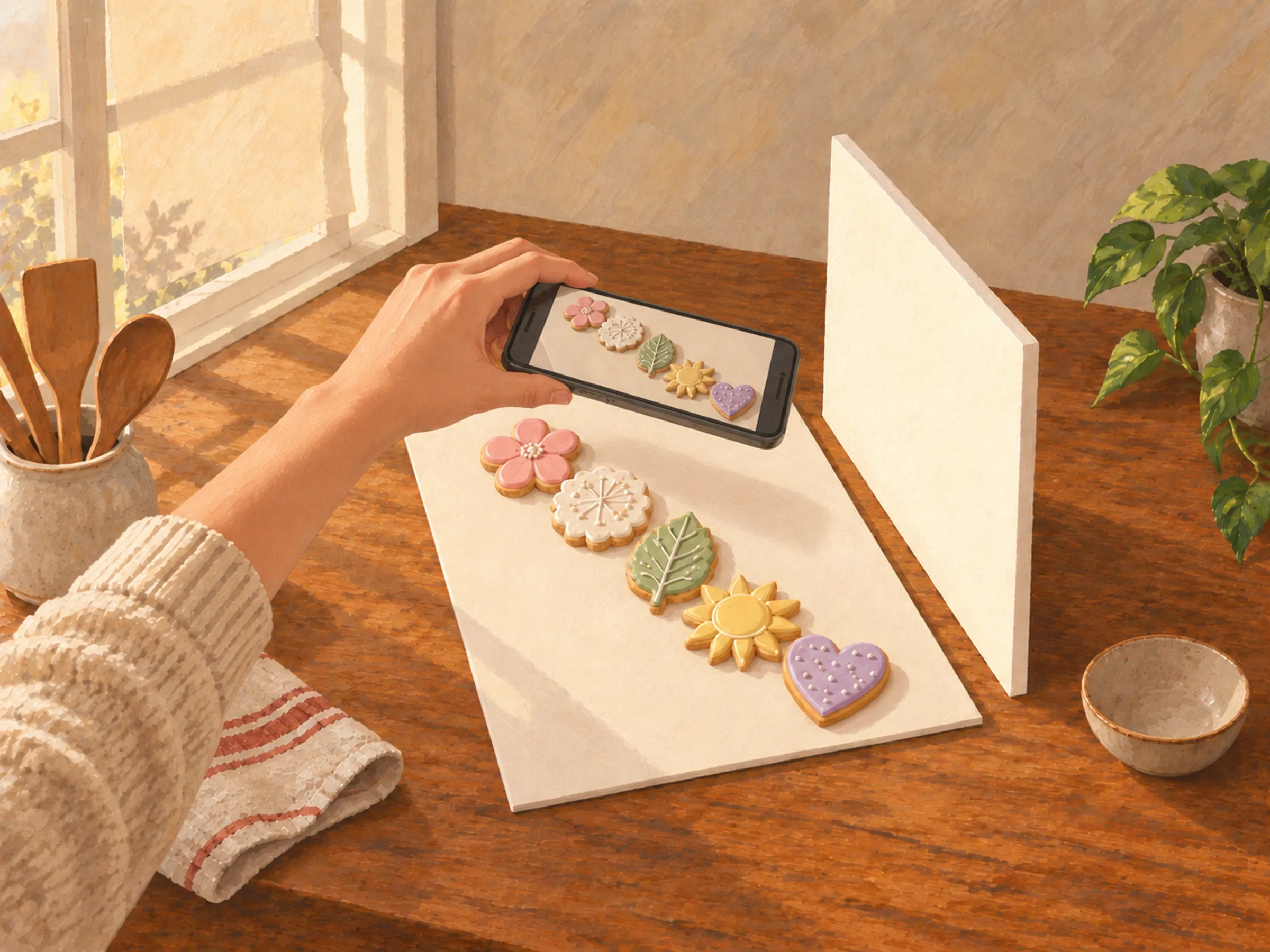
A note from Chefolio: we make an app that edits food photos. Chefolio is designed to change lighting and backgrounds, but an AI edit can also change the food. We label our edits and check them against the source.
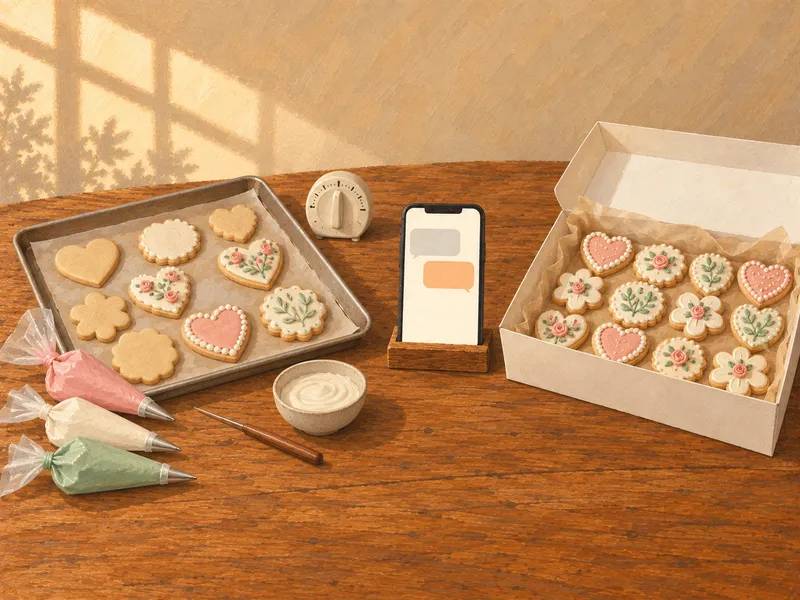
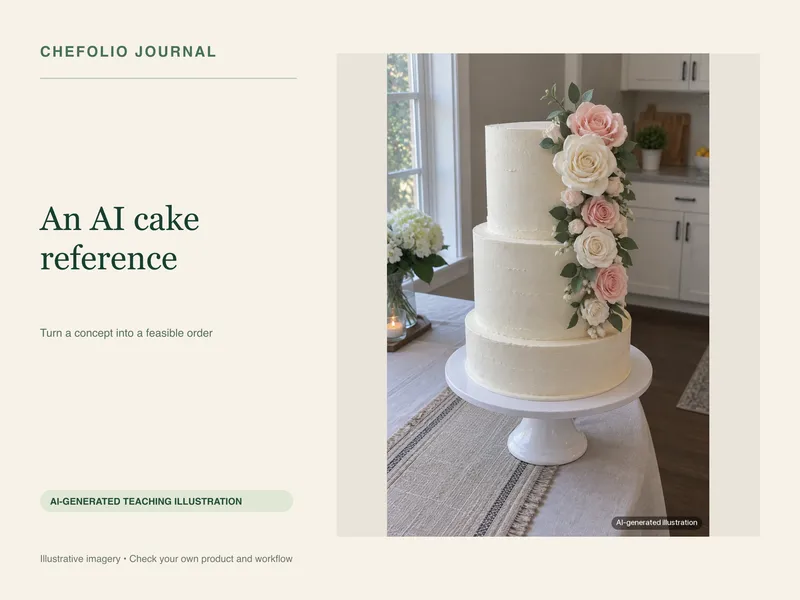
Teaching examples: AI-generated setups and comparisons below illustrate the ideas. They are not records of physical photography tests, and their food details may differ between panels.
If you take your cookie photos on a phone, you're in the majority. In a 2019 Sugar Dot survey of 157 cookie decorators, 81% said they used their phone's camera, and 53% didn't use any extra lights or reflectors at all. Lighting was the thing they struggled with most (Cookie Connection).
So no, you don't need a better camera. You need better light, and you probably already have it.
Start with a window
Put the cookies next to your brightest window, with the window to one side. Light coming from the side shows the texture of your piping. Light from behind you, shining straight at the cookies, flattens everything.
Watch out for direct sun. If a patch of sunlight is falling on the counter, it'll make hard shadows and turn white icing into a glaring blob. Either move out of the patch or tape a sheet of parchment paper over the window to soften it.
The best window light usually comes from a window the sun isn't shining through. In the U.S., north-facing windows give soft light most of the day. Otherwise, pick the time when the sun is on the other side of the house.
Turn off the kitchen lights while you shoot. Warm bulbs mixed with daylight are a common cause of yellow cookie photos.
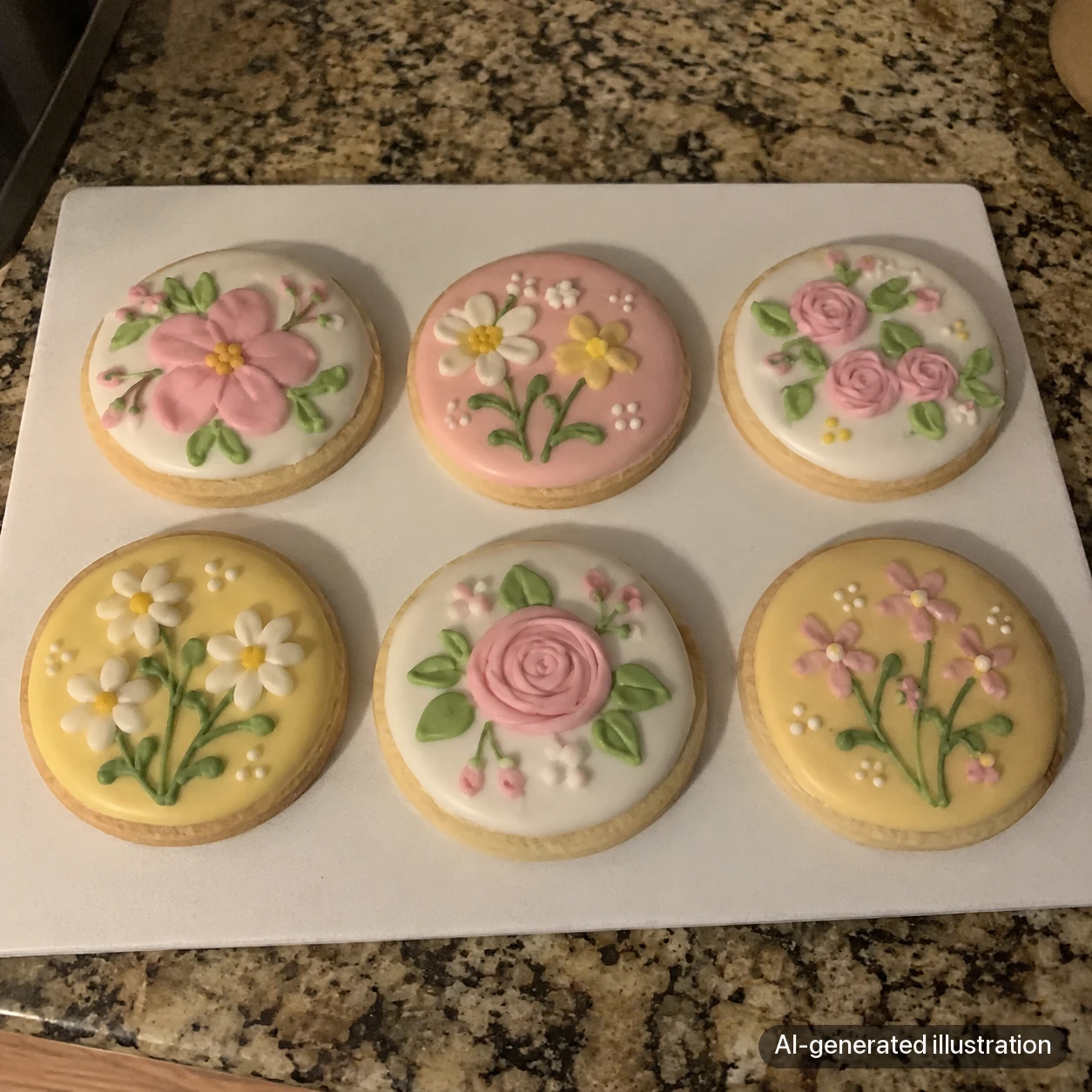

AI-generated lighting concepts. Look at the overall cast and the visibility of piped texture; this pair is not a controlled window-light experiment and does not establish identical food details or measured color accuracy.
Add a white board
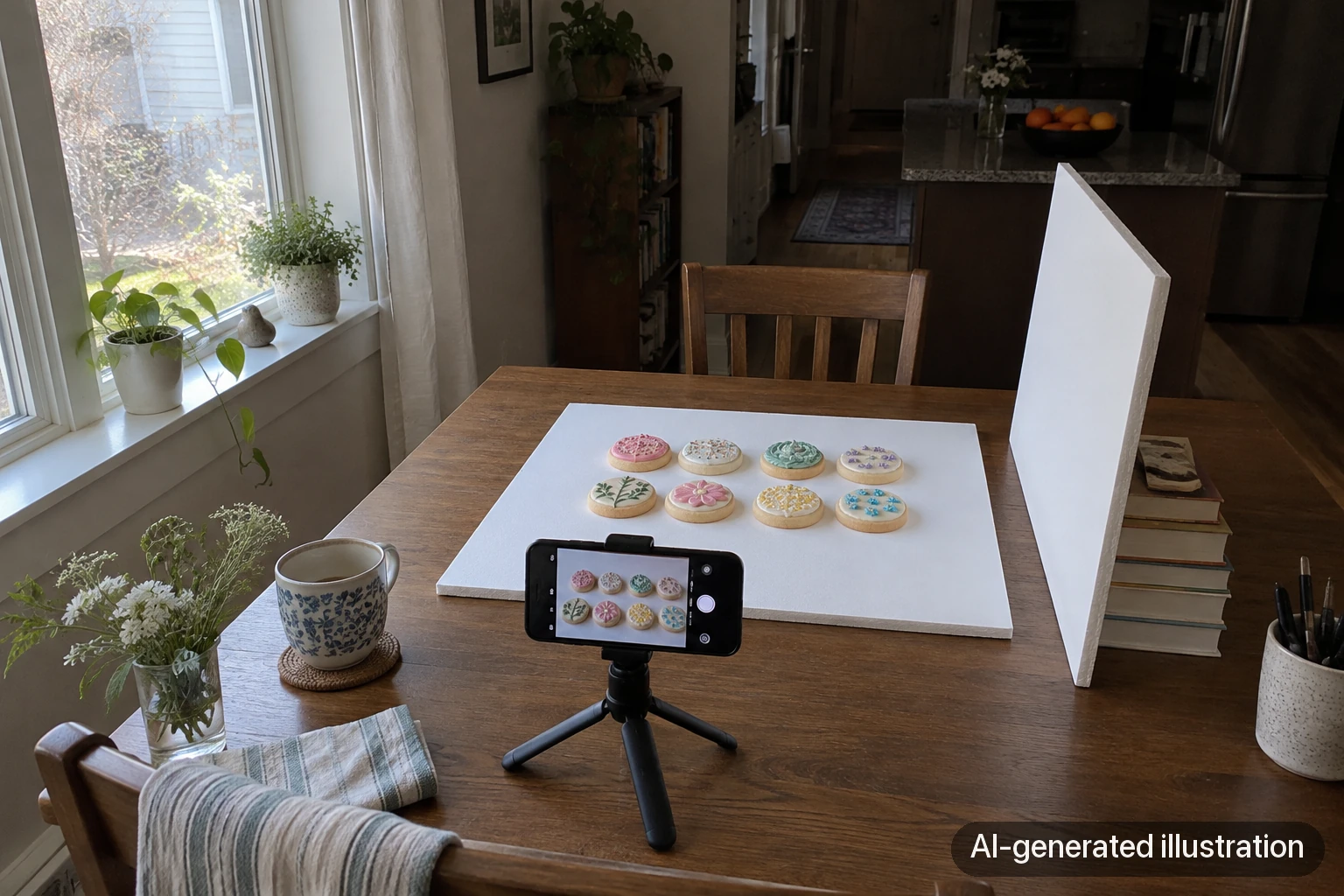
A white foam board from the craft store does two jobs. Lay one down as a clean backdrop, and prop another one up on the side opposite the window to bounce light back into the shadows. That second board is the closest thing to a reflector most decorators will ever need, and it costs a few dollars.
If butter stains are a worry, we have a whole post on backdrops that survive butter.
Pick the angle for the cookie
Flat decorated cookies look best from straight above. The design is the point, and an overhead shot shows all of it without distortion.
Thick cookies, like chocolate chip, brown butter, or stuffed cookies, look better from a low angle, around 30 to 45 degrees, or even from the side. That's where the height, the crinkly top, and the melted chocolate show.
Stacks look best at eye level.

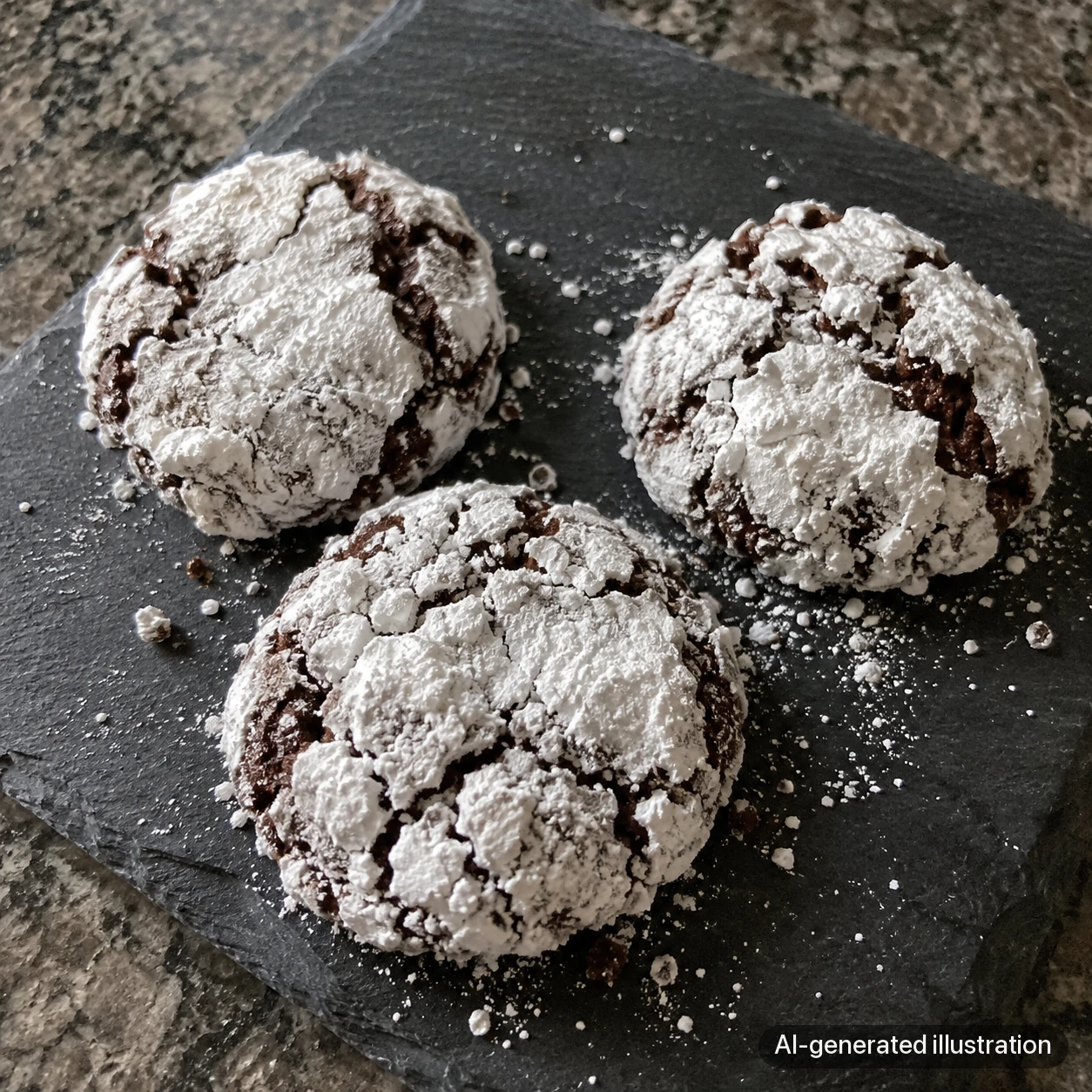
AI-generated examples of two different cookie types. Overhead reveals flat icing designs; an oblique view reveals thicker edges and texture. These are viewpoint concepts, not a same-cookie test or photographs with measured camera angles.
Arrange with a light hand
Odd numbers tend to look more natural than even ones, so three or five cookies often beat four. For a set, try a neat grid or a diagonal line. One respondent in that Sugar Dot survey summed up the approach: "Use natural light whenever possible, and arrange things symmetrically."
Go easy on props. A few sprinkles, a ribbon, or a bit of the packaging is plenty. Julia Usher, who runs Cookie Connection, has warned decorators against "over-propping" (Cookie Connection), and it's good advice. The cookies should be the most interesting thing in the frame.
A few phone habits
- Wipe the lens with a soft cloth before you start. It fixes more hazy photos than any setting.
- Step back enough to keep the cookies away from the frame edges. Try 2x if it gives your phone a sharp image; keep the phone parallel to flat cookies so circles stay round.
- Tap the cookie to focus, then drag the exposure slider down slightly so white icing keeps its detail.
- Turn on the grid in your camera settings to keep lines straight.
- Leave the flash off.
- Take a lot of frames and keep the sharpest.
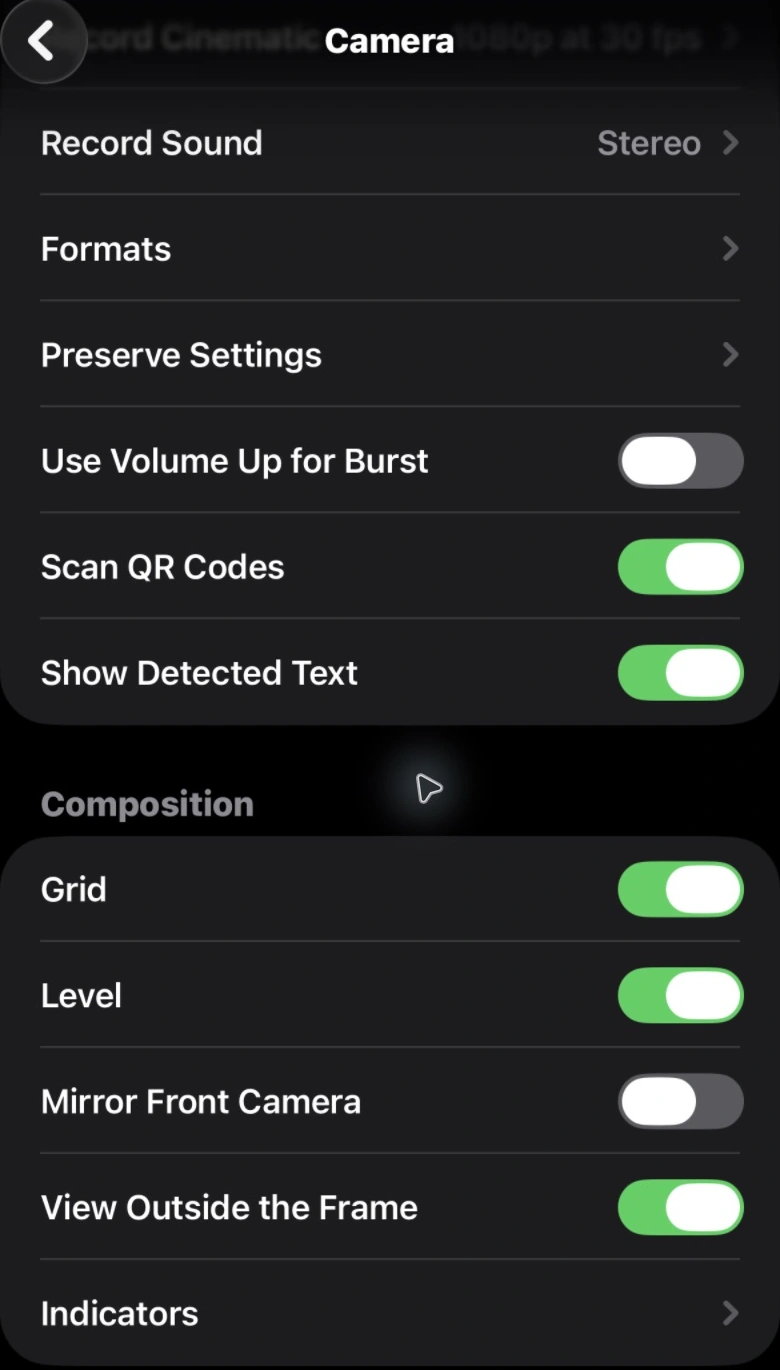
So, should you buy a light box?
You can, and some decorators love theirs, especially for shooting at night. But for daytime photos, a window and a foam board will do as well or better. Light boxes are small, so full sets and flat lays often don't fit. The light inside can be very flat. And the LED strip can show up as a reflection in shiny icing. Try the window first.
A light edit, and when to go further
A small edit is normal and honest. Brighten the photo a little, straighten it, and if the whites look yellow or blue, fix the warmth. Your phone's built-in editor handles all of that.
If the photo was taken at night on a busy counter and no edit is going to make it look like it belongs on your menu, Chefolio can relight it and swap the background around the cookies. Check the result against your original, and mention the edit in your caption.
To try it on one of your photos:


No comments yet