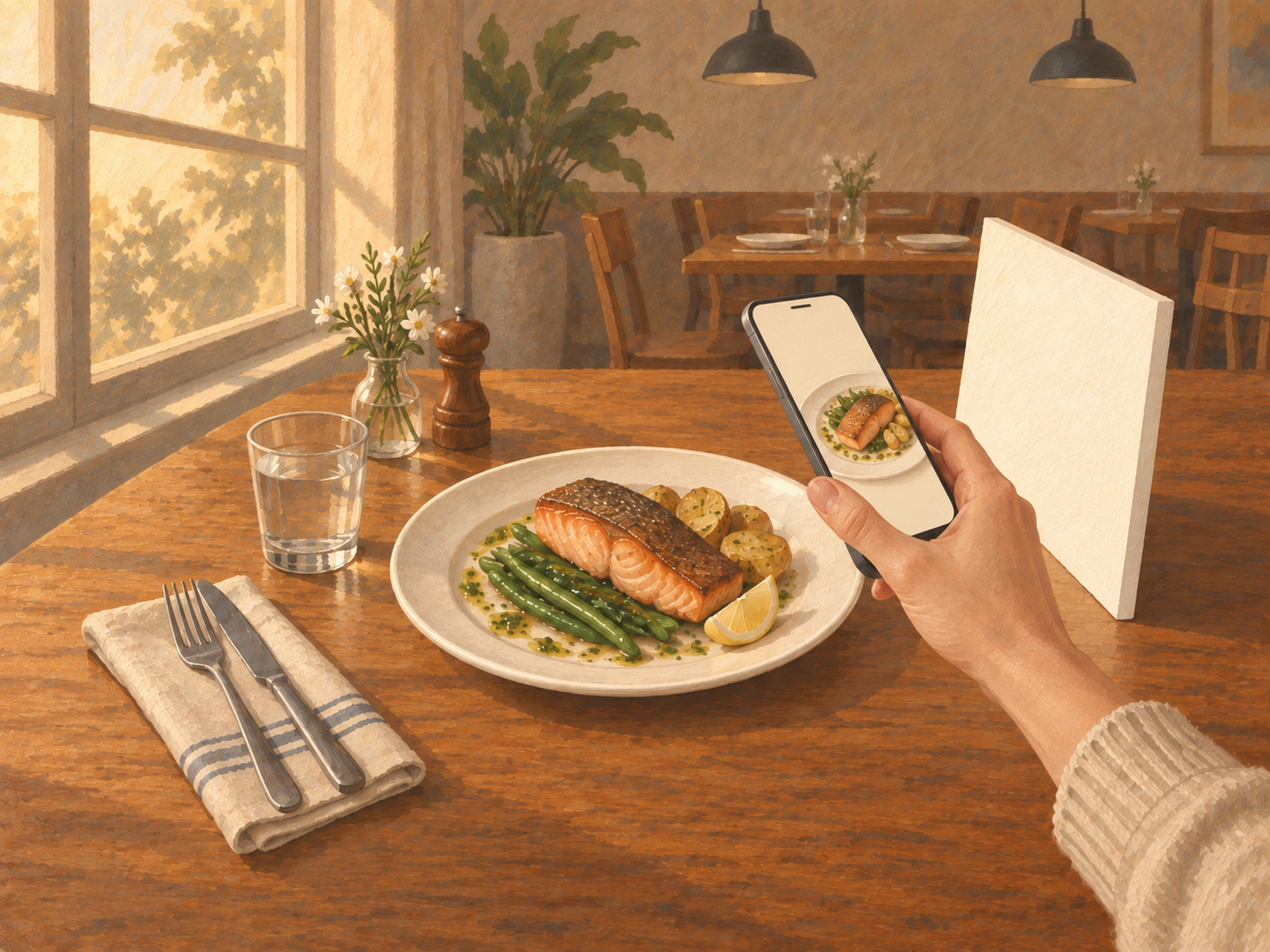
A note from Chefolio: we make an app that edits food photos. Chefolio is designed to change lighting and backgrounds, but an AI edit can also change the food. We label our edits and check them against the source.
Teaching examples: AI-generated setups and comparisons below illustrate the ideas. They are not records of physical photography tests, and their food details may differ between panels.
Menu photos sell food. DoorDash says menus with item photos saw up to 44% more monthly sales in its own study (DoorDash). That's a platform talking about its own platform, and "up to" is doing some work in that sentence. Still, the direction makes sense: people order what they can see.
You don't need a photographer for everyday menu photos. You need a window, a slow hour, and a routine you'll repeat.
Pick the hour and the table
Shoot in the lull between lunch and dinner, usually somewhere between 2 and 4 p.m. The kitchen has a minute to plate carefully, and there's still daylight.
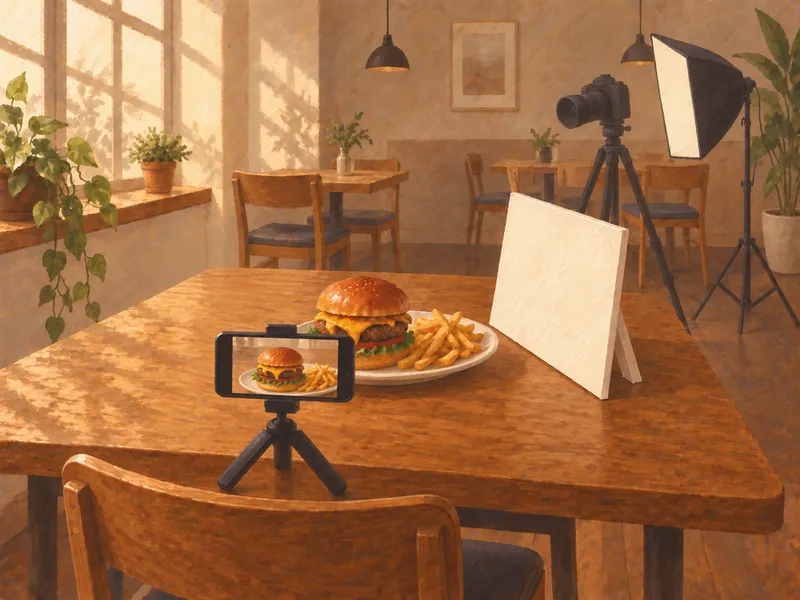
Find the table next to your biggest window and make it the photo table. Daylight from the side is the best light most restaurants have, and it costs nothing. Turn off the overhead lights near it, especially warm spotlights, so you're not mixing light colors.
If the sun is shining straight onto the table, hang something thin and white over the window, like a sheer curtain or a sheet of parchment. You want bright, soft light, not hard shadows.
Keep a white foam board nearby. Stand it on the side opposite the window and it bounces light back into the shadows, which does more for a photo than most filters.
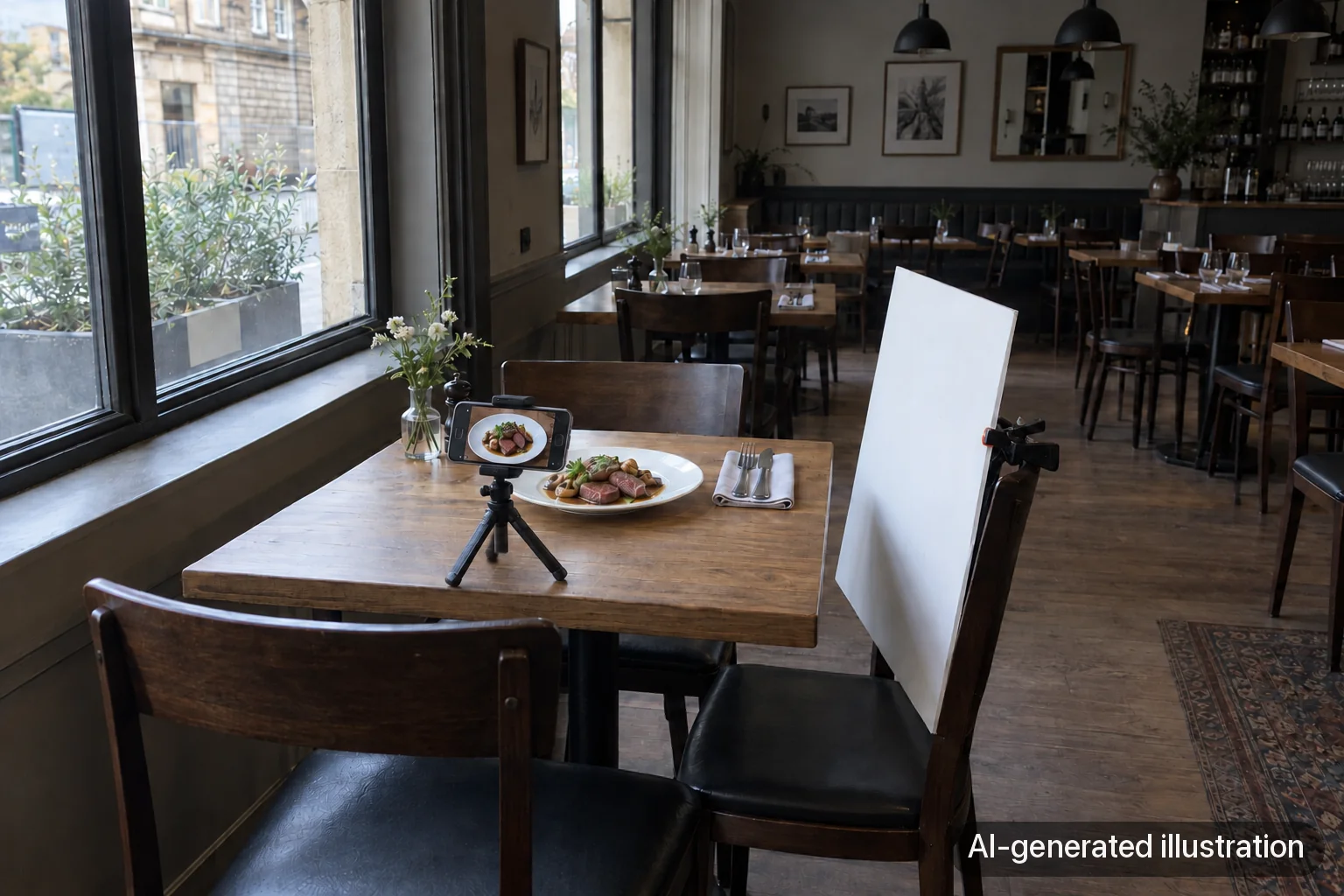
Plate for the camera, but plate the real dish
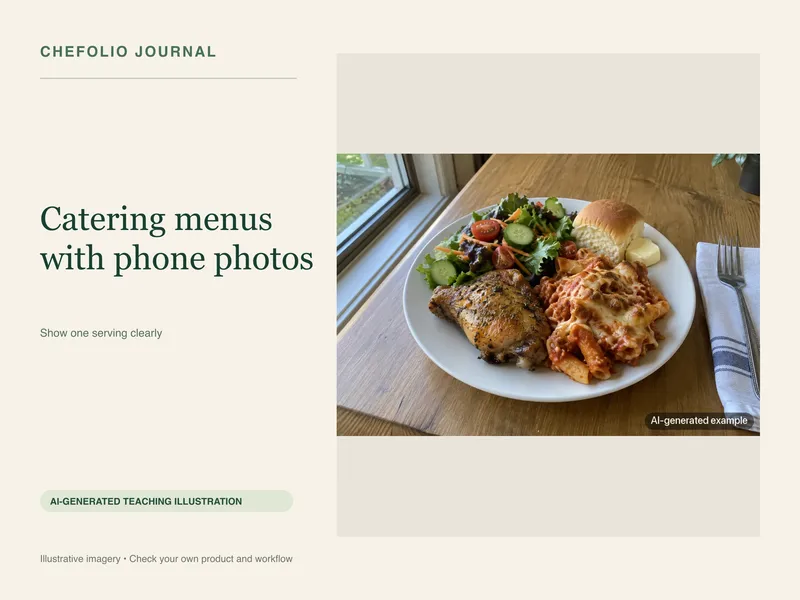
Plate the dish exactly the way a customer gets it, with the same portion, sides, and garnish. Delivery apps insist on this. DoorDash wants the photo to show exactly what comes with the item (DoorDash), so if the sandwich comes with chips, the chips go in the frame.
Wipe the rim of the plate. Drips and fingerprints you'd never notice at the table look huge in a photo.
Shoot fast. Food looks best in the first minute: sauces are glossy, greens are perky, cheese is still soft. Have the phone ready before the plate lands.
Choose the angle by the shape of the dish
Straight overhead suits flat food: pizza, bowls, salads, and anything arranged in a pattern.
About 45 degrees, roughly the view of someone sitting down to eat, works for most plated dishes. It shows the top and a bit of the side.
Eye level is for tall food: burgers, sandwiches, stacked pancakes, layered desserts, and drinks. From above, a great burger looks like a bun.
If you're not sure, take one of each and compare them at phone size.
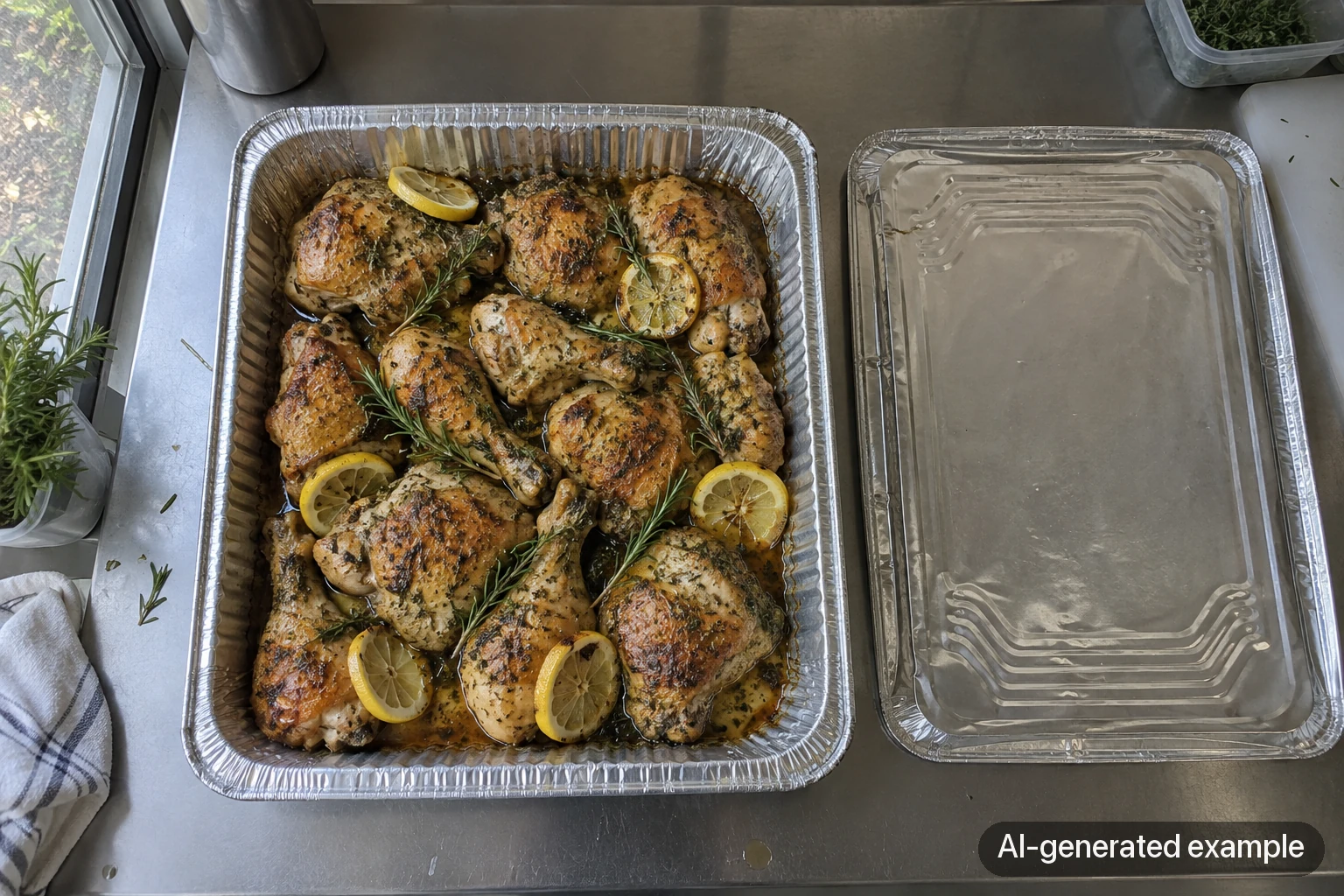
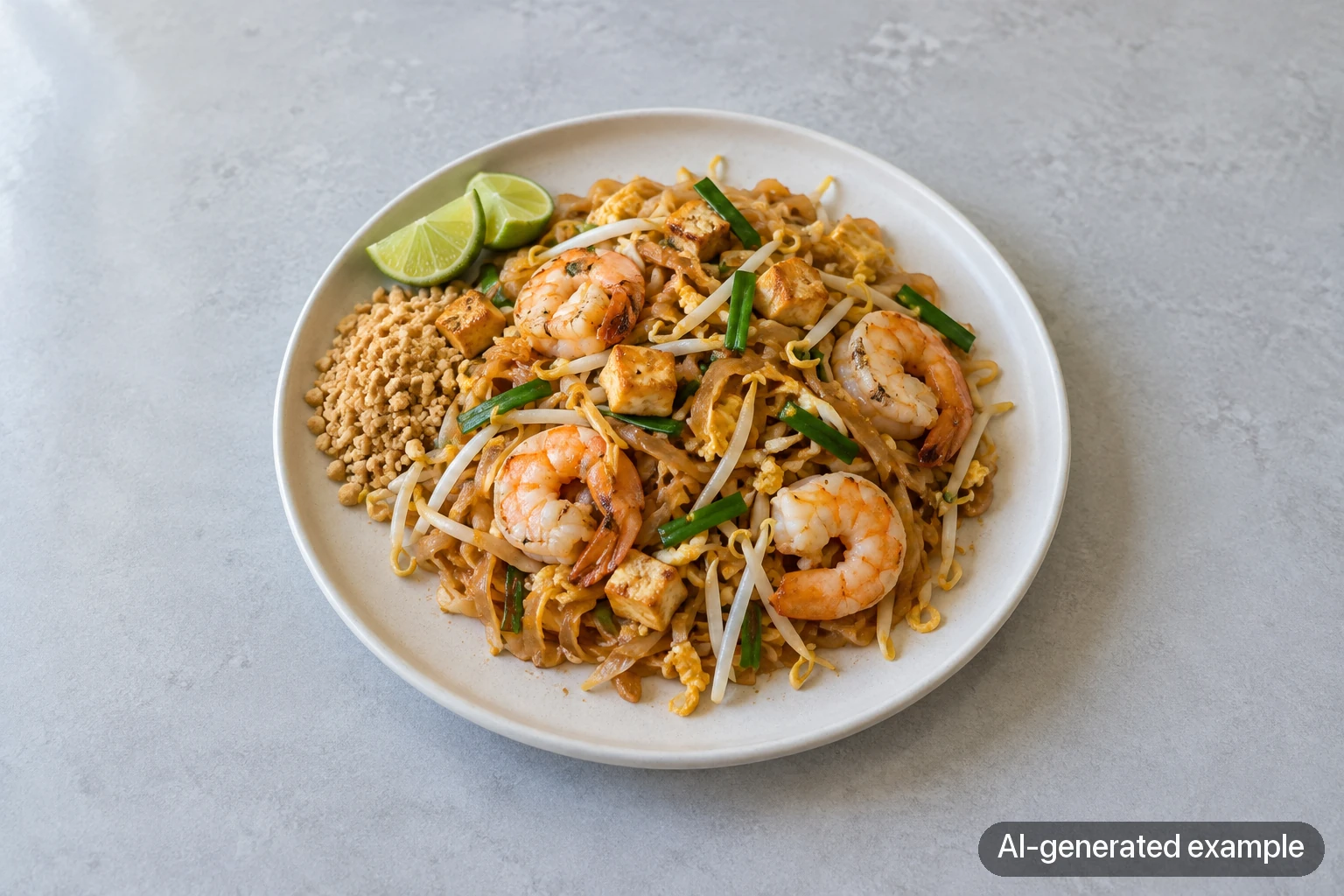
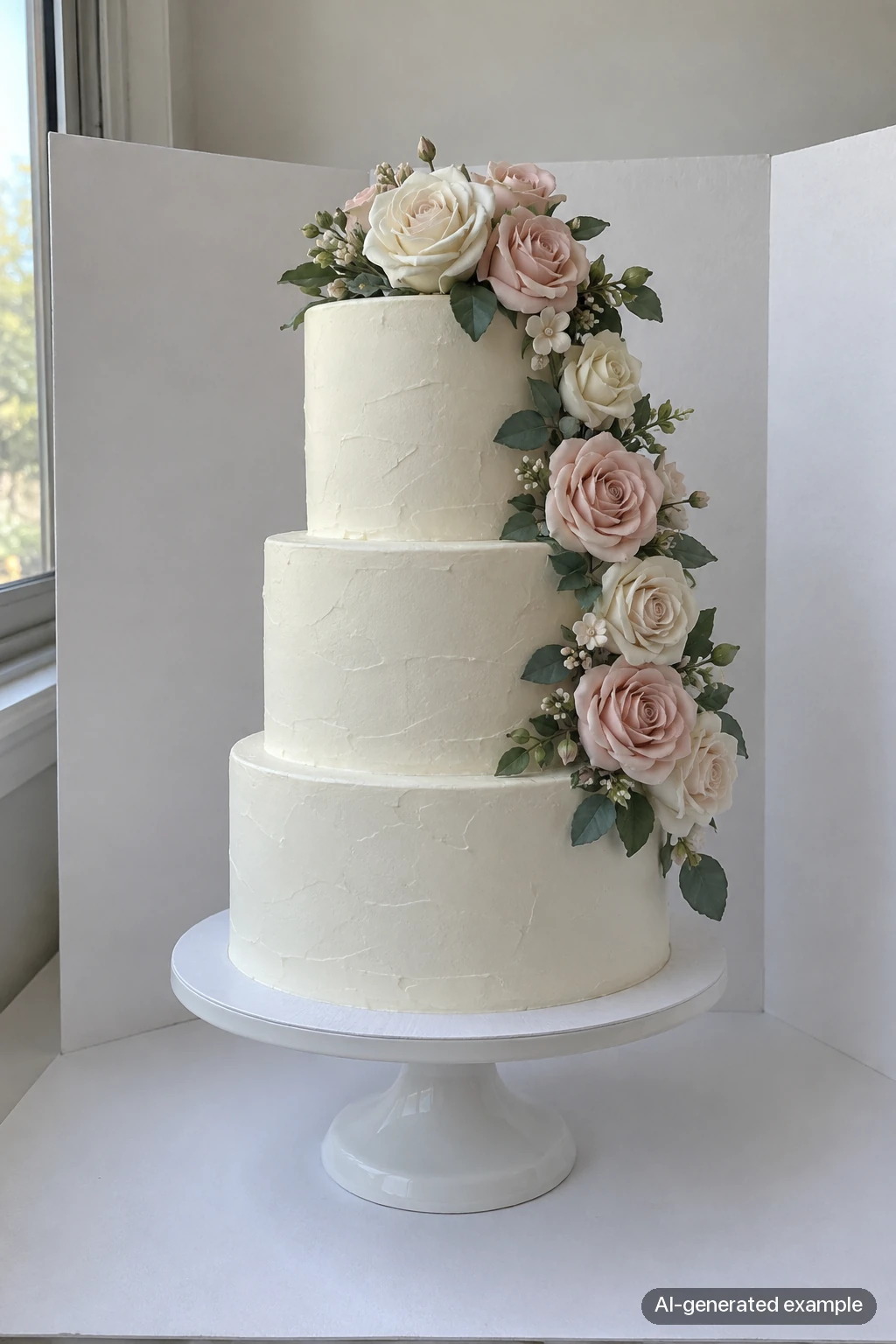
AI-generated examples of three different foods, selected to show what each viewpoint reveals. These are viewpoint concepts, not a same-dish comparison or an actual camera-angle test; the middle angle was not measured at exactly 45 degrees.
Phone settings that matter
Wipe the lens first. A thumbprint on the lens causes a surprising number of hazy food photos.
Start with the 1x lens and step back enough to include the full plate. If your phone has a useful 2x lens, try it from farther away. Up close, an ultra-wide view can stretch whatever is nearest the camera. And at an angle, a round plate can look oval simply because of the viewpoint.
Turn off the flash. It flattens the food and puts a glare spot on every sauce.
Tap the dish to focus, then nudge the exposure down a little if anything white is blowing out.
For delivery apps, shoot in landscape and leave room around the dish. DoorDash only accepts 16:9 landscape photos, and you'll want space to crop for other platforms. There's more on that in our delivery app photo requirements guide.
Do one menu section at a time
Trying to shoot a whole menu in one afternoon wears everyone out, and the last dishes tend to look rushed. Do appetizers one week, mains the next. Rename each photo with the dish name as soon as you've picked it. "IMG_4821" helps nobody when you're uploading 30 items.
Before you upload, check
- Is it sharp when you zoom in?
- Do the colors look like the real dish, not orange or blue?
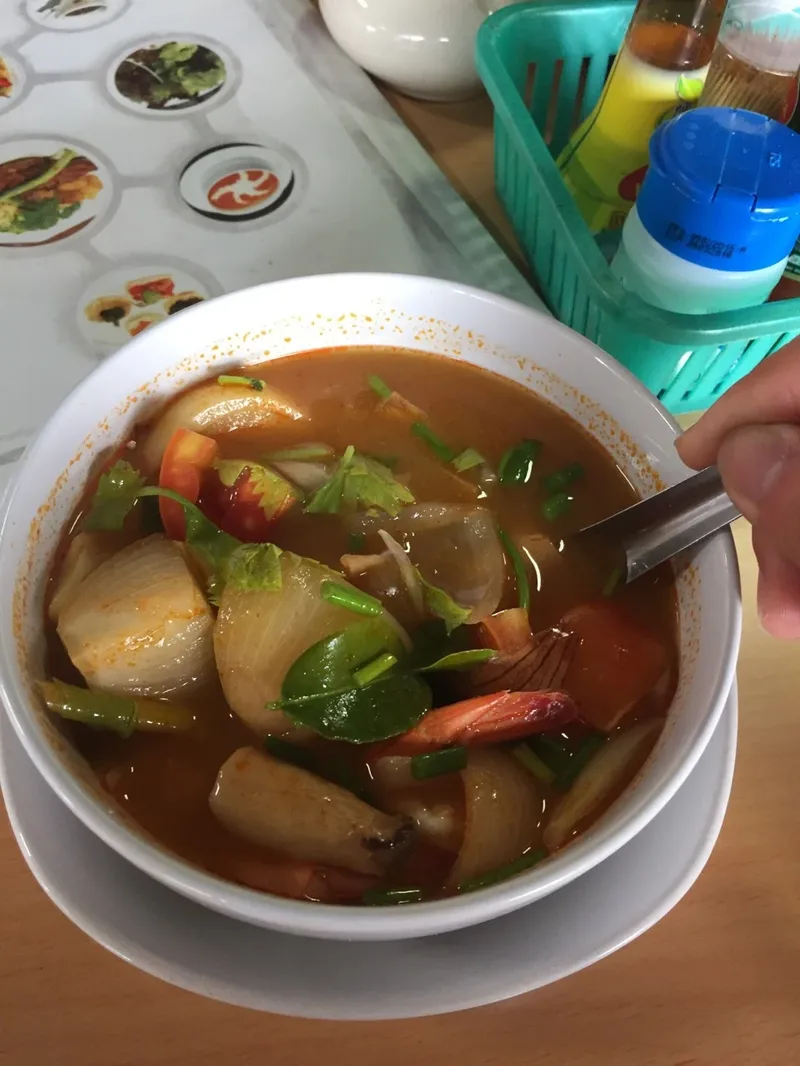
- Is anything in the frame that shouldn't be: hands, a phone, a menu, a second plate?
- Does the dish fill most of the frame without being cut off?
- Is this exactly what a customer will get?
When the room works against you
Some dining rooms don't have a good window, or the only table near one has a view of the dish pit. When that happens, Chefolio can help. Upload the photo and pick a built-in style, and it changes the light and background around the dish. Check that the portion and garnish still match what you serve. For delivery apps, use the version without the dish name and price, because text gets photos rejected.
You can try it on one dish:

No comments yet