A note from Chefolio: we make an app that edits food photos. Chefolio is designed to change lighting and backgrounds, but an AI edit can also change the food. We label our edits and check them against the source.
Teaching example edition: sample layouts use labelled AI imagery or explicitly labelled AI edits. Example prices, dates and offer details are fictional; they are not offers from a food business.
Valentine's orders can cluster around the same one or two pickup days. A presale gives you a defined menu, order deadline and production limit before that busy week arrives.
In 2027, Valentine's Day falls on a Sunday. That shapes everything below.
The timeline
With the 14th on a Sunday, you could plan pickups for Friday the 12th and Saturday the 13th. Working backward:
Date | What happens |
|---|---|
Last week of December | Choose three or four sets and sketch the designs |
January 4 to 10 | Bake one sample of each set and photograph them |
January 11 to 15 | Build the menu image and set up your order form |
Around January 15 | Announce the date orders open |
Around January 18 | Open orders |
Friday, February 5 (or when you sell out) | Close orders |
February 8 to 11 | Bake and decorate |
February 12 and 13 | Pickups |
Close orders at least a week before pickup. That week is your baking time, and every order that sneaks in after the cutoff comes out of your sleep.
The menu checklist
- Three or four sets at most, with clear portions and prices.
- One set for a partner, one for friends or "Galentine's," and one smaller, cheaper option
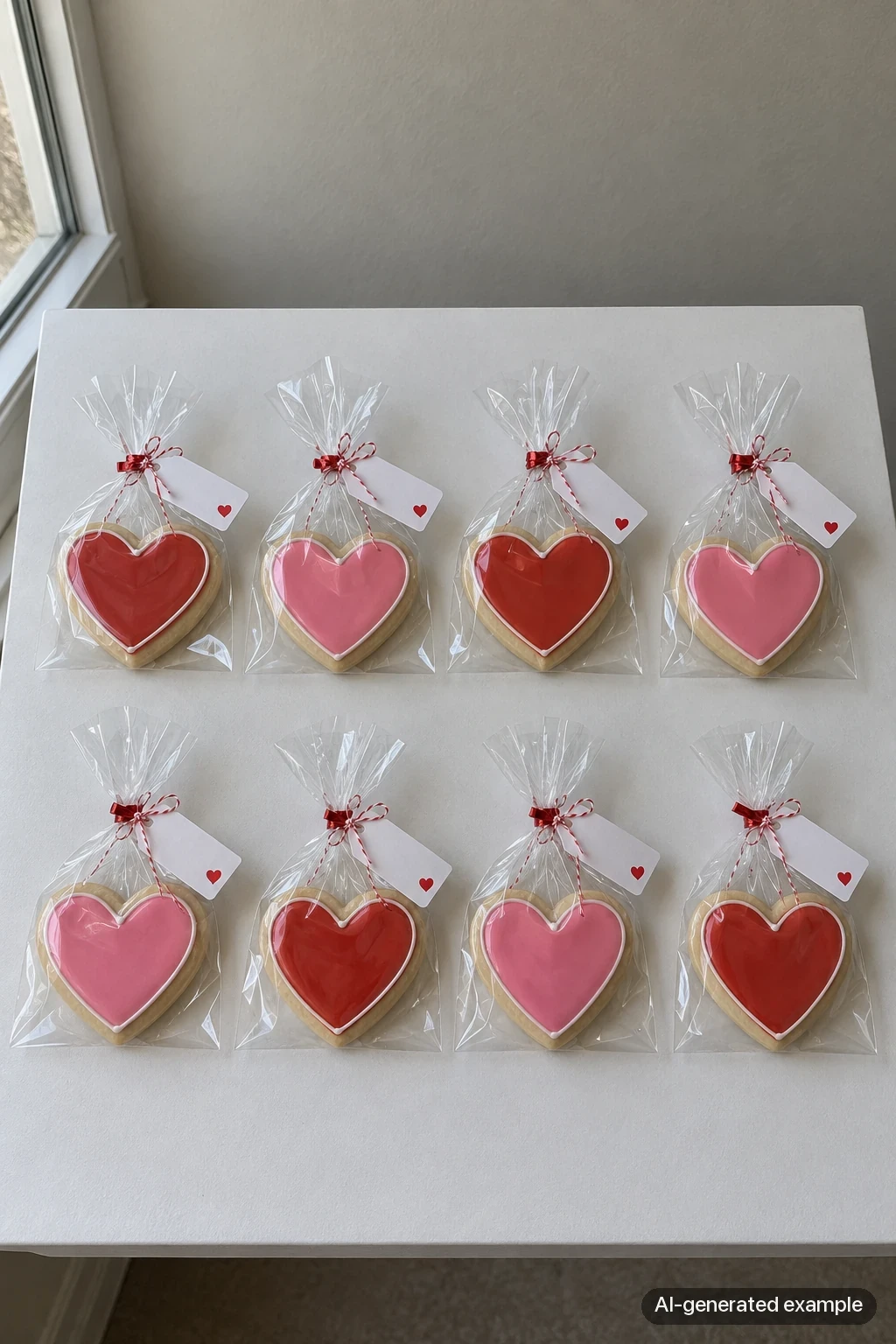
- A classroom option if your area does school exchanges: individually bagged cookies with a tag
- Personalization priced and limited (names or initials on cookies take time, so charge for it and set an earlier deadline)
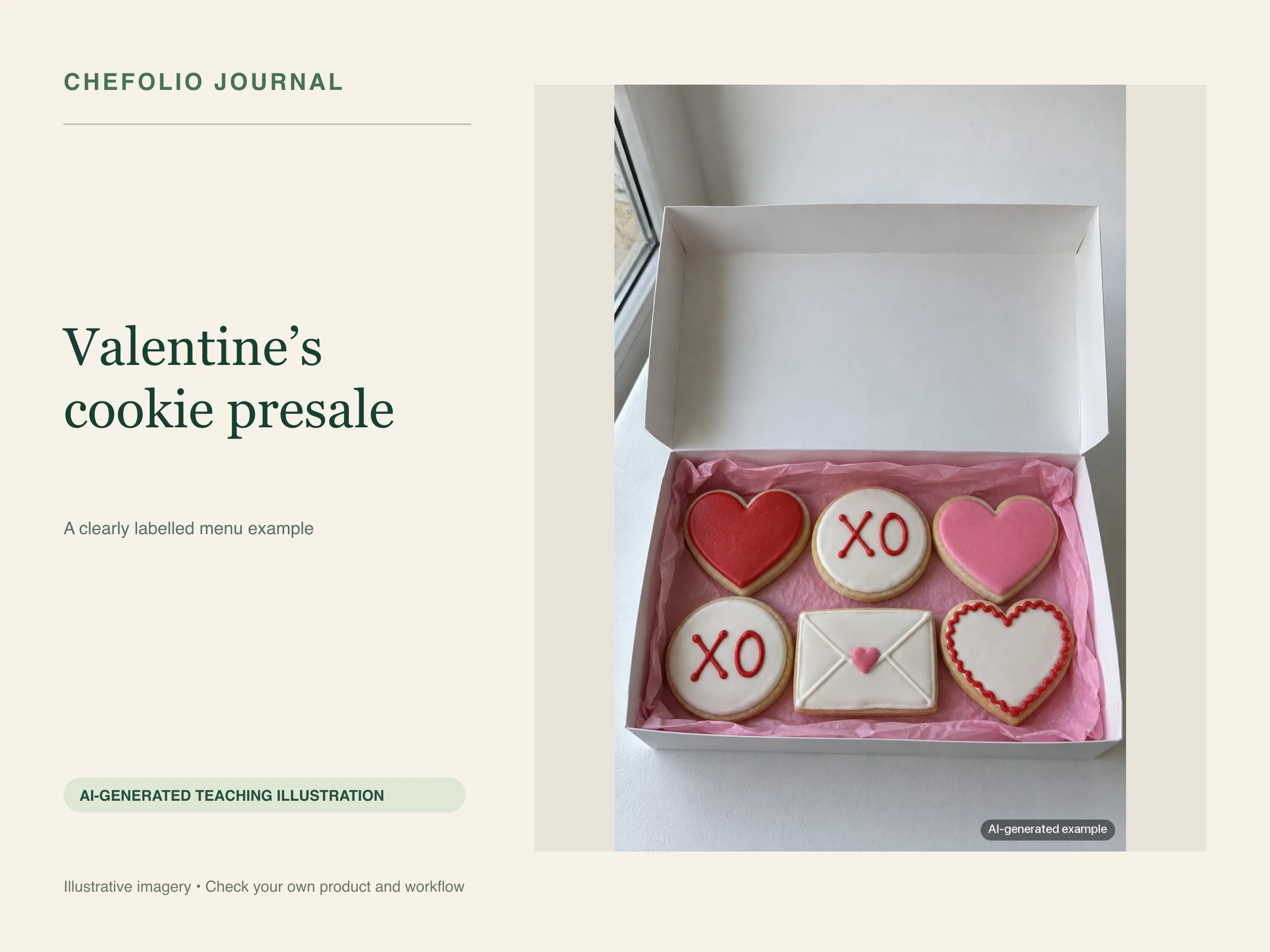
- The count in each set spelled out ("Box of 6: 3 hearts, 2 XOs, 1 envelope")
- Pickup days, times, and the general area
- Your allergen statement, if you use one
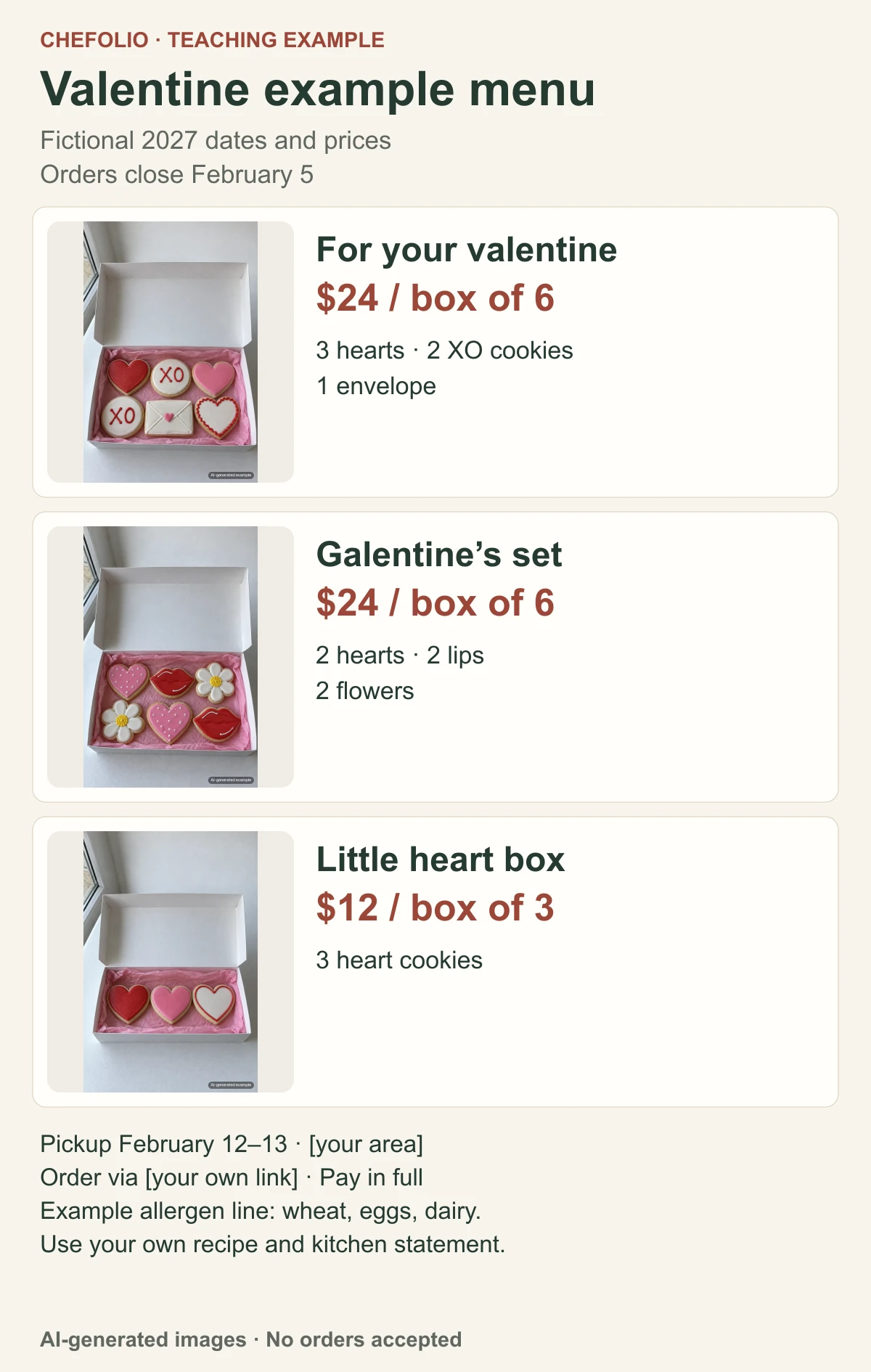
In this fictional menu, the partner and Galentine's boxes are $24 for six cookies, and the little heart box is $12 for three. Your caption should repeat your own contents and prices, along with the February 5 deadline or whichever date you choose.
The photo checklist
Shoot all of these in one session, in daylight, on the same backdrop you use for your other menus:
- One photo of each set, straight on or slightly angled, with room for text
- A close-up of the best cookie in each set
- A flat lay of the whole lineup, which becomes your announcement image
- The packaging, closed and open, if you box or bag them
- One classroom bag with its tag, if you're offering them
Pinks and reds can shift color on a phone, especially under warm kitchen lights. Shoot next to a window with the overhead lights off, and compare the photo to the real cookie before you move on. If the pink reads as salmon on screen, fix the white balance now, while the cookie is in front of you.
The pricing checklist
- Prices on the menu image match the caption and the order form
- Personalization and add-ons are listed with their prices
- The deposit or payment rule is stated
- "Orders close February 5" appears in the image, not just the caption
- A text version of the prices sits in the caption for anyone using a screen reader
If you're building the menu image for the first time, our guide to cookie price lists with photos has a layout you can copy.
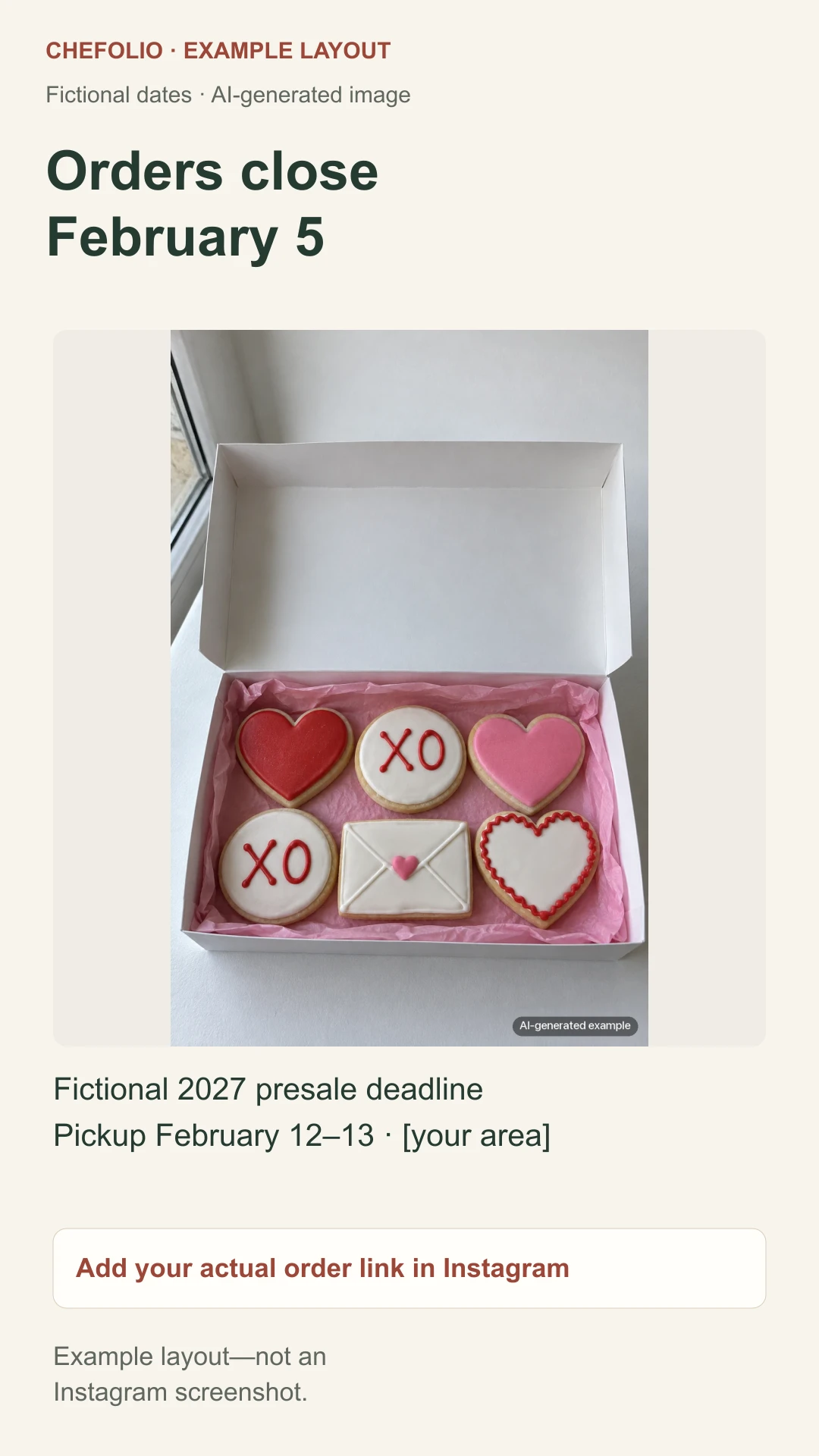
For your own deadline reminder, upload a graphic made from your real product photograph. Add the reminder or countdown available in your Instagram account, set your actual closing date and time, and preview it. Keep the order link and pickup details visible; the sample above has no working sticker or link.
Getting the photos to match
If you made a Christmas menu, consider using the same backdrop and the same editing for Valentine's. Returning customers can recognize your look, and the whole year's feed hangs together.
You can try a Chefolio setting on your own sample photograph. Compare the output with the source, especially the pinks, reds, piping and count. Add the set name and price only after that check, and disclose an AI scene edit if you use it. The comparison below shows why the packaging needs a separate check too.
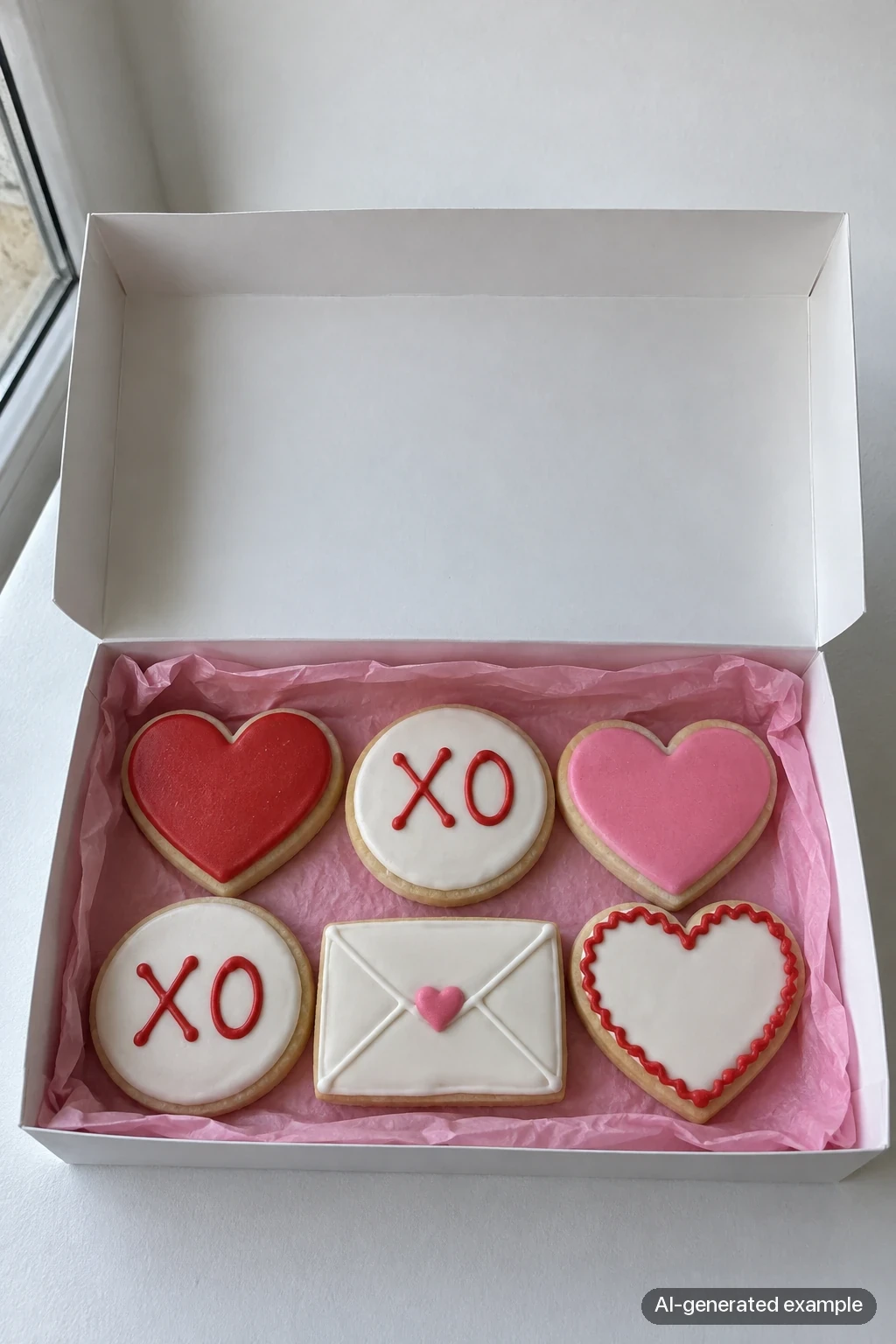
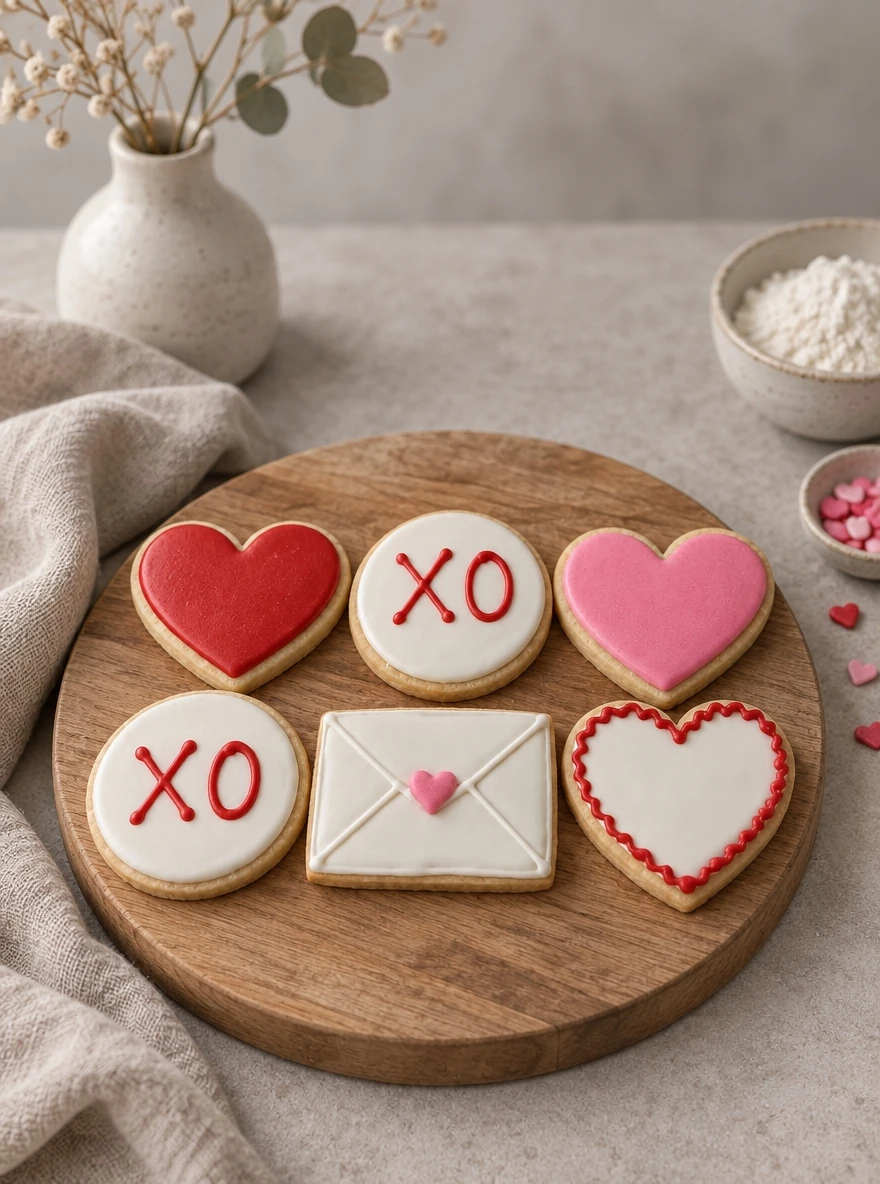
Both panels are AI examples, not photographs of a bakery’s products for sale. The input shows six cookies in a gift box; Chefolio moves the set onto a wooden board and adds styling props. Keep a real packaging photograph when the box is part of the offer, and verify each design before using an edit.
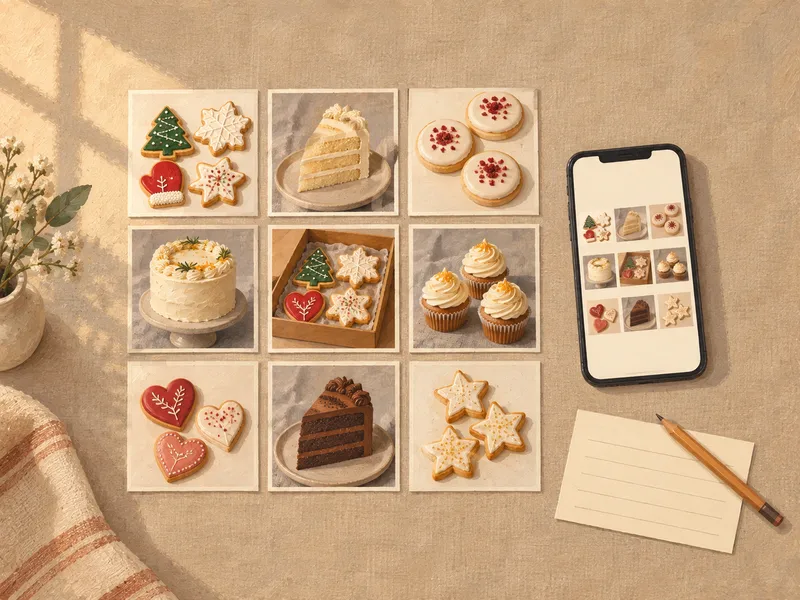
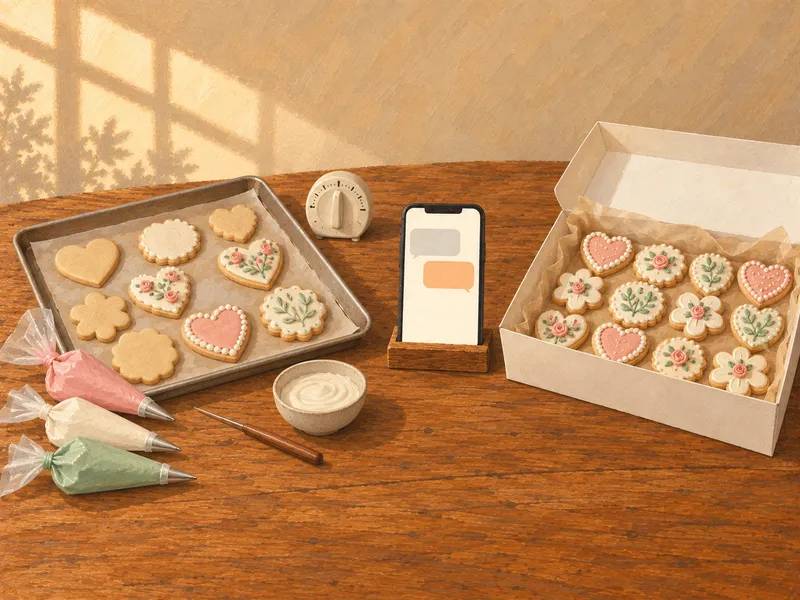
You can try it on a sample set:

No comments yet