A note from Chefolio: we make an app that edits food photos. Chefolio is designed to change lighting and backgrounds, but an AI edit can also change the food. We label our edits and check them against the source.
Teaching examples: AI-generated setups and comparisons below illustrate the ideas. They are not records of physical photography tests, and their food details may differ between panels.
A lot of cookie decorators have day jobs. The cookies get flooded after dinner, detailed after the kids are asleep, and finished somewhere around midnight. Then they get boxed for a 9 a.m. pickup, and the only chance to photograph them is right then, under the kitchen lights.
Those photos usually come out yellow, grainy, and a little blurry. Your phone is fine, and so is your decorating. The problem is the light, and you can fix most of it with one lamp and a sheet of parchment.


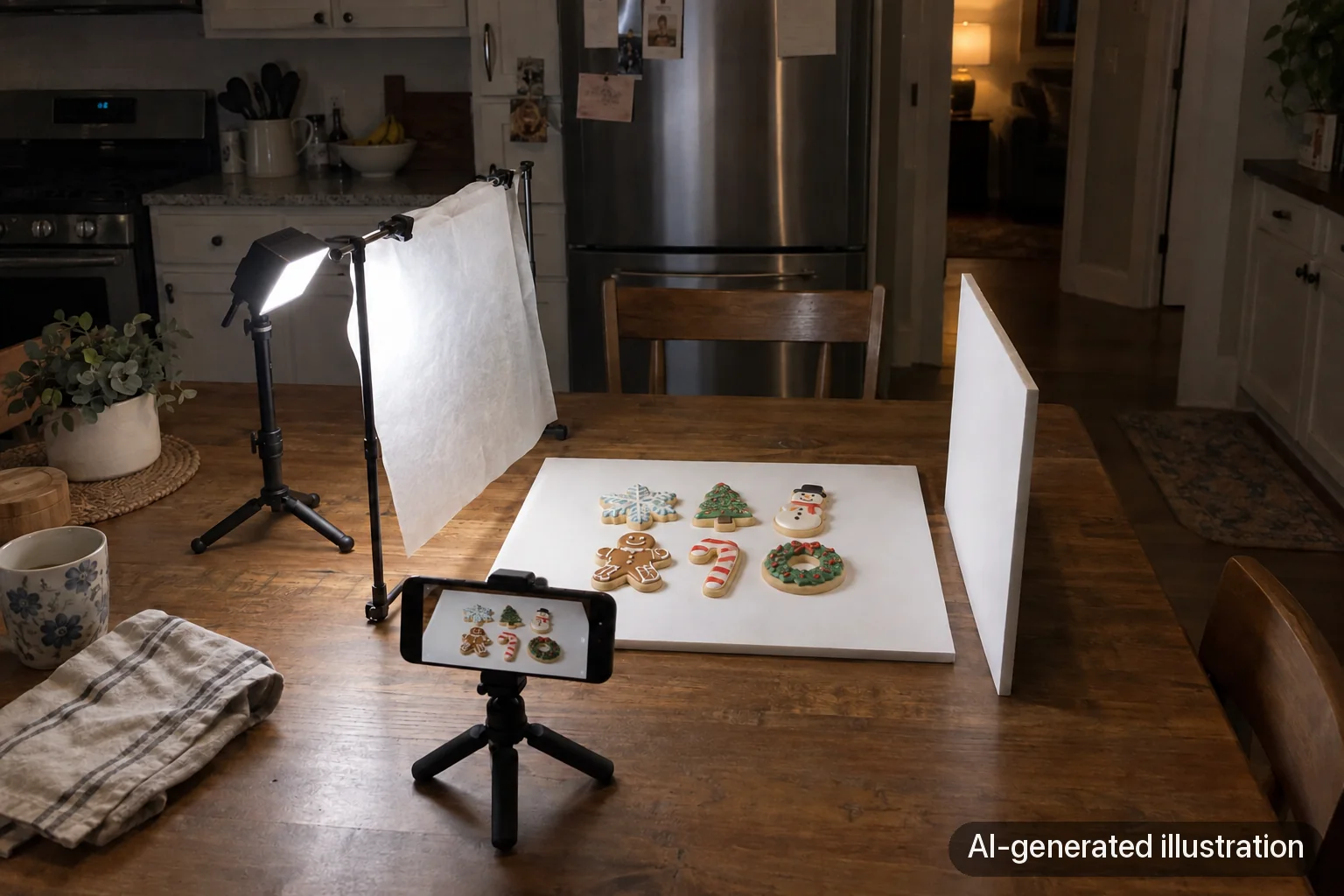
AI-generated lighting concepts, not two photographs from a controlled test. Notice the overall warm cast and the visibility of white icing; do not treat the pair as evidence of measured color, noise, sharpness, or identical cookie details.
Why night photos go wrong
Kitchen bulbs are warm. Most household LEDs are around 2700 to 3000 Kelvin, which is the cozy yellow light you want at dinner and don't want on white royal icing. Your phone tries to correct for it and usually doesn't go far enough.
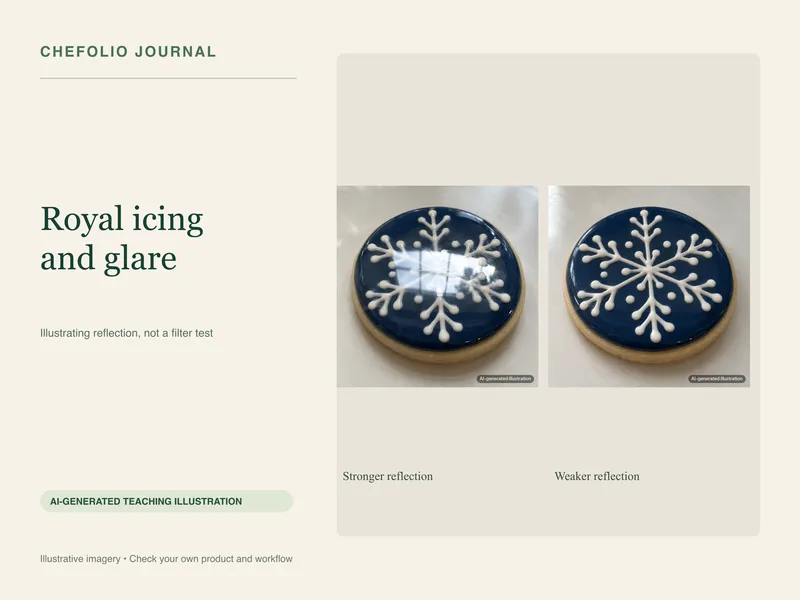
Overhead lights also shine straight down. That puts a shadow under every raised line of piping and a bright hot spot on anything glossy.
Then there's the dark itself. In low light, your phone raises its sensitivity, which adds grain, and slows the shutter, which adds blur. On an iPhone, Night mode may kick in and hold the exposure for a second or more, and any wobble smears the detail you spent an hour piping.
The one-lamp setup
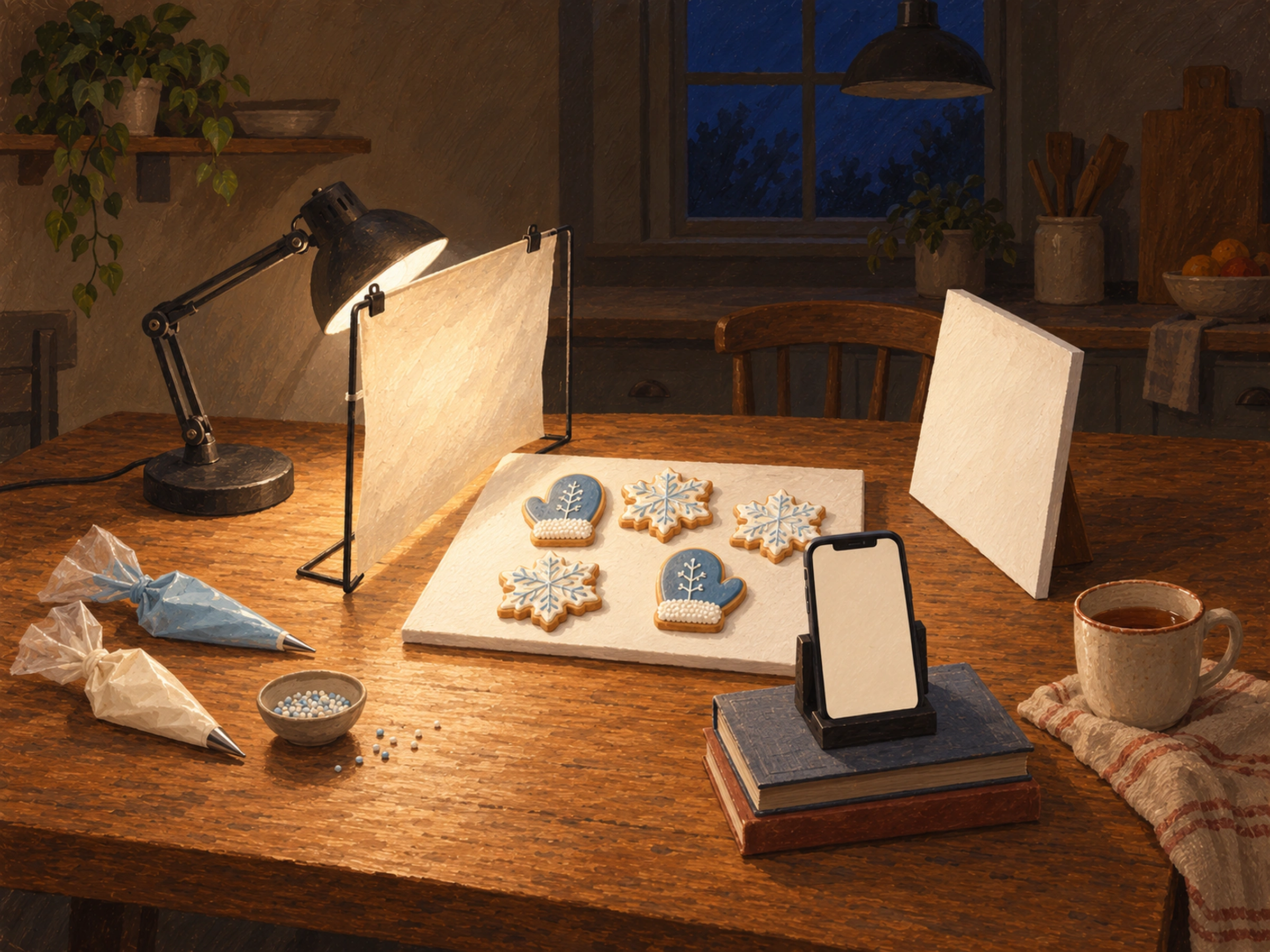
You need a lamp, some parchment, and something white. That's it.
- Turn off every overhead light in the room. This is the step people skip, and it matters most. Two light colors in one photo are what make white icing look yellow in one corner and blue in another.
- Use one daylight-balanced light, rated around 5000 to 5600 Kelvin. A small LED panel works, and so does a desk lamp with a daylight bulb. If the box lists a CRI (color rendering index), look for 90 or higher so your icing colors come out true.
- Put the light to one side of the cookies and a little behind them, angled down. Light from the side shows off texture; light from the front flattens it.
- Soften it. Hold diffusion material on a separate support between a cool-running LED and the cookies, with a gap from the light. Parchment or tracing paper can diffuse the light. A bare light tends to make harder shadows and sharper reflections; diffusion can soften both.
- Prop a white foam board or a sheet of printer paper on the opposite side to bounce some light back into the shadows.
- Steady the phone. A cheap phone stand or a stack of cookbooks works. Set the 3-second timer so tapping the shutter doesn't shake the shot.
If the lamp gives you enough light, the phone may use a shorter exposure. Check the camera's Night mode indicator and keep the phone steady either way.
Get the exposure right on white icing
Tap the screen on the cookie to focus, then drag the exposure slider down a little. White icing blows out easily, and once it's pure white in the photo, the piping detail is gone and no edit brings it back. A slightly dark photo is easy to brighten later. A blown-out one isn't.
Take several frames, then zoom in on the piping and keep the sharpest while you can still reshoot.
Do you need a light box?
A light box, the small fabric tent with LEDs built in, can work well for a few cookies at a time. Some decorators build their own for exactly this reason. In a Cookie Connection forum thread about photographing cookies, one decorator said the biggest help with his evening photos was building two light boxes (Cookie Connection).
They have limits, though. Small boxes only fit a handful of cookies, which rules out a full-set shot. The light inside is very even, which can look flat. And the ring of LEDs sometimes shows up as a reflection in glossy icing. If you already have a lamp and parchment, try that first. You can always buy the box later.
Check before you box them
This is the part that hurts to learn the hard way. In that same forum thread, a decorator described a set that looked perfect on her camera screen, then turned out too blue once she edited it: "Too late to retake pictures, these cookies are already on their way" (Cookie Connection).
Before anything goes in a box, open the photo, zoom in on the piping, and look at the whites. It takes thirty seconds, and it's the last moment you can still do something about it.
When the photos are already taken
If they're yellow, you can often fix the color with a white balance edit. We wrote a separate guide on why cookie photos look yellow and how to fix it.
If they're yellow, grainy, and sitting on a counter covered in piping bags, editing the color won't save them. That's the case Chefolio is built for. Upload the photo, choose a built-in style (Bakery suits most cookie sets), and it relights the photo and replaces the background around the cookies. Compare the result with your original and make sure the colors and details still match what you made. If you post it, a short "background edited" note keeps things honest.
You can try it on last night's photos:


No comments yet