A note from Chefolio: we make an app that edits food photos. Chefolio is designed to change lighting and backgrounds, but an AI edit can also change the food. We label our edits and check them against the source.
Teaching example edition: sample layouts use labelled AI imagery or explicitly labelled AI edits. Example prices, dates and offer details are fictional; they are not offers from a food business.
May is a double season for home bakers. Mother's Day lands on May 9 in 2027, and graduation parties start almost immediately after, running through June. Graduation orders often start coming in during early April, so you're planning both menus at once.
You don't need two full photo shoots, though. The rule for reusing photos is simple: reuse photos of designs you're actually selling again, and reshoot anything that's changed.
Mother's Day: the timeline
Date | What happens |
|---|---|
Late March | Decide the sets; check which designs you've photographed before |
Early April | Bake and photograph any new designs |
Around April 12 | Announce the menu |
Around April 15 | Open orders |
Friday, April 30 | Close orders |
May 3 to 6 | Bake and decorate |
May 7 and 8 | Pickups, on Friday and Saturday before Mother's Day |
Graduation: a different kind of order
Graduation cookies are closer to custom work than holiday sets. Most customers want school colors, the graduate's name or initials, the year, and sometimes a mascot or a college logo. Party dates spread across late May and June, so you're scheduling pickups over several weeks.
That calls for an order form rather than a presale. At minimum, ask for:
- School colors, with a photo of the school's logo or a color reference
- Name or initials, and the graduation year
- Quantity
- Party date and preferred pickup date
- Any allergy notes
Set a lead time that fits your production calendar, and say it clearly on the menu. The field list above is a planning checklist, not a screenshot or a live order form.
Which photos you can reuse
Here's where the time savings come in.
Reuse photos of evergreen designs you'll sell again unchanged. If your spring floral set is the same set you'll offer for Mother's Day, last month's photo is still an honest picture of it. The same goes for packaging shots, if your boxes haven't changed.
Reshoot any design that's new or different. If this year's Mother's Day set has new flowers or new colors, the old photo would show customers something they can't buy.
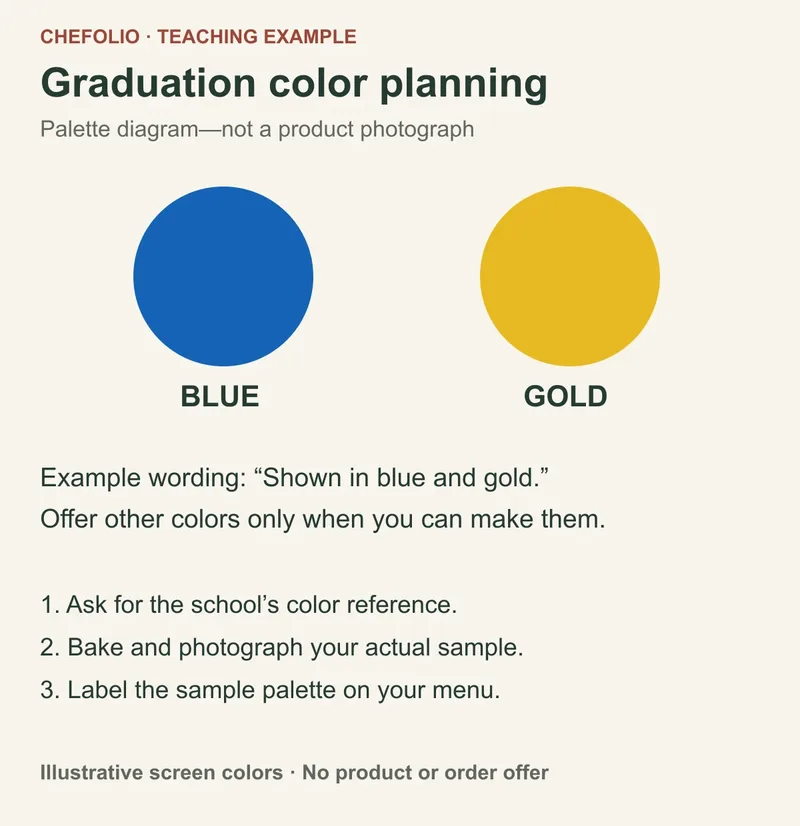
Be careful with color-specific work. A graduation set photographed in one school's colors is a fine example of your style, but label the colors clearly. For a blue-and-gold sample, you might write: "Shown in blue and gold. Available in your school's colors." Use the second sentence only if you can offer those palettes. Otherwise a customer may assume the pictured colors are the only choice or the promised result.
Check a new setting against the old photograph
Sometimes the design is the same but the setting is wrong for the season. An AI scene edit can offer a different setting, but it can also redraw or rearrange the cookies. Do not assume that a cleaner image still shows the same product.
Upload your own photograph to Chefolio and compare any result with the source. Check the number of cookies, their outlines, piping, colors and packaging. If the edit changes the food, request another version or use the original.
Use this check before reusing an edited seasonal photo:
- Open the original and output side by side.
- Count the cookies and check which designs are present. A smaller or rearranged assortment may no longer show the set you sell.
- Compare the roses, leaf shapes, borders and icing colors. A redrawn flower is a product change even if the overall scene looks similar.
- Check the box or bag as well as the food. If packaging is part of the offer, keep a photograph of the actual packaging.
This checklist explains how to check an edit; it doesn't demonstrate a background-only result. Use "Background digitally edited" only when it accurately describes a result you've accepted, and don't claim "Same cookies, new background" until you've checked the food.
A few details that save you in May
- Put the pickup days in the menu image itself. Mother's Day buyers are often ordering for someone else and need to plan around a weekend.
- Offer a gift-ready option, like a box with a tag, because many Mother's Day orders are delivered by a grown kid with ten minutes to spare.
- For graduation, ask for the party date, not just the pickup date, so you can plan freshness.
- Keep your graduation examples in a Highlight, grouped by color, so customers can find something close to their school's palette.
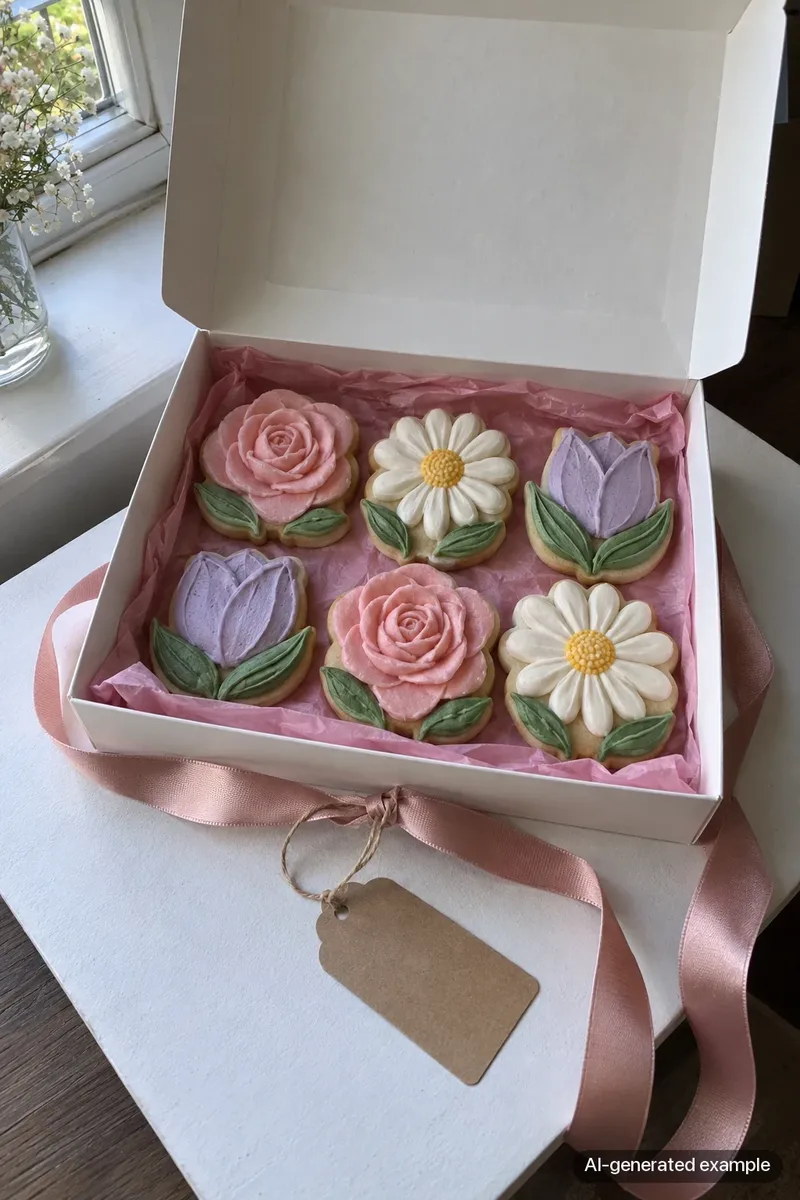
To try a new setting on a photograph of designs you still sell, bring the original to Chefolio and check the result before using it:

No comments yet